 aws.amazon.comarticle
AWS MCP Server (GA)
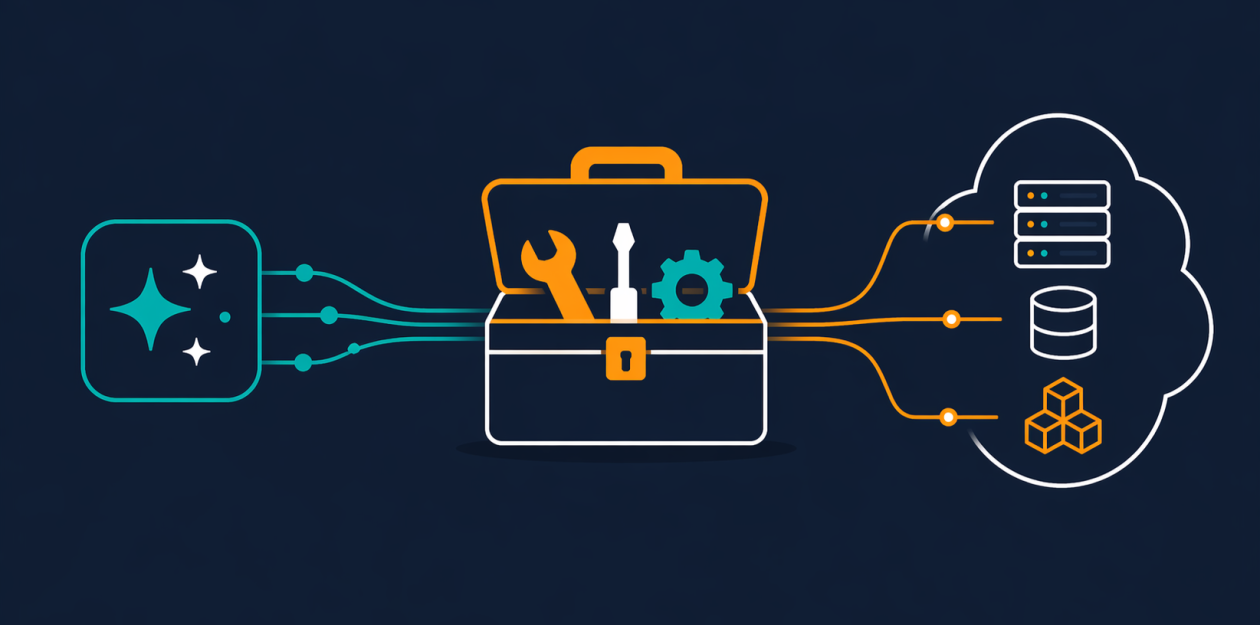
AWS announces general availability of the AWS MCP Server, a managed remote MCP server giving AI coding agents (Claude Code, Cursor, Codex, Kiro) authenticated access to all AWS APIs via IAM SigV4 through a small tool set (call_aws, search_documentation, read_documentation, and the new run_script). Security-relevant design choices include a network-isolated sandbox for server-side script execution that inherits only IAM permissions, new IAM context keys for fine-grained access without a separate MCP permission, and enterprise controls to separate human vs. agent permissions via IAM/SCP with CloudWatch metrics and CloudTrail logging for auditing agent API calls. Since MCP only supports OAuth 2.1, an open-source MCP Proxy for AWS bridges local IAM credentials to the server.
What it is
The AWS MCP Server (GA), part of the Agent Toolkit for AWS. A managed remote MCP server exposing 15,000+ AWS APIs to AI coding agents through four tools (call_aws, search_documentation, read_documentation, run_script). This note covers the concrete setup and the enterprise permission-separation pattern the summary only gestures at.
How it works
Local AWS credentials use IAM SigV4; MCP transport only supports OAuth 2.1. The gap is bridged by the MCP Proxy for AWS, an open-source proxy running on your machine that forwards to a regional endpoint (e.g. https://aws-mcp.us-east-1.api.aws/mcp). run_script executes agent-written Python server-side in a sandbox that inherits your IAM permissions but has no network access and no reach to your local filesystem or shell — so multi-API workflows happen in one round-trip.
What to do
Install uv first (per the uv installation guide), then register the server with Claude Code:
claude mcp add-json aws-mcp --scope user \
'{"command":"uvx","args":["mcp-proxy-for-aws==1.6.0","https://aws-mcp.us-east-1.api.aws/mcp","--metadata","AWS_REGION=us-west-2"]}'
Works with any MCP-capable agent (Cursor, Codex, Kiro, Kiro CLI, etc.), not just Claude Code.
For enterprise least-privilege separation:
- Use IAM context keys — with GA you no longer need a separate IAM permission to use the server; express access in a standard IAM policy.
- Use IAM policies or SCPs to let a human user perform mutating operations while restricting the MCP server itself to read-only actions.
- Observe agent activity via CloudWatch metrics under the
AWS-MCPnamespace (separate from direct human calls); CloudTrail captures the full API record.
Caveats
- The no-network sandbox is what makes
run_scriptsafe to grant — but that same isolation means scripts cannot reach external services. - Documentation retrieval no longer requires authentication as of GA;
call_aws/run_scriptstill run under your IAM credentials. - Version pin
mcp-proxy-for-aws==1.6.0and region metadata are from the post's example; adjust the endpoint/region to your deployment (two regional endpoints exist; onlyus-east-1is named). - The read-only restriction is only as good as the IAM/SCP policy you write — it is not a default.
Organisations named here
- mcp-proxy-for-aws
Technologies named here
- AWS MCP Server
- call_aws
- Amazon S3 Vectors
- Amazon Aurora DSQL
- search_documentation / read_documentation
- Amazon Bedrock AgentCore
- run_script
- MCP Proxy for AWS
- AWS CLI
- Amazon CloudWatch
- AWS Cloud Development Kit
- Amazon CloudTrail
- AWS CloudFormation
- AWS Identity and Access Management
- Claude Code
- Anthropic Opus 4.6 model
- Kiro CLI
- Kiro
- Cursor
- Codex
- AWS
- Model Context Protocol
- AWS IAM
- OAuth
Techniques named here
- Separation of human and agent IAM permissions
- IAM context keys for fine-grained access
- Sandboxed script execution with no network access
Related in AI Security

 blog.talosintelligence.comtool
Introducing CAIRN: Frontier tracking for AI-integrated malware (Cisco Talos)
 github.comadvisory
Flowise MCP Security Bypass Enables RCE
github.comrepoYesWeHack Claude Kit

 jfrog.comarticle