 huntress.comwriteup
Phishing Attacks Serve Browser-in-the-Browser Pages, Rogue RMM Persistence
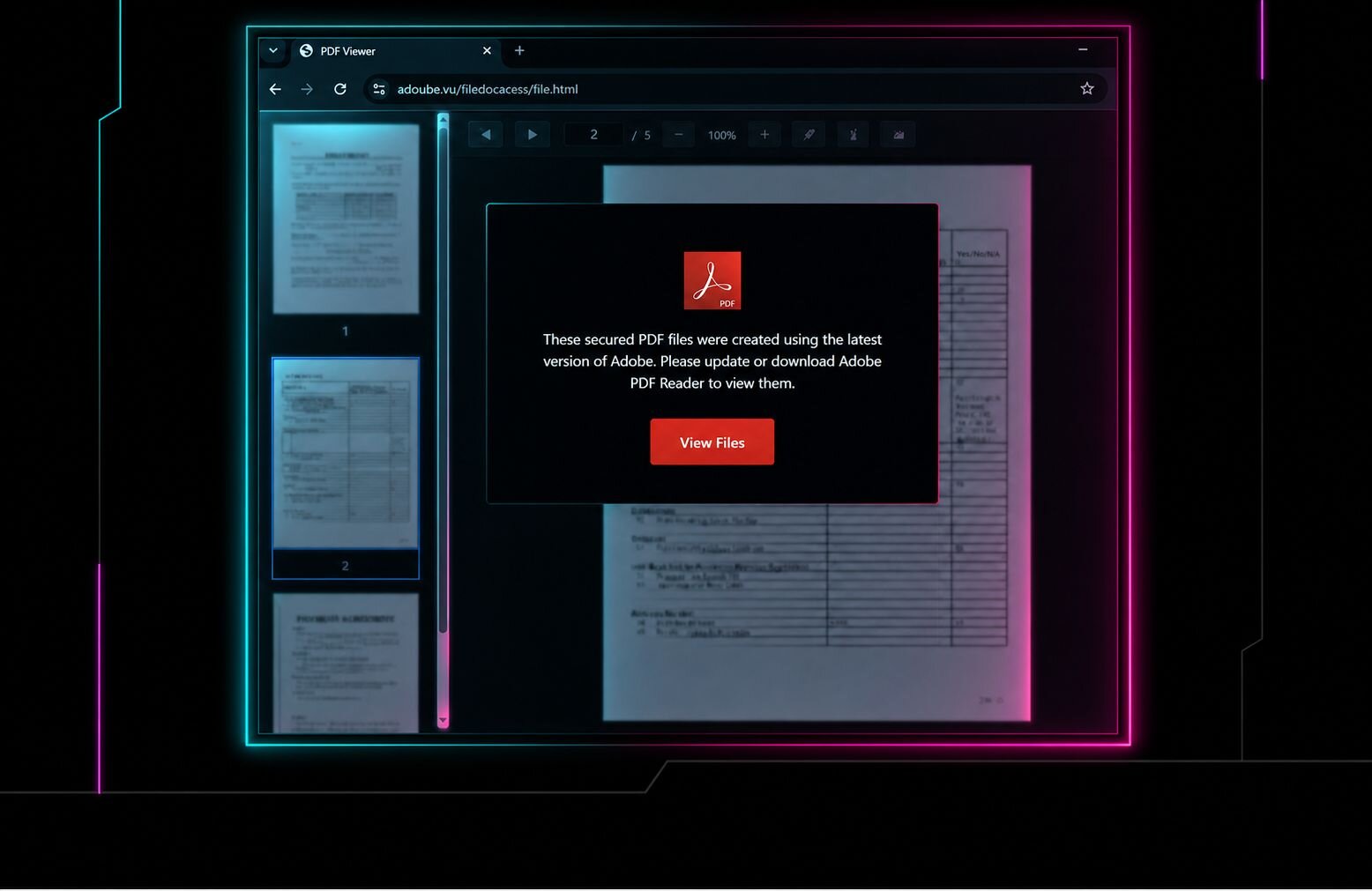
Huntress SOC details two August incidents where phishing emails led victims through a fake CAPTCHA/Adobe PDF Reader lure into a browser-in-the-browser (BiTB) page spoofing get.adobe.com, tricking them into installing a ScreenConnect client disguised as an Adobe Reader update. The installer chained to a second rogue ScreenConnect client via curl/cmd.exe, both registered as Windows services for persistence, then executed defense-evasion binaries (HideCursor.exe, HideUL.exe) to hide cursor/screen activity before Huntress disrupted the intrusions. Full IOCs (domains, ScreenConnect client IDs/relays, file hashes/paths) are included for defenders.
What it is
Two Huntress SOC incidents (August 25 and 31, 2025) using browser-in-the-browser (BiTB) phishing that spoofs a legitimate-looking get.adobe.com URL to trick users into installing rogue ScreenConnect (RMM) clients for persistent remote access. The summary covers the chain; below are the concrete IOCs, delivery channels, and detection guidance the summary omits.
How it works
Both incidents converge on the same BiTB Adobe lure but arrive via different channels. Notably, in Incident 2, Microsoft Defender flagged the second-stage patch.msi as Trojan:Win32/Commando.A!ml but remediated without blocking execution — the client still completed setup. The two-RMM design is deliberate: if one instance is caught, the other foothold survives.
flowchart TD
  A[Phishing message] --> B{Delivery channel}
  B -->|Incident 1: Gmail| C[Fake CAPTCHA adoube.vu]
  B -->|Incident 2: AT&T Office@Hand / RingCentral| D[selectstructure.com.au adobedocument.html]
  C --> E[BiTB fake get.adobe.com page]
  D --> E
  E --> F[Rogue ScreenConnect installer]
  F --> G[Client 1 - service persistence]
  G -->|cmd.exe + curl| H[Client 2 - service persistence]
  H --> I[HideCursor.exe / HideUL.exe defense evasion]
Preconditions / Affected
User must execute the disguised MSI/EXE from Downloads. Attackers abused a legitimate ScreenConnect Trial Relay domain to blend in. Windows endpoints where users can install RMM software.
What to do
Page's stated controls and IOCs to monitor:
- Restrict who can install RMM tools; maintain an approved RMM inventory; alert on new/unapproved ScreenConnect clients, unusual relay connections, and executables launched from user Downloads folders.
- Monitor for
HideCursor.exeandHideUL.exe(found under...\Documents\ScreenConnect\Temp\).
Incident 1 IOCs:
- Redirect/lure:
adoube[.]vu/2a8ed9baefcd,adoube[.]vu/filedocacess/file.html - Installer host:
hosthiifran[.]screenconnect[.]com - ScreenConnect Client IDs:
9c1aea531ba4c511(relayinstance-uxh86b-relay[.]screenconnect[.]com),7c1d255d0efefde6(C2 IP144.172.115[.]59)
Incident 2 IOCs:
- Lure:
selectstructure[.]com[.]au/freedom/adobedocument.html - Installer
AdbRdBkUpsStUp.msifromvictory[.]mkc1[.]digitaloceanspaces[.]com - Client
d751818fd46e5ca9(relayrelay[.]goldenmelon[.]us); fetchespatch.msifromwir[.]consultingics[.]com - Client
c19e38a20f1ba492fromscx[.]illuminantgroup[.]net(relayrelay[.]illuminantgroup[.]net)
Caveats
Huntress lacked the original phishing lures (inferred from telemetry). AT&T Office@Hand was the delivery channel in Incident 2, not necessarily the impersonated brand. Defender detection alone did not stop the intrusion.
Organisations named here
- Trojan:Win32/Commando.A!ml
Technologies named here
- Huntress SOC
- ScreenConnect
- Adobe Acrobat / Adobe PDF Reader
- Gmail
- curl
- AT&T Office@Hand
- cmd.exe
- Windows
- HideCursor.exe
- HideUL.exe
- Microsoft Defender
Techniques named here
- Browser-in-the-Browser phishing
- Phishing via email link
- Fake CAPTCHA / 'Safe access' browser check lure
- Fake software update lure
- Trojanized installer disguised as legitimate software
- Rogue RMM deployment for persistence
- Use of multiple RMM/rogue clients for redundancy
- Abuse of legitimate infrastructure
- Defense evasion via cursor hiding
- Browser-in-the-browser
Threat actors named here
- Unnamed threat actor
Related in Threat Intel
 huntress.comwriteup
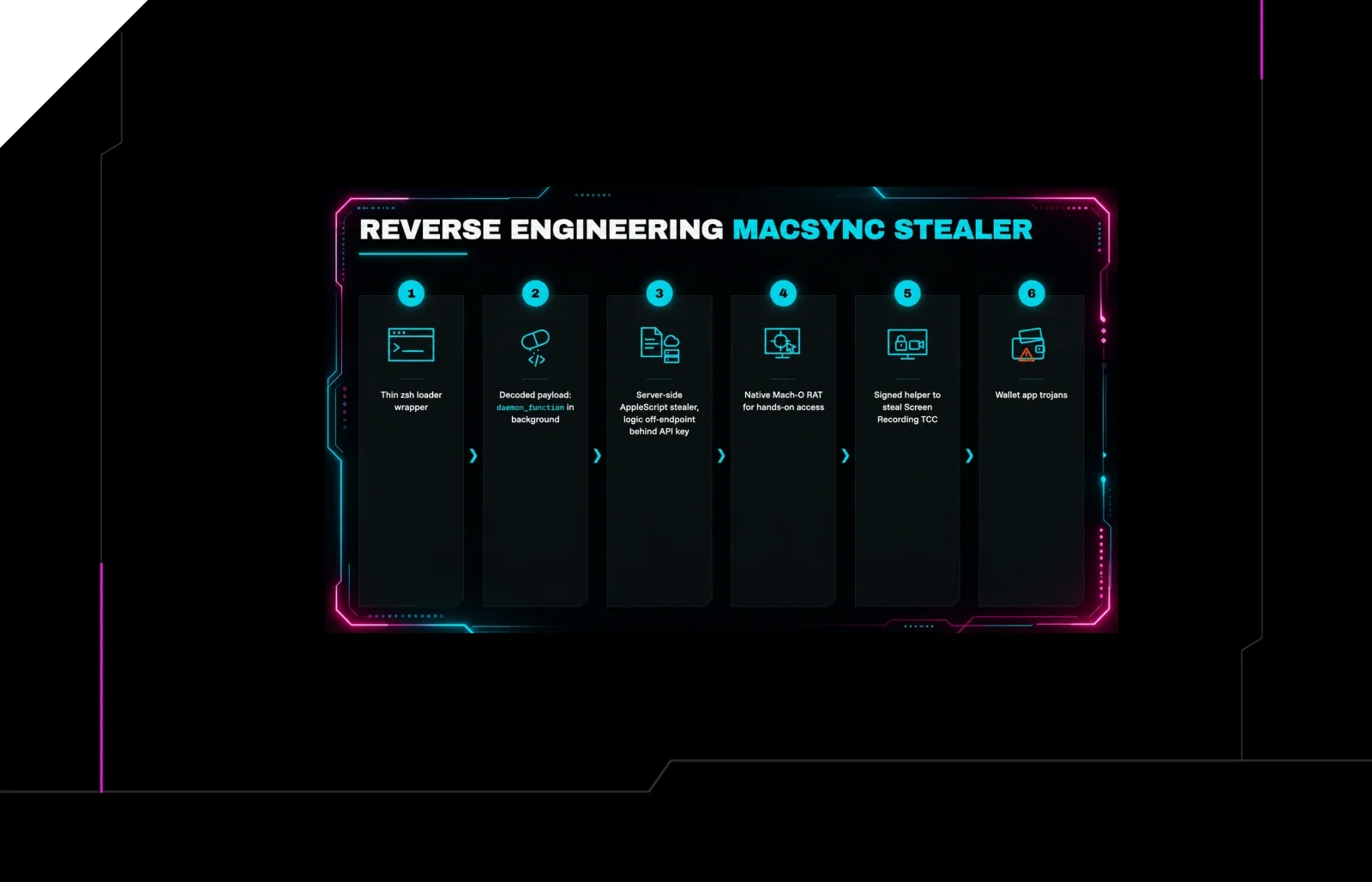
Reverse Engineering the Six Stages of MacSync Stealer and RAT
 huntress.comwriteup
AI-Coded Malware | Analyzing Vibe-Coded AD Enumeration | Huntress

 blog.talosintelligence.comtool
Introducing CAIRN: Frontier tracking for AI-integrated malware (Cisco Talos)
 huntress.comwriteup