dfir.chwriteup
Today I Learned - Instrument ClamAV to extract AutoIT scripts
DFIR.ch shows how to abuse ClamAV's scanning temp-file behavior (clamscan --leave-temps --tempdir=) to extract embedded AutoIT scripts from a compiled .exe, using SimpleLapsGui.exe (flagged by multiple AV vendors) as the example. The recovered autoit.001 script and PowerShell payload are validated against output from the dedicated Python tool autoit-ripper, giving analysts two independent, Windows-binary-free methods for automating AutoIT script extraction during malware/PUA triage.
What it is
A DFIR.ch "Today I Learned" post demonstrating two OS-agnostic ways to pull the source AutoIT script out of a compiled AutoIT .exe, using SimpleLapsGui.exe (SimpleLAPS-GUI, flagged by multiple AV vendors as a false positive) as the worked example. The point beyond the summary is the exact commands and where the artifacts land.
How it works
ClamAV writes intermediate unpacked files to a temp directory while scanning. Normally these are deleted; --leave-temps keeps them and --tempdir chooses where. After a scan of the containing zip/exe, the recursively-named temp tree contains autoit.001 (the AutoIT source) and autoit.002 (the bundled PowerShell script), verified by hash against the GitHub originals. The extracted .au3 shows the wrapper's real behavior: it FileInstalls SimpleLapsGui.ps1 to a temp path and runs powershell.exe -ExecutionPolicy Bypass -WindowStyle Hidden -STA -File ... — benign here, but the same shape used by AutoIT malware.
What to do
ClamAV method (note the scan targets the directory, not just the exe):
clamscan --leave-temps --tempdir=/tmp/autoitThen locate the payload in the nested temp tree:
find .Look for autoit.001 (the script) and autoit.002.
Python alternative (autoit-ripper), which names outputs directly:
python3 -m pip install autoit-ripper
autoit-ripper SimpleLapsGui.exe autoit_ripper_output/
This writes script.au3 and the bundled SimpleLapsGui.ps1.
Caveats
- Neither method requires Windows, which is the stated value for sandbox-free triage and automation. The page does not claim ClamAV extraction works on all AutoIT variants — it worked on this sample, as did the Windows-only Universal AutoIT Extractor.
- ClamAV's temp output is buried in long, hash-suffixed nested paths and mixes in unrelated
clamav-*.tmpfiles;autoit-rippergives cleaner, predictably-named output, hence the post's "better safe than sorry." - Engine used was ClamAV 0.103.11; behavior of
--leave-temps/--tempdiron other versions is not discussed.
Technologies named here
- ClamAV
- SimpleLAPS-GUI
- Universal AutoIT Extractor and De-obfuscator
- AutoIT v3
- autoit-ripper
- VirusTotal
- PowerShell
- Python
- AutoIT
Techniques named here
- Extracting embedded scripts via AV scanner temp files
- AutoIT wrapper obfuscation
Threat actors named here
- AutoIT malware
Related in Malware & RE
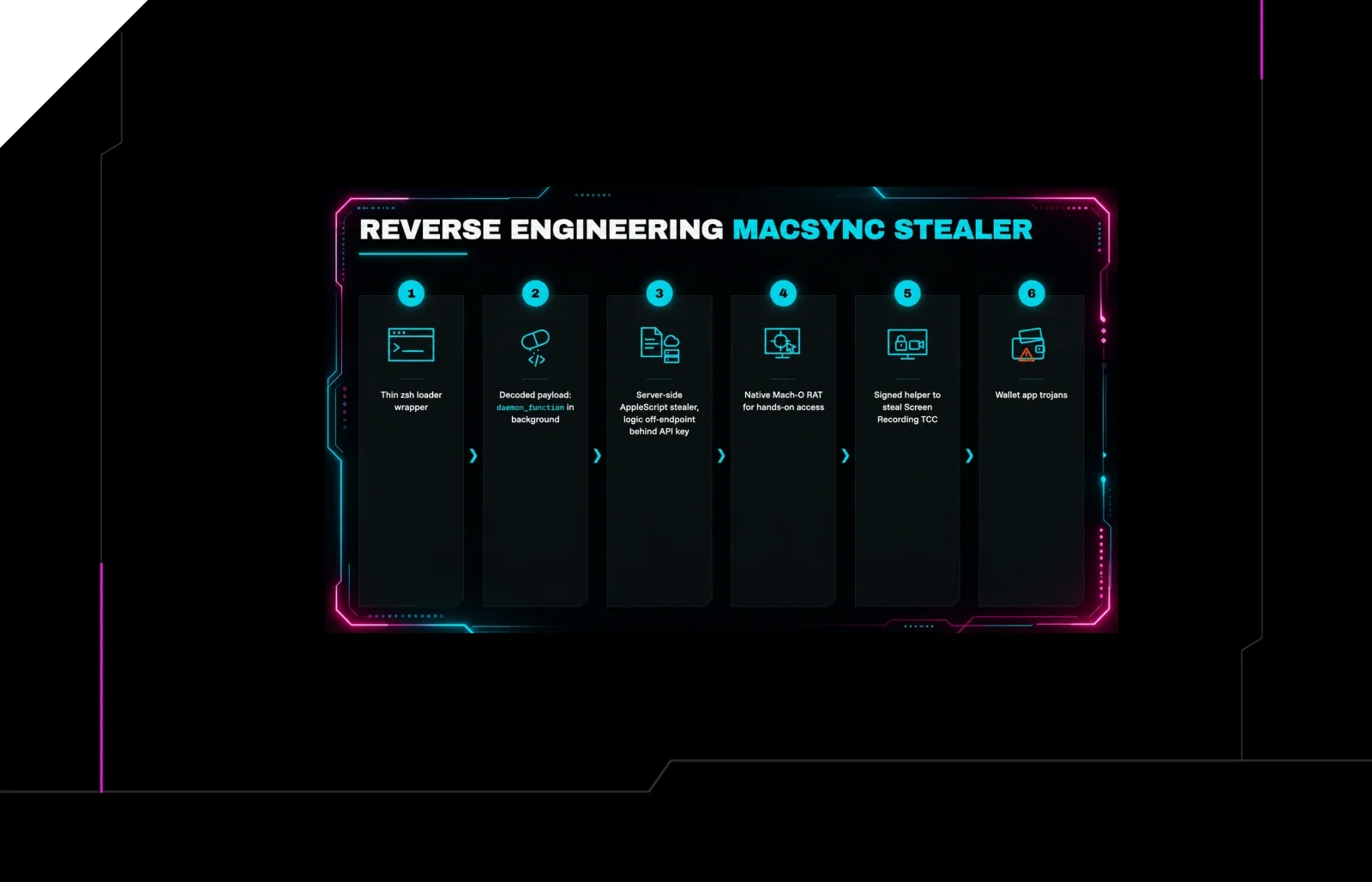
 huntress.comwriteup
Reverse Engineering the Six Stages of MacSync Stealer and RAT
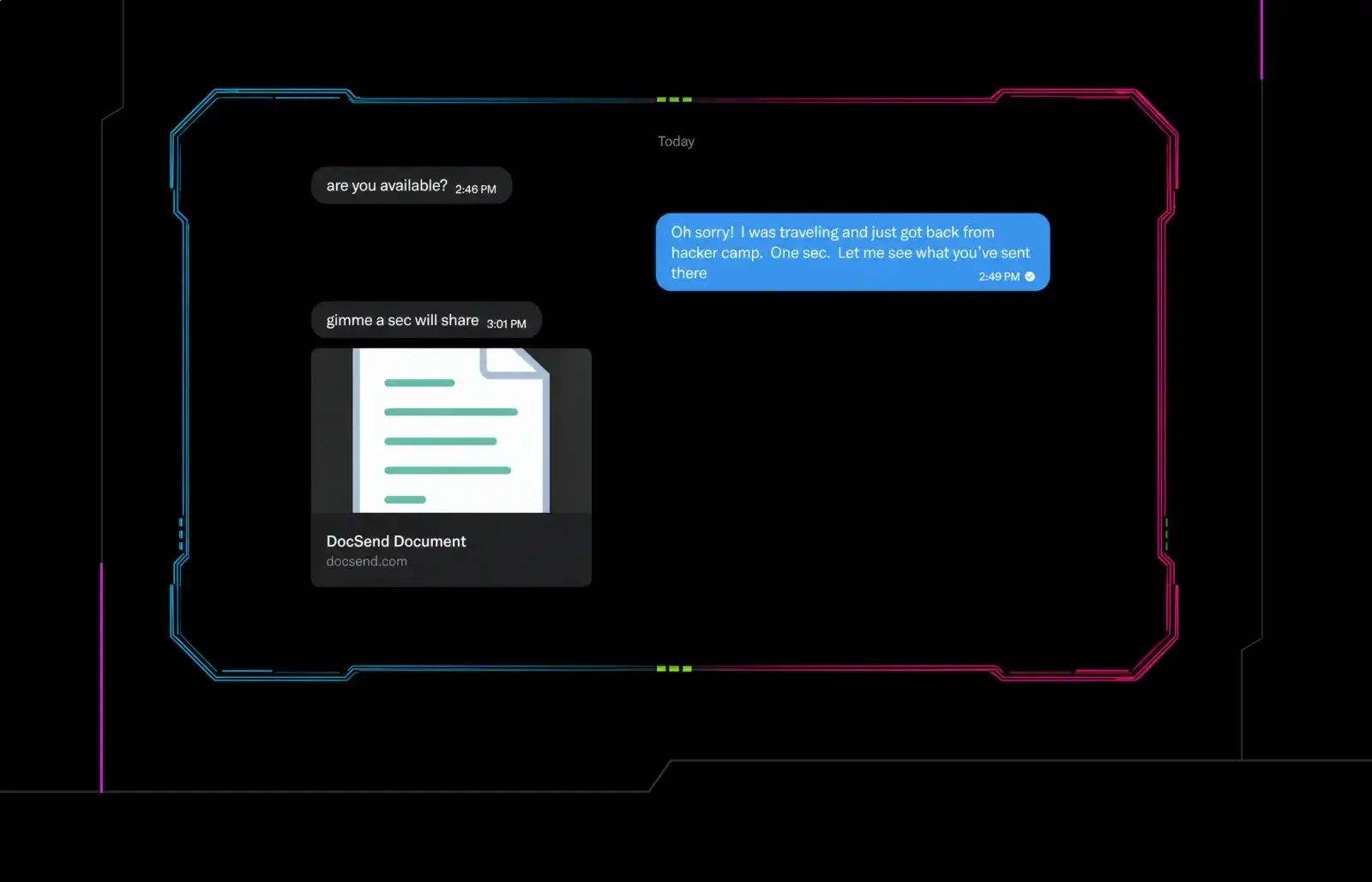 huntress.comwriteup
Post-DEF CON Phishing Uses Malicious Google Doc to Deliver Malware
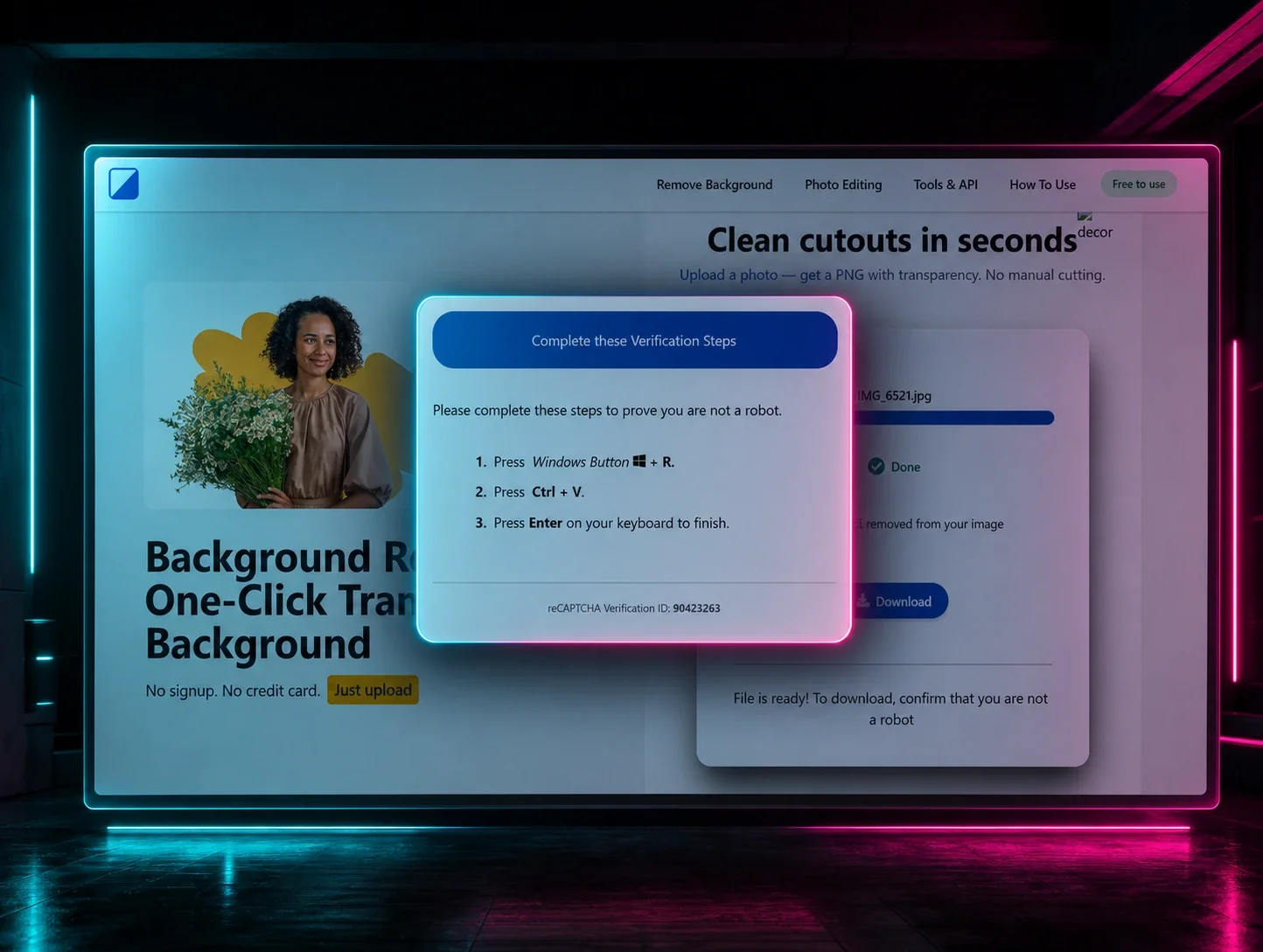 huntress.comwriteup
ClickFix Removes Your Background but Leaves the Malware