
 aws.amazon.comarticle
Penetration testing every deployment with AWS Continuum
Explains how to add AWS Continuum for penetration testing (formerly AWS Security Agent) as a post-deployment gate in CI/CD. Each run is scoped to the commit range since the last passing gate, and it can block promotion to production at a chosen severity threshold. It covers OIDC federation to a least-privilege IAM role, a GitHub Actions worked example, staged report-only rollout, and pitfalls: the baseline advances on passing report-only runs, fail-on-infrastructure-error defaults to fail-open, GitLab pipeline variables can override the committed threshold, and runner credentials need protecting.
What it is
A pattern for using AWS Continuum for penetration testing (formerly AWS Security Agent) as a post-deployment gate. The pipeline deploys to staging, authenticates to AWS via OIDC, and runs a pentest scoped to the commit range since the last passing gate. Promotion to production is blocked when a validated finding meets the severity threshold. The page covers GitHub Actions, GitLab CI/CD, Bitbucket Pipelines and Azure DevOps Pipelines, with a worked GitHub Actions example.
How it works
- Scope decisions. Each run returns one of three outcomes. In scope: findings are evaluated against the threshold. Scoped out: nothing security-relevant changed, so the pipeline passes. Scope conflict: the change fell outside the configured scope and was not tested, and you choose whether that blocks. The console's Scoping tab records the decision and commit range.
- Three independent failure settings.
severity-thresholdgoverns findings,on-scope-conflictgoverns untested changes, andfail-on-infrastructure-errorgoverns jobs that couldn't run. Relaxing one does not affect the others. - Baseline marker. The gate keeps a ref in your repository, so it needs
contents: writeon GitHub. Without write access, every run tests a wider range than intended. - Job topology. Three jobs:
deploy,security-pentest,deploy-prod.deploy-proddeclaresneeds: [security-pentest], so GitHub skips production when the gate fails.
flowchart LR
  D[Deploy staging] --> G[Pentest gate]
  G -->|in scope, below threshold| P[Promote prod]
  G -->|scoped out| P
  G -->|finding >= threshold| B[Blocked]
  G -->|scope conflict| C{on-scope-conflict}
  G -->|infra error| I{fail-on-infra-error}
  C -->|block| B
  C -->|allow| P
  I -->|true| B
  I -->|false, default| P
What to do
- Trust policy. Pin the
subclaim to a single branch (e.g.main) if only that branch deploys. If several branches or environments run the gate, scope to the environment where the provider's claim supports it. Not every provider carries a branch in the claim. On Bitbucket, repository (optionally plus deployment environment) is the tightest option. - GitHub
subchange. Repositories created or renamed on or after July 15, 2026 emit an immutablesubclaim with numeric IDs. Confirm the exactsubyour pipeline emits before writing the policy. - Session duration.
role-duration-secondsmust outlast the test. STS rejects a request above the role's maximum rather than clamping it. Set the role's max session duration to at least(timeout + 10) x 60seconds. An expired credential mid-run looks like a service failure and leaves cleanup unable to stop the still-running job. - Pin the integration to a release tag, commit SHA or pinned component version.
- Dry run first. It checks authentication, Region and repository resolution without starting a job. Validation failure fails the step regardless of error-handling settings.
- Roll out report-only. Set the threshold to
NONE, watch a release or two, then tighten toHIGH. - Set
fail-on-infrastructure-errortotruefrom the start for any pipeline requiring security sign-off. It ships asfalse(fail-open). - Protect the runner.
- Keep debug tracing off (e.g.
CI_DEBUG_TRACEon GitLab echoes arguments in plaintext). - Set
persist-credentials: falseon checkout. - Grant OIDC-token permission only to jobs that need it, and don't run fork builds in those jobs.
- Multi-account. Put one gate role in the security account, where the pentest and Agent Space live, and assume it via OIDC from every workload pipeline. Gate each pre-production stage.
Caveats
- Baseline advances on passing report-only runs. Those commits are recorded as cleared and won't be re-tested when you tighten the threshold. To reassess a range, set
base-commit-shaandhead-commit-shaexplicitly. The conclusion also says to delete the marker, and where the marker lives differs by provider (see the page's "What advances the baseline" reference). - GitLab pipeline variables override the job's
variables:block. Anyone who can run a pipeline can lower the threshold, enable dry-run or relax error handling, so the committed.gitlab-ci.ymlis only a default. Restrict variable overrides in project CI/CD settings first. - The tutorial app is deliberately vulnerable (SQL injection). Deploy it only to an isolated non-production environment and follow the Clean up section: staging environment, IAM role, OIDC provider, and any pentest or Agent Space created for the walkthrough.
- Exact policy JSON, OIDC URLs, audiences and the defaults table live in linked reference pages, not in this post.
Technologies named here
- GitLab CI/CD
- AWS Identity and Access Management
- fail-on-infrastructure-error setting
- IAM OIDC identity provider
- AWS Security Token Service
- Bitbucket Pipelines
- Azure DevOps Pipelines
- SAST, SCA and DAST
- AWS Continuum
- GitHub Actions
- GitLab
- Azure DevOps
- OIDC
- AWS IAM
Techniques named here
- Staged rollout
- Multi-account pattern
Related in DevSecOps

 jfrog.comarticle
JFrog: The Governance Gap Between Your Policy and Your Pipeline
 stepsecurity.ioarticle
Dev Machine Guard Now Supports Windows - StepSecurity
 socket.devwriteup
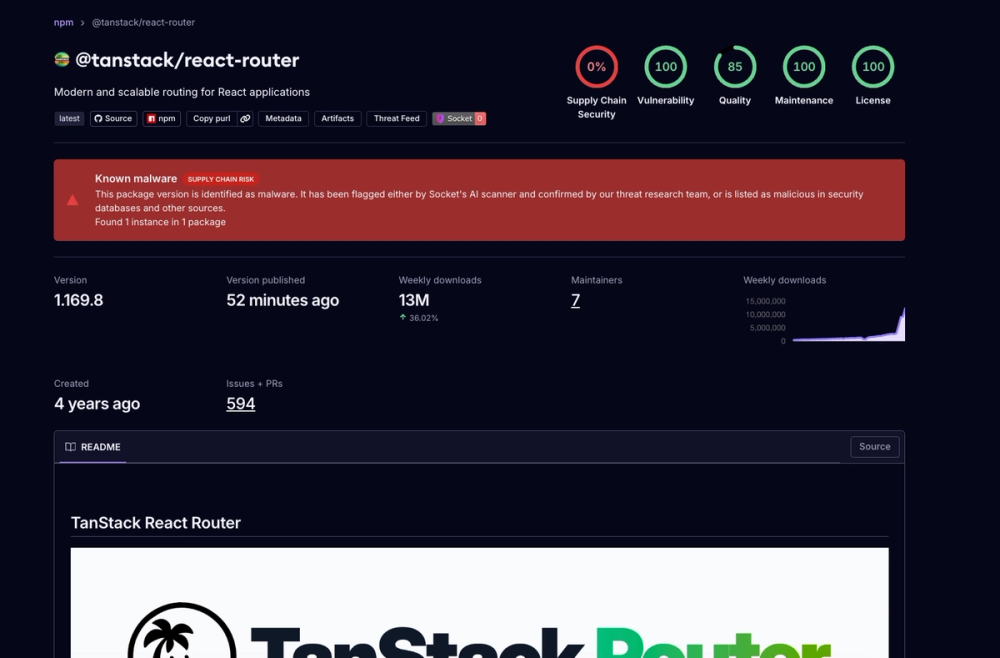
Socket: TanStack npm Packages Compromised
 securitylab.github.comadvisory