github.comrepo
0xhackerfren/ProcMon-MCP
ProcMon-MCP is an MCP server that gives AI assistants like Claude direct access to Windows internals: live process enumeration, ETW kernel trace start/stop via logman/tracerpt, static PE import/export analysis with API category tagging, Security event log queries (audit IDs 4688/4624/4672/4648), and service/driver/minifilter enumeration. It's positioned as a POC for security researchers and reverse engineers who want an LLM that can query kernel traces, driver lists, and process memory instead of alt-tabbing to Task Manager or Process Monitor. Several tools (ETW tracing, Security log reads) require administrator privileges and can trigger UAC prompts.
What it is
procmon-mcp — an MCP server (installable via pip install procmon-mcp or uvx procmon-mcp, MIT-licensed) that exposes 18 tools letting an LLM query live Windows internals. This document carries the operational and security specifics the summary leaves out: install/config, which tools cross the admin boundary, and the audit event IDs it targets.
How it works
The server wraps native Windows tooling: ETW traces run through logman real-time sessions (-ets) with tracerpt for CSV/summary output; minifilter enumeration uses fltmc; event log queries use Get-WinEvent. The Security-log convenience wrapper targets these audit event IDs specifically: 4688 (process creation), 4624 (logon), 4672 (special privileges assigned), 4648 (explicit-credential logon). PE analysis is static import/export extraction tagged by API category (Kernel API, Native API, Win32, Driver). A defender preset ships constants (DEFENDER_PROCESSES/SERVICES/DRIVERS), MpCmdRun resolution, and a trigger_scan helper, though the MCP tools themselves stay preset-agnostic.
Preconditions / Affected
Windows host. An elevated (administrator) token is required for start_etw_trace, stop_etw_trace, and get_security_events. Other tools run unelevated but return partial results when Windows blocks enumeration (protected processes, restricted logs). Run check_elevation for the full capability matrix. The server can trigger UAC elevation prompts.
What to do
Add to .cursor/mcp.json or global MCP settings:
{
  "mcpServers": {
    "procmon-mcp": {
      "command": "procmon-mcp",
      "args": []
    }
  }
}
For a venv install, invoke the module directly:
{
  "mcpServers": {
    "procmon-mcp": {
      "command": "python",
      "args": ["-m", "procmon_mcp"],
      "cwd": "C:\\path\\to\\your\\venv\\Scripts"
    }
  }
}
The same first block works for claude_desktop_config.json.
Caveats
The authors state there are no guardrails beyond what Windows itself enforces. The tools read process memory, enumerate kernel drivers, start ETW sessions, and query security audit logs — operations that can affect system stability and expose sensitive data. It is an explicit proof-of-concept with no liability assumed; the authors direct users to run it only on machines they own or are authorized to instrument, and never against production without understanding the implications. The "most comprehensive live Windows monitoring MCP server available" claim is the authors' own and is unverified.
Technologies named here
- procmon-mcp
- Windows
- logman
- tracerpt
- Get-WinEvent
- fltmc
- SecurityCenter2
- MpCmdRun
- procmon_mcp.presets.defender
- ruff
- Pytest
- Model Context Protocol
- Python
- Windows Defender
- PowerShell
Techniques named here
- Live process enumeration
- ETW kernel tracing
- Network endpoint enumeration
- Service and driver enumeration
- Static PE analysis
- Security event log querying
- UAC elevation handling
Related in Malware & RE
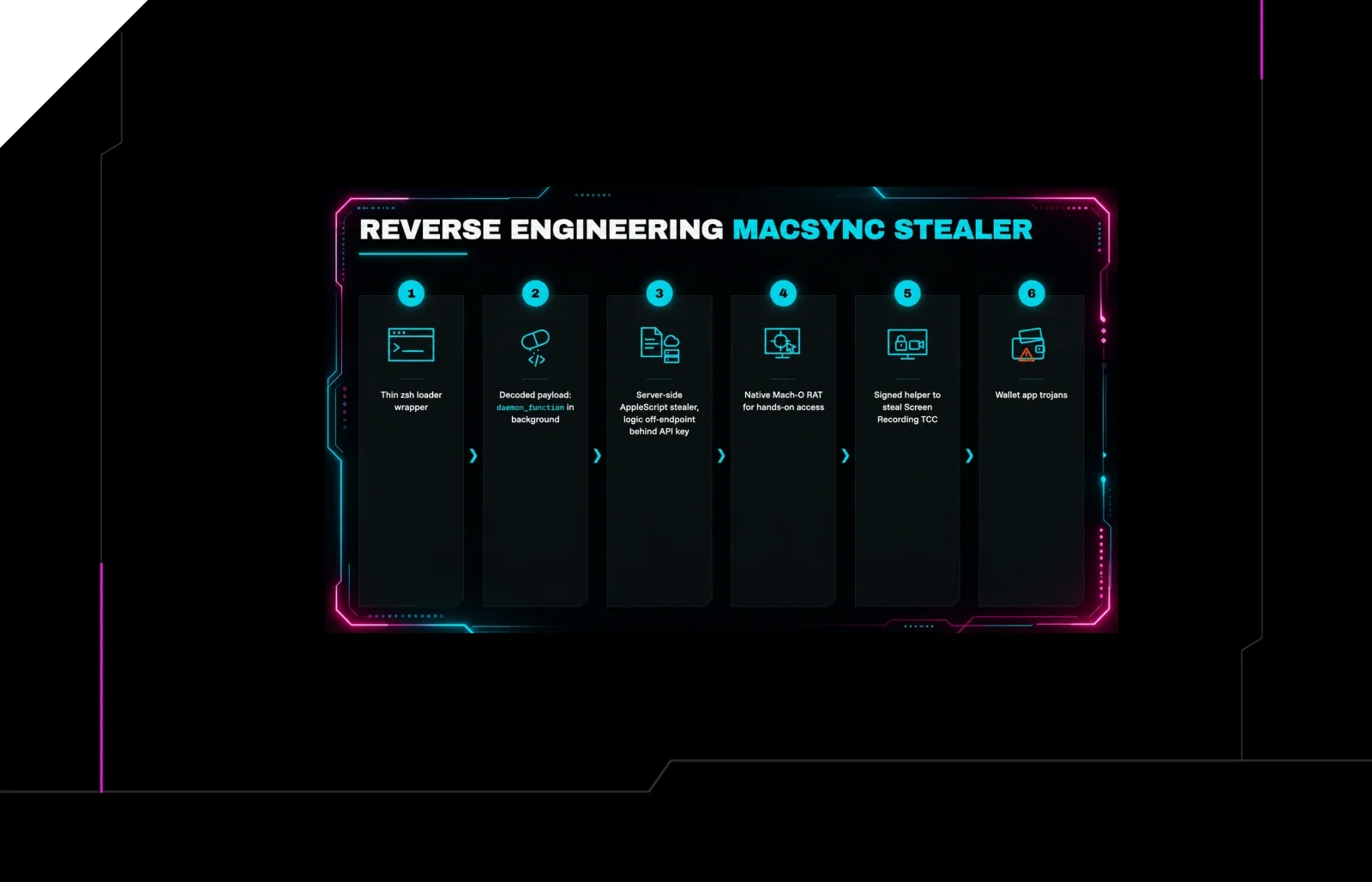
 huntress.comwriteup
Reverse Engineering the Six Stages of MacSync Stealer and RAT
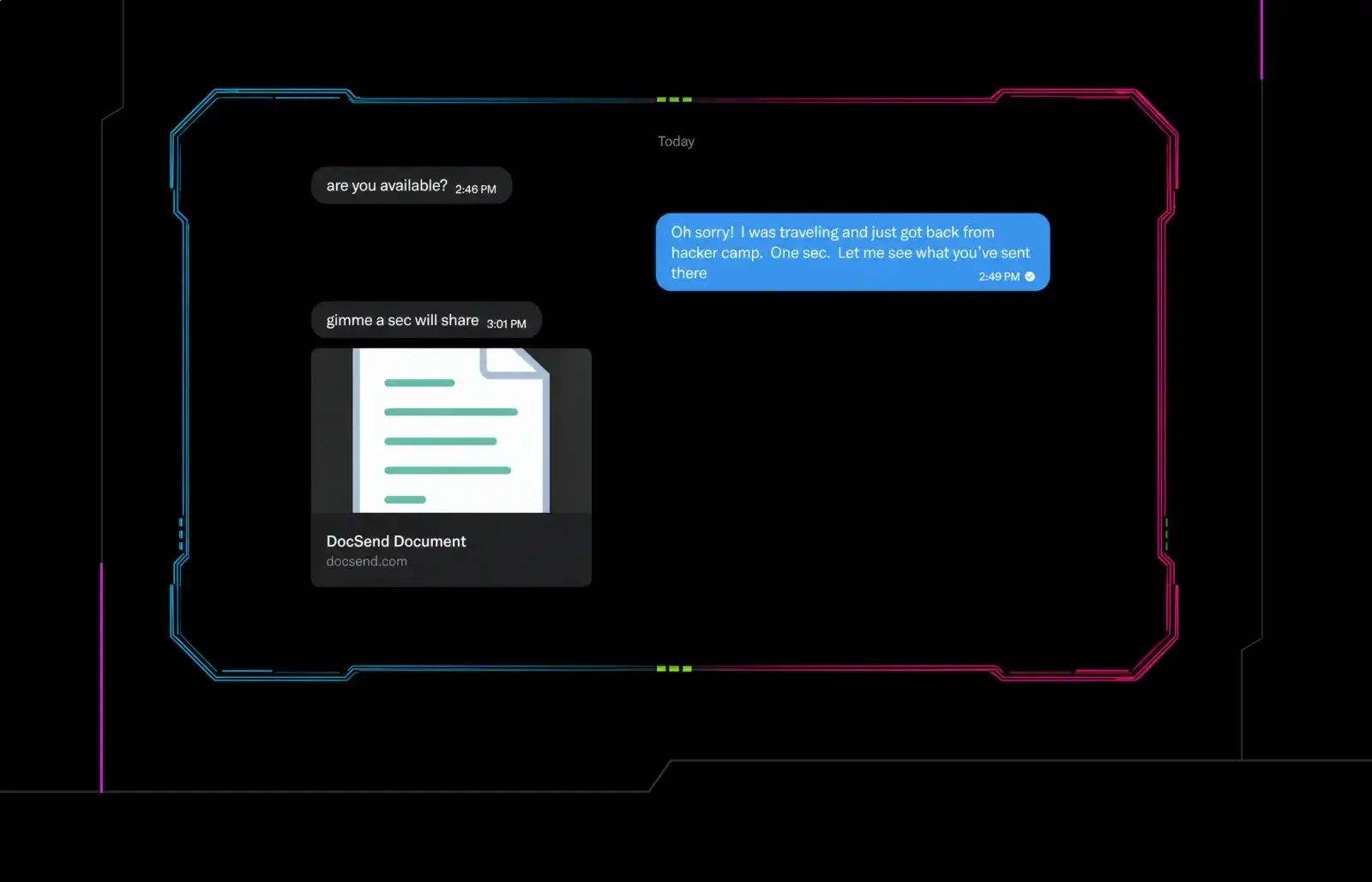 huntress.comwriteup
Post-DEF CON Phishing Uses Malicious Google Doc to Deliver Malware
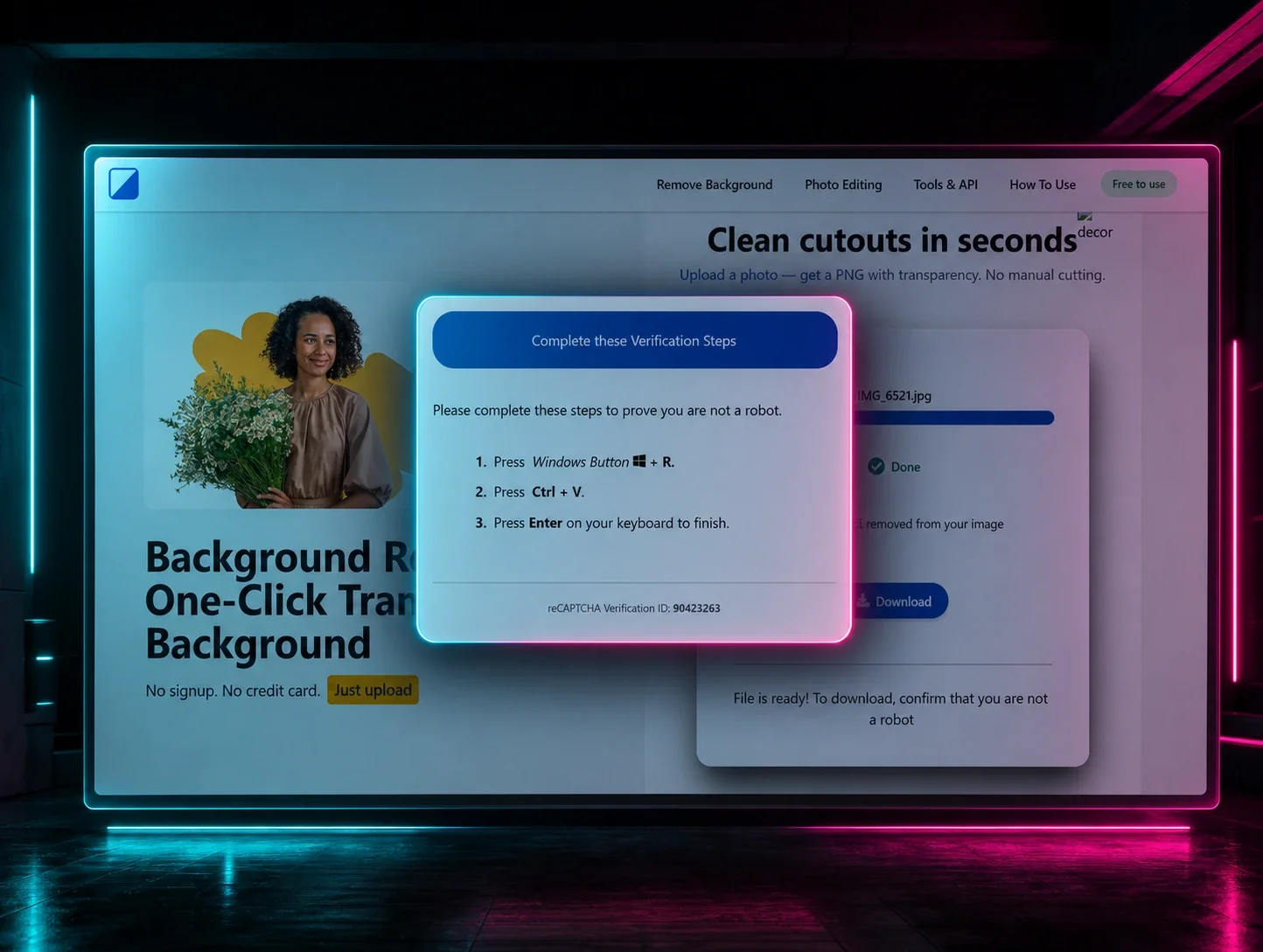 huntress.comwriteup
ClickFix Removes Your Background but Leaves the Malware