 huntress.comwriteup
Windows ProjFS Internals: A Technical Deep Dive | Huntress
A technical deep dive into the Windows Projected File System (ProjFS), explaining how it virtualizes/projects files via a minifilter driver and reparse point tags (IO_REPARSE_TAG_PROJFS and IO_REPARSE_TAG_PROJFS_TOMBSTONE) rather than being a true file system. It details the provider API, file operation notifications (create, delete, read, rename), and hints at both offensive and defensive use cases such as canary files for detecting unauthorized file access.
What it is
Huntress technical breakdown of the Windows Projected File System (ProjFS), introduced in Windows 1809. Despite the name, ProjFS is not a filesystem — it is a minifilter driver (prjflt.sys) plus a usermode provider that "projects" virtual files/folders into a directory and hydrates their real data on-demand from a backing store. The post covers the enable path, the reparse-point mechanics, and the notification/callback surface an engineer would build detections (or tooling) on top of.
How it works
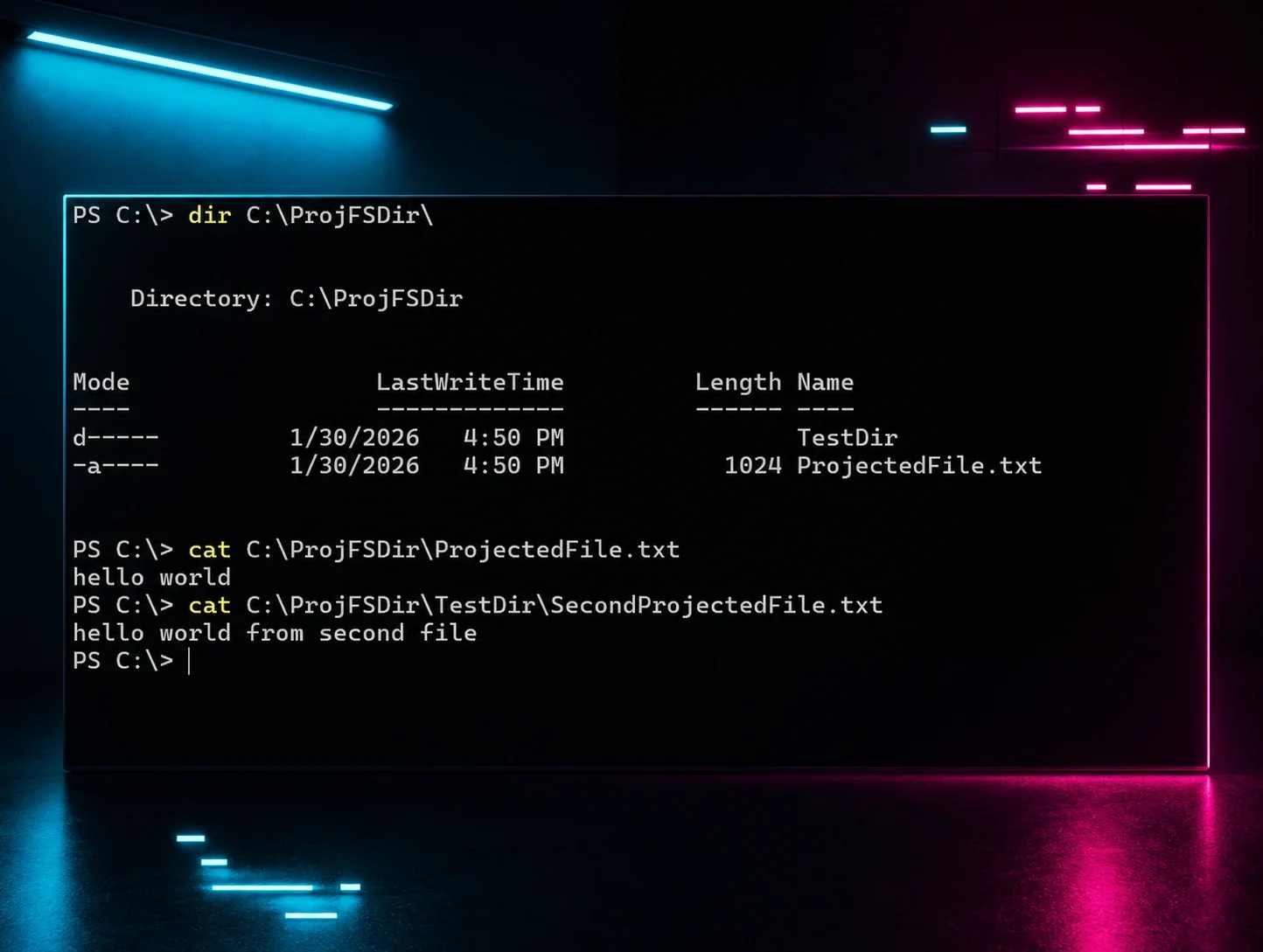
A provider registers a virtualization root and the files/folders to project. Listing the directory shows the virtual entries; opening one triggers GetFileDataCallback, where the provider calls PrjWriteFileData to supply content — or returns an error to deny. ProjFS marks its own entries with two reparse tags: IO_REPARSE_TAG_PROJFS (created files/dirs) and IO_REPARSE_TAG_PROJFS_TOMBSTONE (locally deleted, to prevent re-projection). Being a minifilter, it has an altitude number when installed.
The notification set is the actionable part. NEW_FILE_CREATED, FILE_OPENED, and FILE_READ events include the triggering image path and PID. Three notifications are pre-operation callbacks — PRJ_NOTIFICATION_PRE_DELETE, PRJ_NOTIFICATION_PRE_RENAME, PRJ_NOTIFICATION_PRE_SET_HARDLINK — and returning an error from them actively blocks the operation, not just logs it.
flowchart TD
    A[App accesses projected file] --> B{Operation type}
    B -->|read| C[GetFileDataCallback]
    C -->|PrjWriteFileData| D[Serve data]
    C -->|return error| E[Deny read]
    B -->|delete/rename/hardlink| F[PRE_* callback]
    F -->|return OK| G[Operation proceeds]
    F -->|return error| H[Operation blocked]
Preconditions / Affected
- Windows 1809 or later.
- The feature is not enabled by default. Once enabled,
TiWorker.exe(Windows updater) downloads the driver — no reboot required. - Requires a running usermode provider to project anything.
What to do
Enable the feature (no reboot):
Enable-WindowsOptionalFeature -Online -FeatureName Client-ProjFS -NoRestartIdentify ProjFS-backed files by their reparse tag. Query programmatically via DeviceIoControl with FSCTL_GET_REPARSE_POINT, or more easily with fsutil.exe. For defensive use, the pre-operation callbacks make ProjFS a lighter-weight alternative to a custom minifilter for canary files — you get per-PID/per-image logging of reads and creates, plus the ability to deny deletes/renames.
Caveats
The post is a partial deep dive; it defers the offensive/defensive benefits and part of the architecture ("more on that later," "1. ProjFS has an altitude number…" cut off). The read-denial behavior is stated tentatively by the author ("access is denied?"). It does not walk the provider API in detail, deferring to Microsoft's docs and Pavel Yosifovich's blog.
Organisations named here
- Casey Smith
- Pavel Yosifovich
- prjflt.sys
- ProjFS
- TiWorker.exe
Technologies named here
- Windows
- NTFS
Related in Blue Team & Detection
 huntress.comwriteup
AI-Coded Malware | Analyzing Vibe-Coded AD Enumeration | Huntress

 blog.talosintelligence.comtool
Introducing CAIRN: Frontier tracking for AI-integrated malware (Cisco Talos)
 huntress.comwriteup
Inside an Oracle Database SQL Injection Attack | Huntress
 huntress.comwriteup