github.comrepo
radare2
radare2 (r2) is a free and open-source command-line reverse engineering framework providing disassembly, binary analysis, debugging (local and remote via gdb/windbg), emulation via ESIL, and hex editing/forensics across an enormous range of CPU architectures and executable file formats (ELF, PE, Mach-O, DEX, WASM, etc.). It is extensible via r2pipe scripting and the r2pm package manager, with a large plugin ecosystem including r2ghidra (decompiler), r2frida (dynamic instrumentation), r2yara, radius2 (symbolic execution), and r2dec.
What it is
radare2 (r2) is a command-line reverse engineering framework, a rewrite of the original radare hex editor. The README says git master is at 6.2.5 and the next release will be 6.2.6. The core is licensed LGPLv3, but each plugin can carry its own license. r2 -Lj lists the license of every plugin.
Preconditions / Affected
The README names three build routes. Windows builds need meson and either msvc or mingw. Packaging is also available through Nix (under dist/nix) and through r2env, which installs from git or pip.
What to do
The README recommends installing from git source rather than from release binaries:
git clone https://github.com/radareorg/radare2
radare2/sys/install.sh
sys/install.sh does the default acr+make+symlink install. Meson/ninja (muon/samu also work) and plain make are supported. On Windows, use the .bat scripts from an msvc environment:
preconfigure.bat       REM setup python, meson, ninja
configure.bat          REM run meson b + vs project
make.bat               REM run ninja -C b
prefix\bin\radare2.exe
To remove the current build, run make uninstall. To remove all system installations, run sudo make purge.
A first session on a binary, taken from the README:
$ r2 /bin/ls   # open file in read-only
> aaa          # analyse the program (r2 -A)
> afl          # list all functions (try aflt, aflm)
> s sym.main   # seek to main
> pdf; agf     # disassembly and ascii-art function graph
> iS;is        # list sections and symbols (rabin2 -Ss)
> oo+;w hello  # reopen in read-write and write a string
> ?*~...       # interactive filter in all command help
Files open read-only by default. oo+ reopens in read-write mode, so writes are a deliberate step.
Plugins are managed with r2pm:
r2pm -s <word>  # search packages matching a word
r2pm -Uci <pkg> # update database and clean install a package
r2pm -u <pkg>   # uninstall the given package
r2pm -l <pkg>   # list installed packages
Plugins listed that the existing summary does not name:
- iaito: the official Qt GUI.
- r2ghidra: the native Ghidra decompiler, used with
pdg. - r2dec: a JS decompiler, used with
pdd. - decai and r2ai: AI-based decompilation and a local language model inside r2.
- r2diaphora: Diaphora's binary diffing engine.
- r2flutter: Dart/Flutter AOT snapshot analysis for Android and iOS.
- r2hermes: disassembler for React Native Hermes bytecode.
- r2unity: Unity IL2CPP metadata inspection.
- r2sarif: import, extend and export SARIF documents.
- goresym: imports GoReSym symbols as flags.
- warrp: plugin for the Binary Ninja WARP format.
- r4ghidra: brings r2 into Ghidra.
- r2frida: start with
r2 frida://0.
Caveats
The README says the embedded JavaScript interpreter is available for scripting, alongside r2pipe. It gives no benchmarks, no stability guarantees and no comparison with other tools. Coverage of the long architecture, format and filesystem lists is stated as support, with no per-target quality noted.
Technologies named here
Techniques named here
- Binary analysis
- Function listing
- Hexdump inspection
- Symbol navigation
- Flag filtering
- Section/symbol listing
- Disassembly and graphing
- Binary patching
- Remote debugging
- Kernel memory viewing
- Binary diffing
- Symbolic execution
- Dynamic instrumentation
- Filesystem mounting
Related in Malware & RE
 huntress.comwriteup
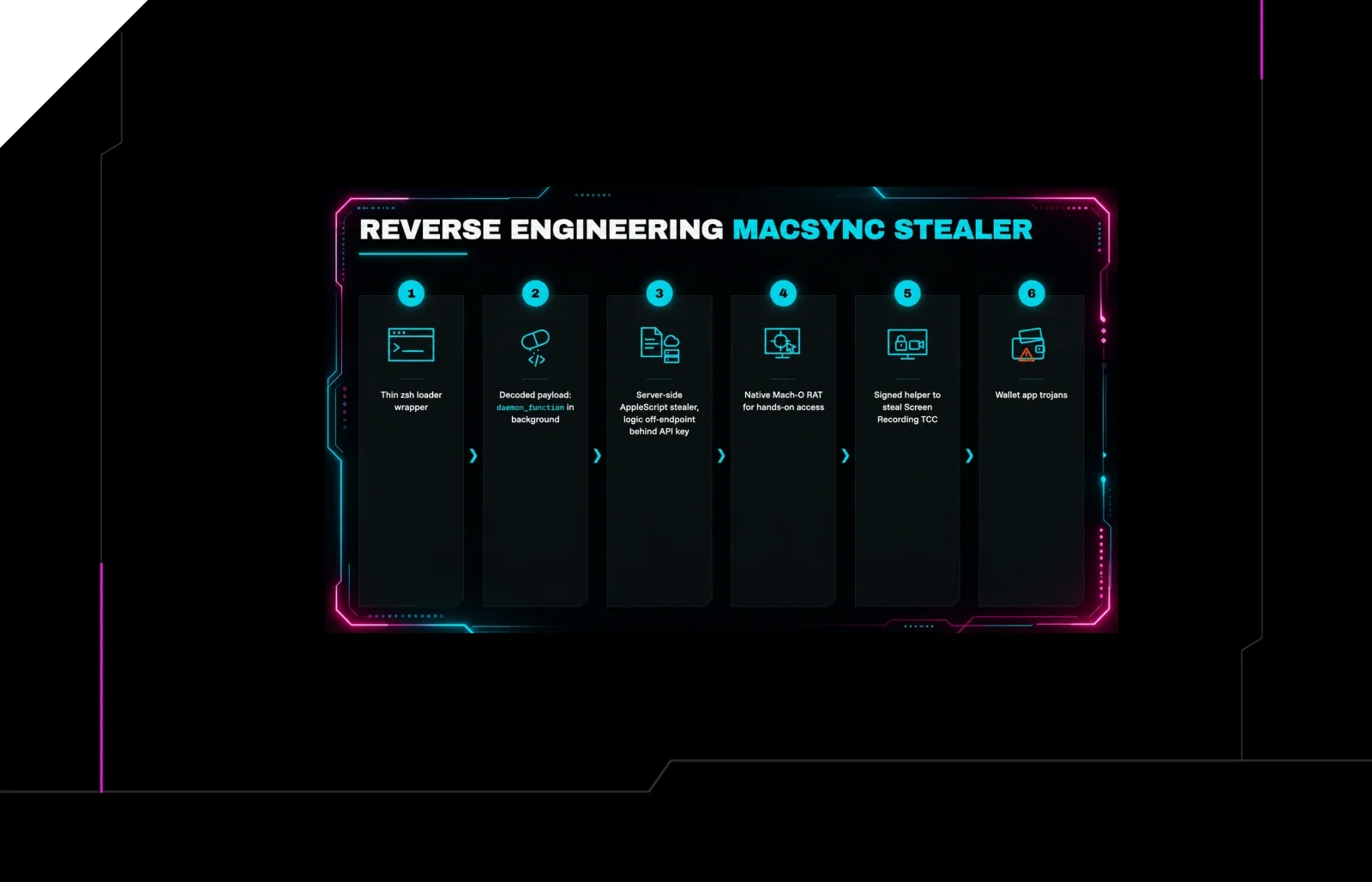
Reverse Engineering the Six Stages of MacSync Stealer and RAT
 huntress.comwriteup
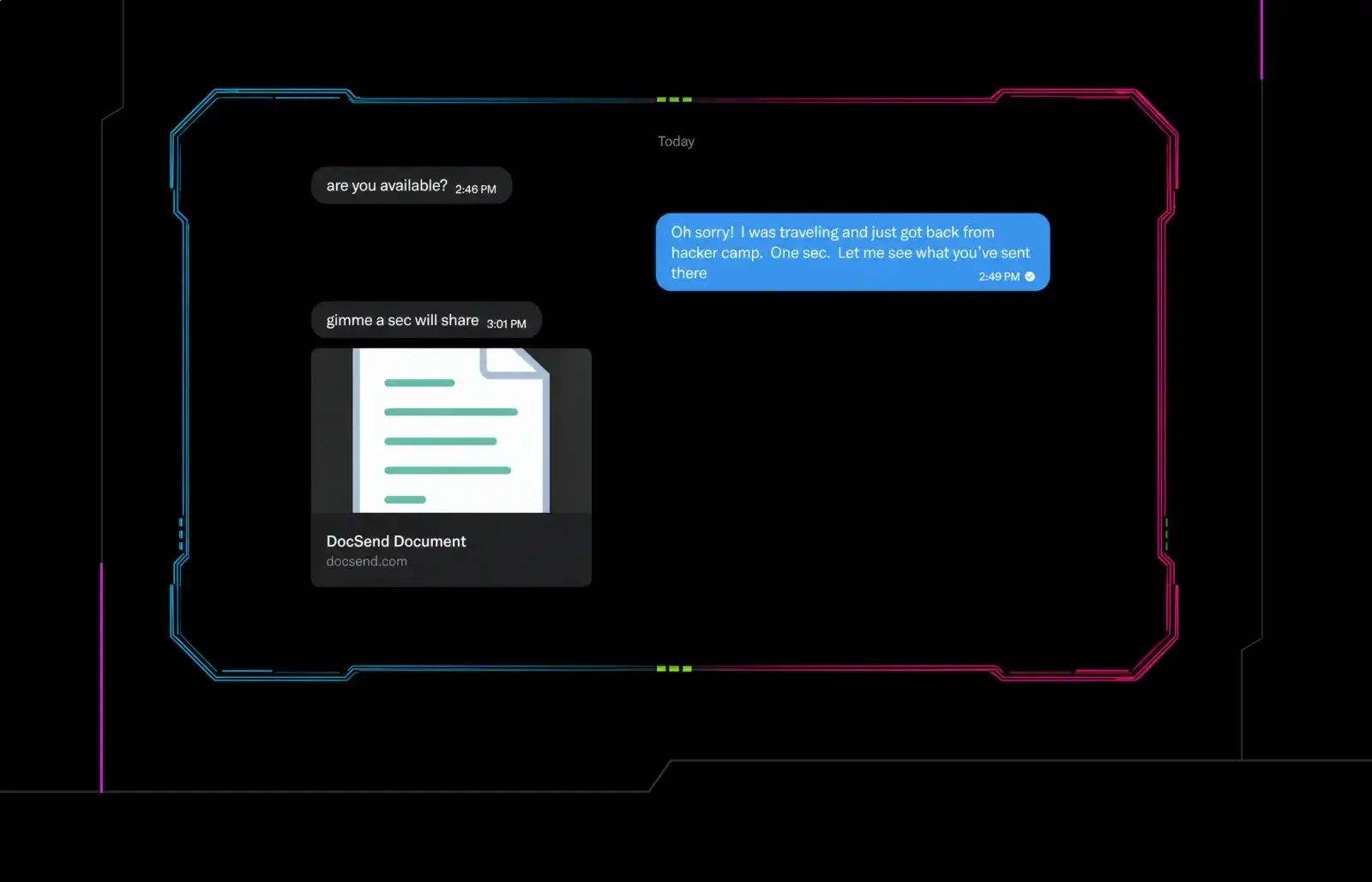
Post-DEF CON Phishing Uses Malicious Google Doc to Deliver Malware
 huntress.comwriteup
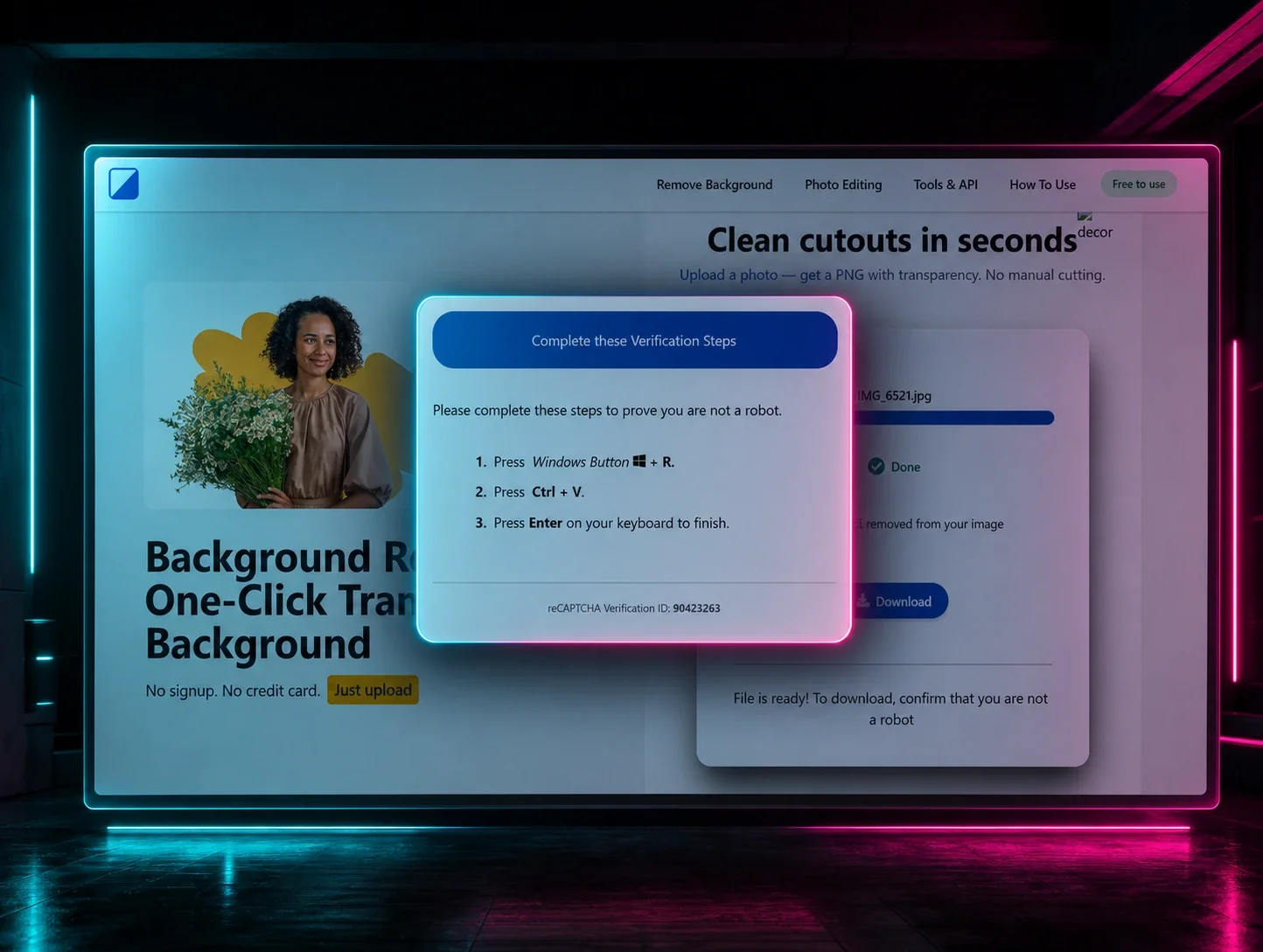
ClickFix Removes Your Background but Leaves the Malware