 stepsecurity.ioarticle
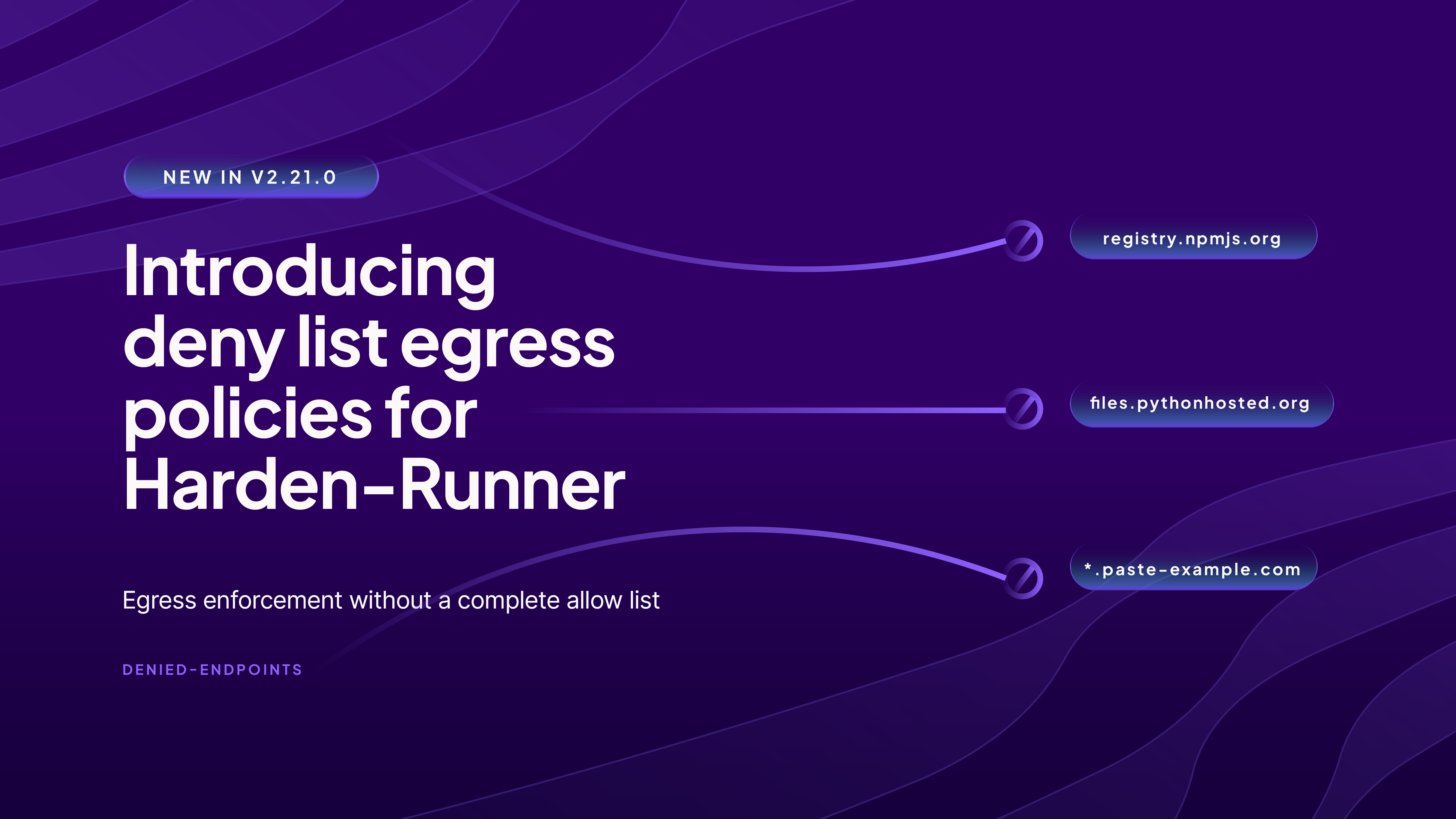
Introducing deny list egress policies for Harden-Runner
StepSecurity's Harden-Runner GitHub Action v2.21.0 adds a denied-endpoints input, letting teams block specific egress destinations (domains, wildcards, bare IPs) from CI jobs while leaving everything else reachable — a lighter-weight alternative to allow lists that don't require full enumeration of a job's needs. The piece details how deny-list entries differ from allow-list ones (no per-port scoping), covers the flagship use case of forcing package installs through StepSecurity's Secure Registry proxy by denying direct access to registries like PyPI and Go module hosts, and explains that Harden-Runner's separately maintained Global Block List (built from SOC threat intel, e.g. the Megalodon credential-exfiltration campaign) is distinct from and complements user-managed deny lists. It also candidly notes the deny list's blind spot: campaigns like Shai-Hulud 2.0 that exfiltrate via github.com itself can't be stopped by a deny list, requiring allow-list enforcement instead.
What it is
Harden-Runner GitHub Action v2.21.0 and its new denied-endpoints input. This is the deny-list counterpart to the existing allow-list egress control: instead of enumerating everything a job legitimately needs, you name a few destinations to block and everything else stays reachable. The post's value is the operational detail on semantics and enforcement that the summary compresses.
How it works
Set egress-policy: block and list destinations under denied-endpoints:
steps:
  - uses: step-security/harden-runner@v2.21.0
    with:
      egress-policy: block
      denied-endpoints: |
        example.com
        *.example.org
Key semantic differences from allow lists, stated explicitly:
- Ports are not part of a deny entry. A denied endpoint is denied on every port; a port you write is stripped and ignored.
registry.example.com:443denies it on all ports, not just 443. Do not copy an allow list across expecting ports to carry meaning. - Wildcards behave as in allow lists:
*.example.orgcovers all subdomains. - Bare IPs are valid entries:
203.0.113.10denies every connection to that address (same port rule).
For org-wide use, attach the policy at organization/cluster scope via the Policy Store — one central policy, no per-workflow file edits. The post frames deny lists as inherently organizational decisions.
What to do
Two use cases the page details:
- Make a package proxy non-bypassable. If you run Secure Registry, a
.npmrc, a--registryflag, a Dockerfile reset, apostinstallfetch, or a fresh container can silently bypass it — the request never reaches Secure Registry, so no install-time controls apply and nothing shows in Policy Evaluations. Denying the public upstreams turns configuration into enforcement. Note the multi-host requirement: PyPI needs two entries (metadata host and download host differ) and Go needs two (module download vs. checksum verification are separate lookups).registry.stepsecurity.iostays off the deny list so proxied installs keep working. (The post's table of exact hostnames was not captured in the fetched text — check the source before writing your list.) - Block destinations no build should reach: request-bin/webhook-capture services, paste sites, consumer file-transfer hosts, ad-hoc tunneling services. These aren't malicious by consensus, which is why they're a deny-list decision, not a threat-intel one.
A secondary benefit: a job that cannot reach registry.npmjs.org cannot be used to publish trojanized versions with a stolen token.
Caveats
The deny list does not replace the SOC-maintained Global Block List — that blocks known-malicious IOCs automatically on every workflow (even audit mode), and allowlisting an IOC in your own policy does not override it. The two lists do different jobs: StepSecurity blocks known-malicious, you deny merely-unwanted. Start from the unified network egress view of what your runners actually contact before deciding what to deny.
Technologies named here
- Harden-Runner
- npm registry
- Secure Registry
- PyPI
- Go modules
- Policy Store
- Global Block List
- GitHub Actions CI runners / workflows
- Unified network egress view
- GitHub Actions Audit
- GitHub Actions
- npm
- Go
- StepSecurity
Techniques named here
- Egress allow-listing
- Egress deny-listing
- Registry bypass to exfiltrate/publish outside a proxy
- Credential harvesting and exfiltration
- Exfiltration via trusted/allowed destination
Threat actors named here
Related in DevSecOps

 jfrog.comarticle
JFrog: The Governance Gap Between Your Policy and Your Pipeline
 stepsecurity.ioarticle
Dev Machine Guard Now Supports Windows - StepSecurity
 socket.devwriteup
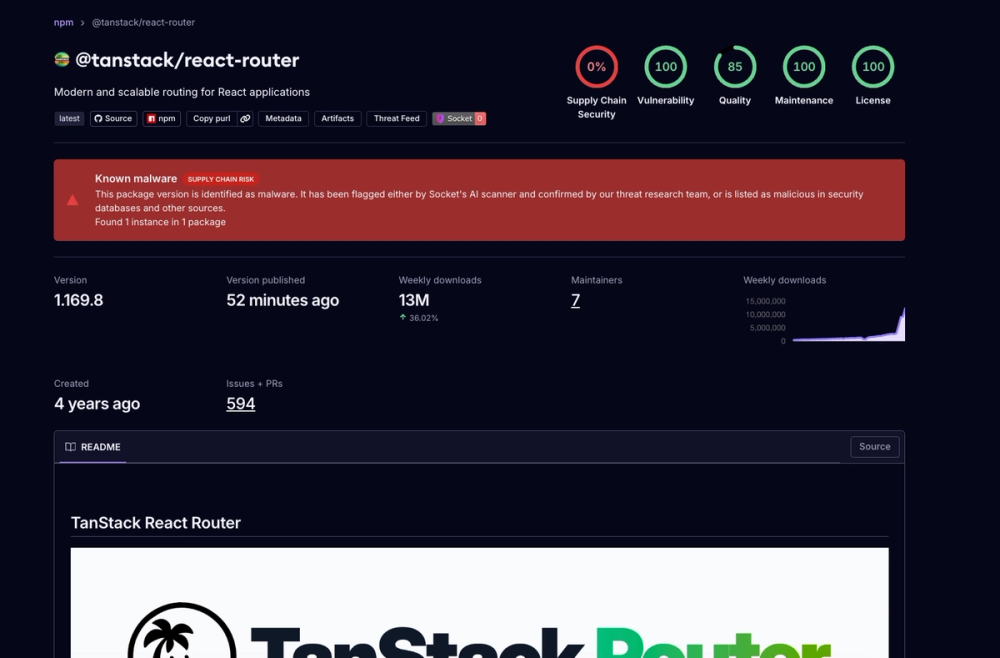
Socket: TanStack npm Packages Compromised

 securitylab.github.comadvisory