github.comrepo
duty1g/x64dbg-mcp-server
x64dbg-MCP Server is a native, zero-dependency MCP plugin (built in Zig) for the x64dbg Windows debugger that exposes its full API — breakpoints, stepping, memory allocation/read/write, registers, modules, threads, call stack, pattern scanning, xrefs, symbols, PE/OEP analysis and module dumping — as 84 MCP tools plus 22 event callbacks over Streamable HTTP and SSE transports with mandatory bearer-token auth. It lets any MCP-compatible AI assistant drive an interactive reverse-engineering session against a running process (e.g. load a binary, set a breakpoint, dump registers, step and inspect the stack) directly from inside x64dbg's address space, with no polling or external process required.
What it is
x64dbg-MCP Server, by @duty1g, is a Zig-built native plugin for the x64dbg Windows debugger. It exposes the debugger over HTTP as an MCP (Model Context Protocol) server, built against MCP spec 2024-11-05.
How it works
The plugin loads into x64dbg at startup and resolves the debugger's API symbols at runtime from x64bridge.dll and x64dbg.dll, then spins up an HTTP server on a background thread inside x64dbg's own process address space — no polling, no external process. MCP clients connect over Streamable HTTP or SSE and send JSON-RPC 2.0 requests; each of the 84 MCP tools maps directly to an x64dbg SDK call. Default listen ports are 9094 (x64) and 9095 (x32), both bound to 0.0.0.0 by default. A Bearer token is auto-generated on first run and required on every request — unauthenticated requests get 401. Configuration (bind address, port, token) is managed via a Win32 dialog at Plugins > x64dbg-MCP Server, persisted to mcp_config.json, and the server auto-restarts on save.
Preconditions / Affected
Requires x64dbg on Windows; building from source requires Zig 0.16-dev or later (cross-compiles from Windows, WSL, Linux, or macOS). Deployment is just copying dist/ contents (containing x64dbg-MCP-Server.dp32/.dp64) into the x64dbg root folder.
What to do
Build and deploy:
zig build -Doptimize=ReleaseSafe --prefix distCopy dist/ into the x64dbg root, launch x64dbg — the MCP server starts automatically.
MCP client config (Streamable HTTP):
{
  "mcpServers": {
    "x64dbg": {
      "type": "http",
      "url": "http://localhost:9094/",
      "headers": { "Authorization": "Bearer YOUR_TOKEN_HERE" }
    }
  }
}
For WSL or remote-machine access, set the bind address to 0.0.0.0 in the config dialog and connect using the host's IP.
Caveats
The page explicitly warns: the server communicates over unencrypted HTTP despite Bearer-token auth, and instructs "do not expose the MCP server to untrusted networks." Since the default bind is 0.0.0.0 (all interfaces) and the tool grants full memory read/write and code-execution control over a live debugged process, any user who deploys it without manually switching the bind address to 127.0.0.1 is exposing a debugger-control plane to the local network in plaintext. The README also states the tool is intended only for authorized reverse engineering, malware analysis, and research use.
Technologies named here
Techniques named here
- Remote debugger control via MCP/HTTP
- Runtime API resolution
Related in Malware & RE
 huntress.comwriteup
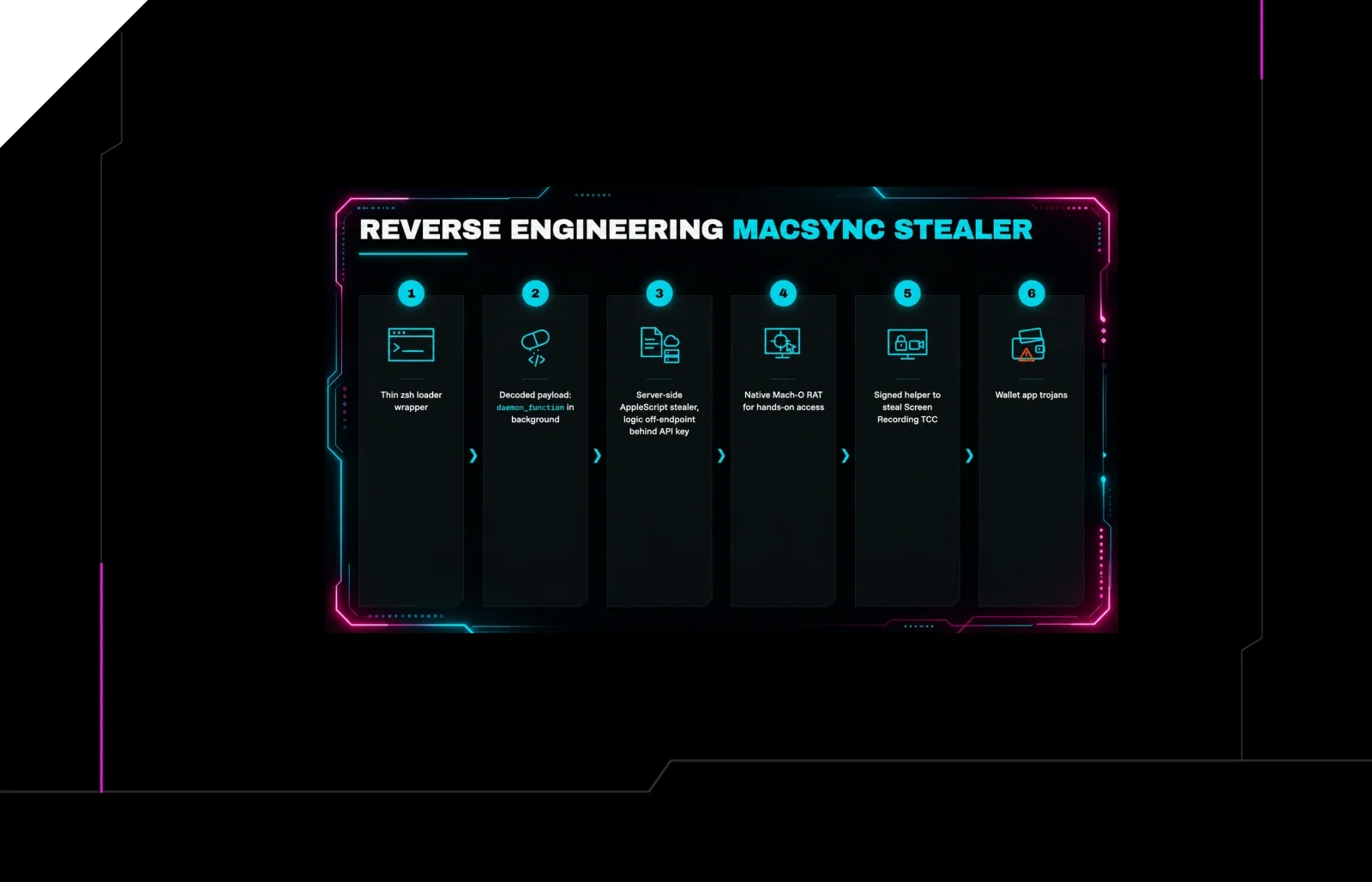
Reverse Engineering the Six Stages of MacSync Stealer and RAT
 huntress.comwriteup
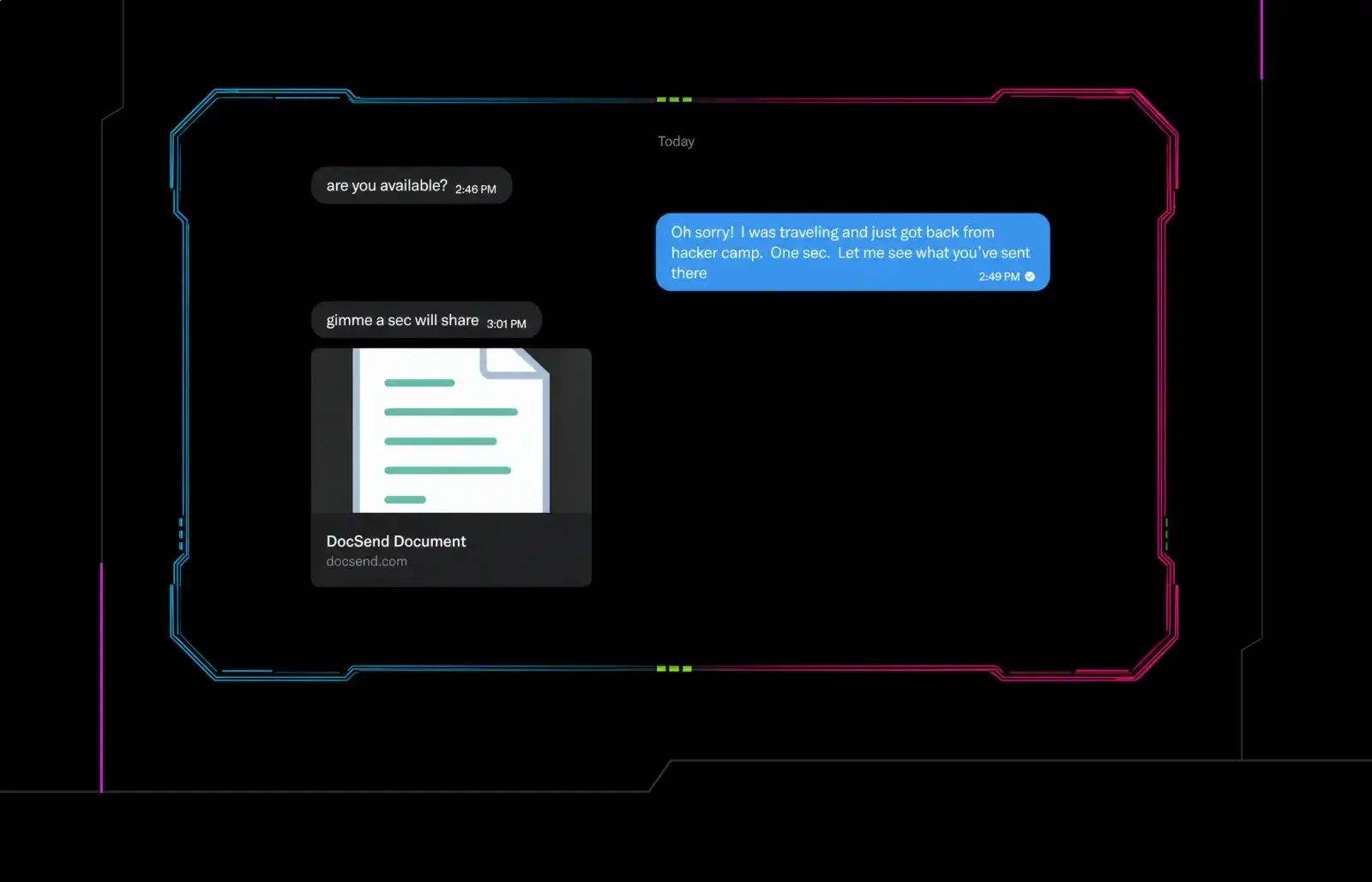
Post-DEF CON Phishing Uses Malicious Google Doc to Deliver Malware
 huntress.comwriteup
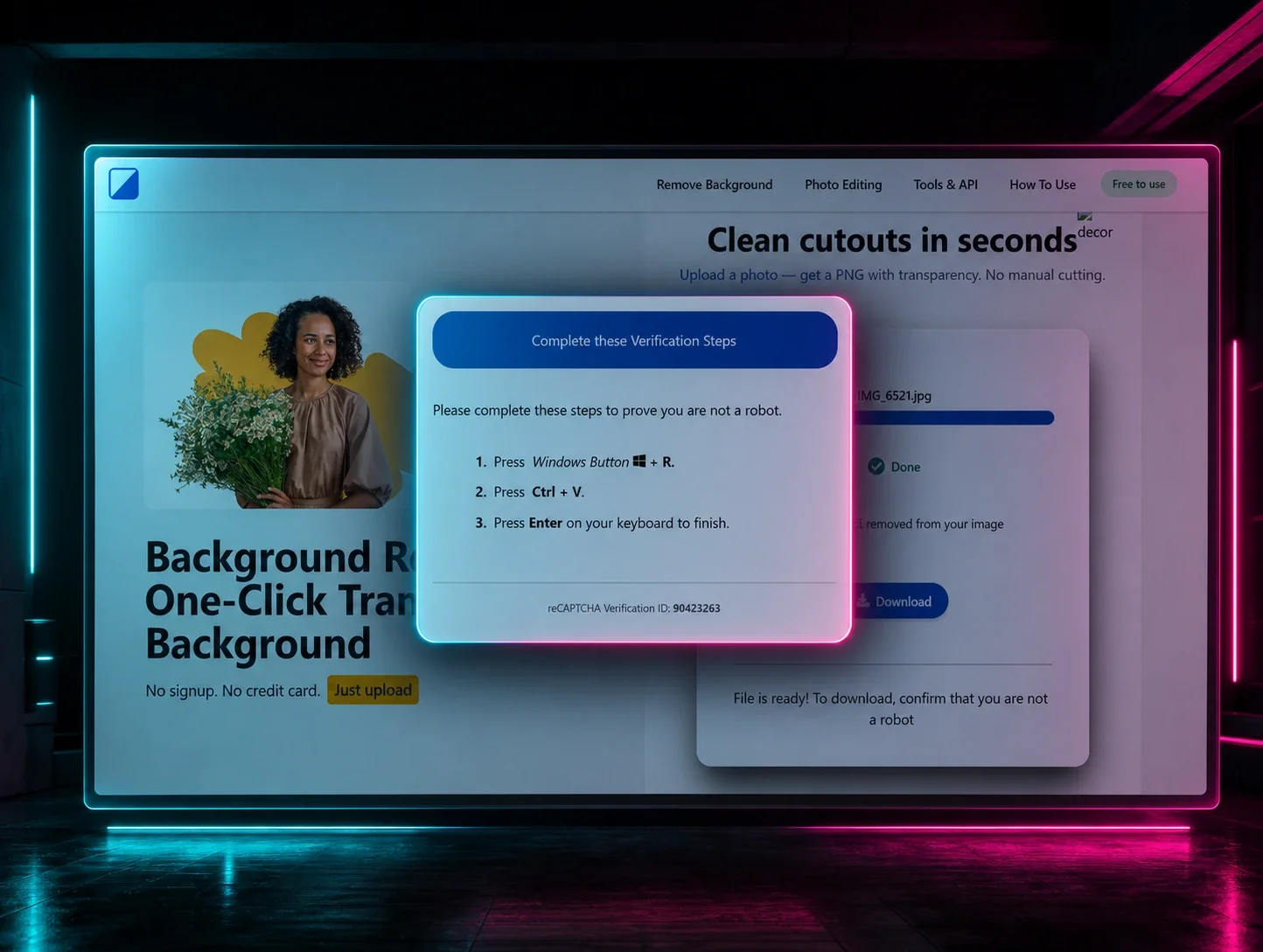
ClickFix Removes Your Background but Leaves the Malware