 huntress.comarticle
SDFlags | Huntress
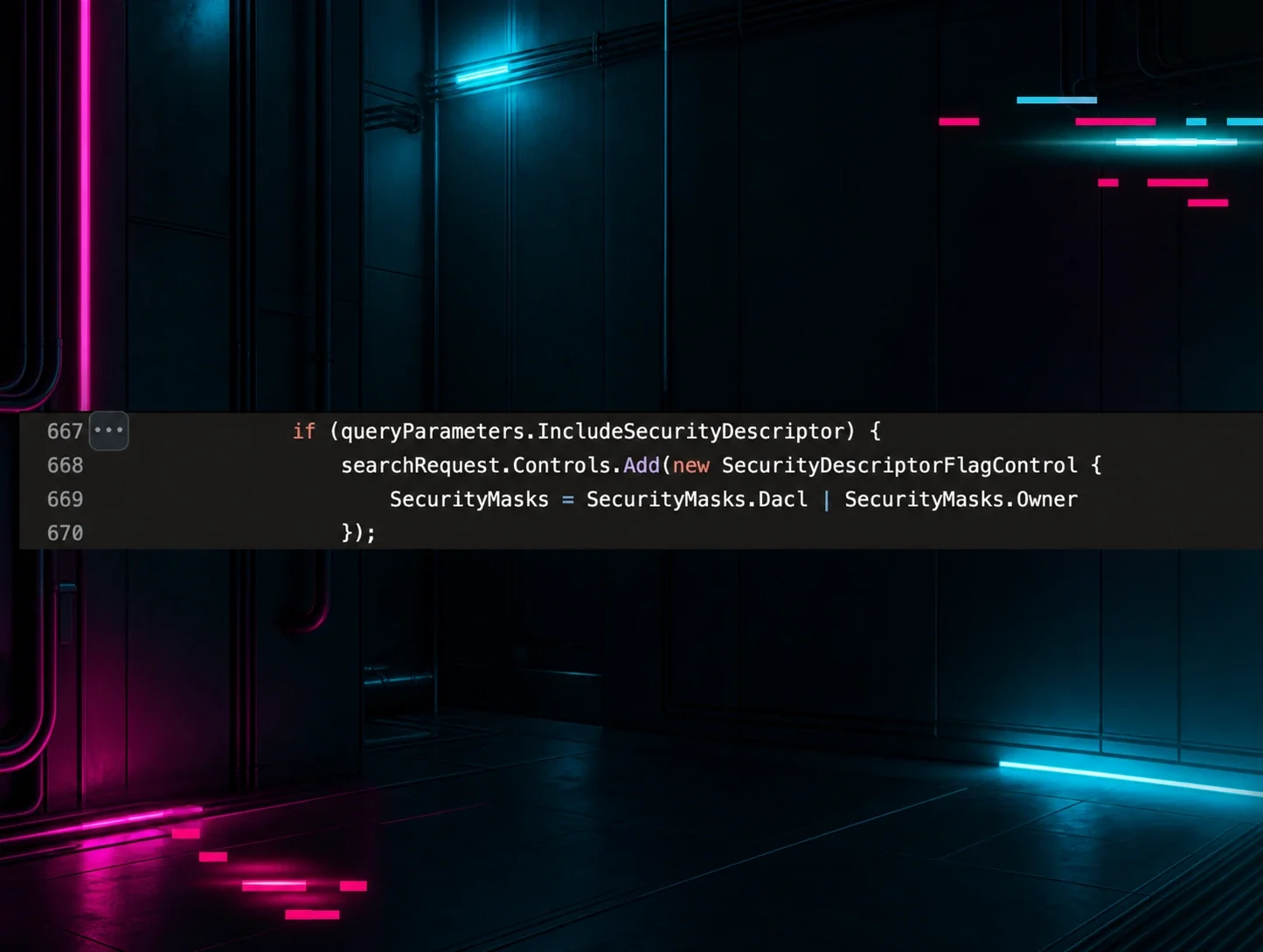
Part three of Huntress's LDAP/Active Directory detection series explains the SDFlags LDAP control (bitmask values 0x1/0x2/0x4/0x8 for Owner/Group/DACL/SACL) that SharpHound must use when querying the nTSecurityDescriptor attribute to avoid failing silently due to SACL read permissions. The author shows via lab testing and Event ID 1644 log analysis that legitimate admin tools almost never use SDFlags, while SharpHound consistently sets SDFlags=0x4 for general object enumeration and 0x5 (Owner+DACL) for group and certificate template enumeration, making the combination of mass enumeration + nTSecurityDescriptor + SDFlags a high-fidelity signal for BloodHound-style attack-path discovery. It concludes with a Sigma detection rule (ECS field names) targeting SDFlags=0x5 group enumeration and references SharpHoundCommon's LdapConnectionPool.cs source code confirming the behavior.
What it is
Part 3 of Huntress's LDAP/AD detection series, focused on the SDFlags field (LDAP_SERVER_SD_FLAGS_OID, 1.2.840.113556.1.4.801) that shows up in Event ID 1644 "Directory Service" logs. The actionable content the summary omits: two PowerShell hunting queries and the specific correlation they establish.
How it works
When a query requests nTSecurityDescriptor, AD by default tries to return all four security-descriptor components — Owner, Group, DACL, and SACL. Most accounts lack permission to read the SACL, and when AD can't return every requested component it returns nothing. Attack-path tools (SharpHound/BloodHound) work around this by setting SDFlags to request only the components they can read. The bitmask:
0x1OWNER0x2GROUP0x4DACL0x8SACL
So 0x5 = Owner + DACL — enough to map who can modify privileged objects without tripping the SACL permission failure. The nTSecurityDescriptor data is what exposes attack-path permission relationships (IdentityReference / ActiveDirectoryRights / AccessControlType) that membership enumeration alone cannot.
What to do
Directory Service logging for Event 1644 must be enabled. The author's hunt hinges on a clean signal: in their environment 100% of SDFlags queries also requested nTSecurityDescriptor. Find SDFlags occurrences over the past week:
# When does SDFlags appear?
Get-WinEvent -FilterHashtable @{
LogName = 'Directory Service'
ID = 1644
StartTime = (Get-Date).AddDays(-7)
} | Where-Object { $_.Message -match 'SDFlags' } |
Measure-Object
Confirm the attribute correlation:
# What attributes are requested when SDFlags appear?
Get-WinEvent -FilterHashtable @{
LogName = 'Directory Service'
ID = 1644
StartTime = (Get-Date).AddDays(-7)
} | Where-Object { $_.Message -match 'SDFlags' } |
ForEach-Object {
if ($_.Message -match "Attribute selection:\s*\r?\n(.+?)\r?\n") {
$matches[1]
}
} | Group-Object | Sort-Object Count -Descending | Select-Object -First 5
The value of pivoting on SDFlags (rather than filter strings) is that it survives the evasions covered in Parts 1 and 2 — OID-to-bitwise filter transformation and whitespace variation — which break string-matching rules.
Caveats
This is a detection-idea writeup, not a finished rule. The "100% of SDFlags queries include nTSecurityDescriptor" figure comes from the author's own environment (127 events in a week); SDFlags is legitimately used by some admin tooling, so presence alone is not malicious — treat it as a lead, and baseline your own environment before alerting. The excerpt cuts off mid-sentence ("I immediately thought about Bl…"), so any BloodHound-specific detection detail is not in the captured text.
Organisations named here
- Event 1644
- Nasreddine Bencherchali
- SDFlags
Technologies named here
- Active Directory
- SharpHound
- BloodHound
- Impacket
- SOAPHound
- PowerShell
- Sigma
- LDAP
Techniques named here
- LDAP mass enumeration with nTSecurityDescriptor + SDFlags
- Group ownership abuse for privilege escalation
Related in Blue Team & Detection
 huntress.comwriteup
AI-Coded Malware | Analyzing Vibe-Coded AD Enumeration | Huntress

 blog.talosintelligence.comtool
Introducing CAIRN: Frontier tracking for AI-integrated malware (Cisco Talos)
 huntress.comwriteup
Inside an Oracle Database SQL Injection Attack | Huntress
 huntress.comwriteup