 github.comrepo
0x4m4/hexstrike-ai
HexStrike AI is an MCP server that exposes 150+ security tools (Nmap, sqlmap, Ghidra, Metasploit/MSFVenom, Trivy, Nuclei, TruffleHog, etc.) to MCP-compatible AI agents like Claude, GPT, or Copilot, letting them autonomously plan and execute network, web, binary, cloud, and CTF assessments. It ships 12+ specialized agents (BugBounty, CTF Solver, CVE Intelligence, Exploit Generator) that handle tool selection, parameter optimization, and attack-chain discovery, effectively turning an LLM into an autonomous pentest operator. The README includes explicit authorized-use guidance (pentests, bug bounty, CTF, red team) and warnings about the tool's broad system access.
What it is
HexStrike AI v6.0 is an MIT-licensed Python MCP framework from OTT Cybersecurity LLC (author m0x4m4). It has two parts: a Flask-style HTTP backend (hexstrike_server.py, default port 8888) and an MCP client shim (hexstrike_mcp.py) that points an MCP-compatible agent at that backend. Documented clients are Claude Desktop, VS Code Copilot, Roo Code, Cursor and 5ire (5ire v0.14.0 is not supported).
Setup
git clone https://github.com/0x4m4/hexstrike-ai.git
cd hexstrike-ai
python3 -m venv hexstrike-env
source hexstrike-env/bin/activate
pip3 install -r requirements.txt
python3 hexstrike_server.py            # --debug and --port 8888 are optional
curl http://localhost:8888/health
The README does not install the security tools. You install nmap, nuclei, sqlmap, ghidra, prowler and the rest yourself, and a missing tool is the first troubleshooting item (which nmap gobuster nuclei). The browser agent needs Chromium or Chrome plus chromedriver.
For Claude Desktop, add an mcpServers.hexstrike-ai entry to ~/.config/Claude/claude_desktop_config.json. It runs python3 /path/to/hexstrike-ai/hexstrike_mcp.py --server http://localhost:8888 with timeout: 300. VS Code uses a servers.hexstrike stdio entry with the same command and args.
A direct API test is available:
curl -X POST http://localhost:8888/api/intelligence/analyze-target \
  -H "Content-Type: application/json" \
  -d '{"target": "example.com", "analysis_type": "comprehensive"}'
Risk and exposure
The README says the tool gives AI agents powerful system access and that agents can run arbitrary security tools. Its advice is to use an isolated VM or dedicated testing environment, watch the real-time dashboard, and "consider implementing authentication for production deployments". That wording implies the HTTP backend has no authentication by default, though the page does not say so outright. Bind it to localhost and keep it off shared networks.
Tools in scope include credential attackers and poisoners (Hydra, Hashcat, Responder, Evil-WinRM), exploit tooling (MSFVenom, Pacu, Pwntools) and an AIExploitGenerator agent. Running this against anything you do not own or have written authorization for is outside the README's stated use.
Caveats
- The README tells users that models may refuse a bare "pentest X.com" request, and suggests opening with a role statement such as being a security researcher whose company owns the site. Treat this as a reason to confirm authorization yourself before any scan, since the prompt framing is not a control.
- Performance figures are self-reported with no method or data on the page: 98.7% detection rate, 2.1% false positives, 89% CTF success, "15+ high-impact" bug bounty findings, 99.9% uptime.
- The page contradicts itself on scope. It says 150+ tools and 12+ agents in most places, but one "what's new" list claims 250+ agents/tools, a Docker image, a one-command installer and a native desktop client (hexstrike.com). The page gives no instructions for any of these.
- Several listed tools are commercial or need accounts (Binary Ninja, Maltego, Shodan, Censys, Pipl), and IDA is listed only as the free edition. The page does not say how these are wired in.
Organisations named here
- OTT Cybersecurity LLC
Technologies named here
- HexStrike AI MCP
- Nmap
- Rustscan
- Masscan
- AutoRecon
- Amass
- subfinder
- Fierce
- DNSEnum
- theHarvester
- ARP-Scan
- NBTScan
- rpcclient
- Enum4linux / Enum4linux-ng
- SMBMap
- Responder
- NetExec
- gobuster
- dirsearch
- Feroxbuster
- Ffuf
- Dirb
- httpx
- Katana
- Hakrawler
- gau
- waybackurls
- nuclei
- nikto
- sqlmap
- wpscan
- Arjun
- paramspider
- X8
- jaeles
- Dalfox
- wafw00f
- TestSSL
- Sslscan
- SSLyze
- whatweb
- jwt_tool
- GraphQL Voyager
- ZAP Proxy
- wfuzz
- commix
- NoSQLMap
- Tplmap
- hydra
- John the Ripper
- hashcat
- MEDUSA
- Patator
- Evil-WinRM
- Hash-Identifier / HashID
- Ophcrack
- GDB
- radare2
- Ghidra
- IDA Free
- Binary Ninja
- Binwalk
- ROPgadget / Ropper
- One-Gadget
- checksec
- pwntools
- Angr
- Volatility / Volatility3
- msfvenom
- UPX
- Prowler
- Scout Suite
- CloudMapper
- Pacu
- Trivy
- Clair
- Kube-Hunter
- Kube-Bench
- Docker Bench Security
- Falco
- Checkov
- Terrascan
- CloudSploit
- Foremost / PhotoRec / TestDisk
- Steghide / Stegsolve / Zsteg / Outguess
- ExifTool
- CyberChef
- Cipher-Identifier
- RSATool / FactorDB
- Aquatone
- subjack
- Sherlock
- Social-Analyzer
- recon-ng
- Maltego
- SpiderFoot
- Shodan
- Censys
- HIBP
- Pipl
- TruffleHog
- Burp Suite Extensions
- Selenium
- Model Context Protocol
- Claude
Techniques named here
- AI-driven autonomous penetration testing
- Network reconnaissance and port scanning
- Subdomain enumeration and OSINT gathering
- SMB/NetBIOS enumeration and null session testing
- Credential harvesting via network poisoning
- Directory/content discovery and web fuzzing
- SQL injection testing
- Cross-site scripting testing
- Command injection exploitation
- SSTI
- NoSQL injection testing
- Password/hash brute-forcing
- Binary exploitation and reverse engineering
- Memory forensics
- Steganography detection and extraction
- File carving and data recovery
- Cloud security assessment
- Cloud exploitation
- Container and Kubernetes security testing
- Infrastructure as Code security scanning
- Cryptanalysis
- Username/OSINT investigation
- Secret scanning in git repositories
- WAF fingerprinting
- SSL/TLS configuration assessment
- JWT algorithm confusion testing
- Headless browser automation for web testing
Related in Offensive Security
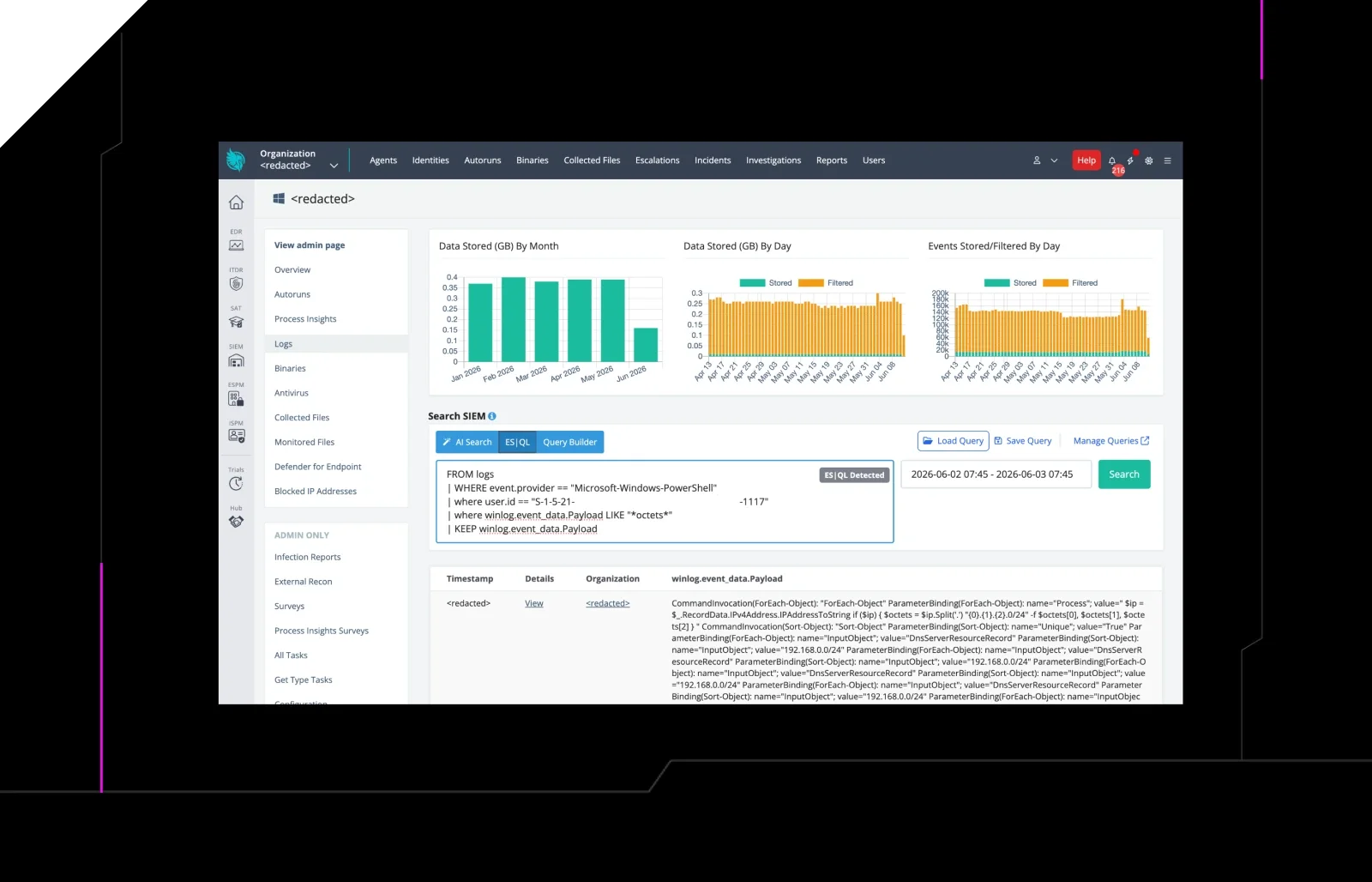
 huntress.comwriteup
AI-Coded Malware | Analyzing Vibe-Coded AD Enumeration | Huntress
github.comrepoYesWeHack Claude Kit
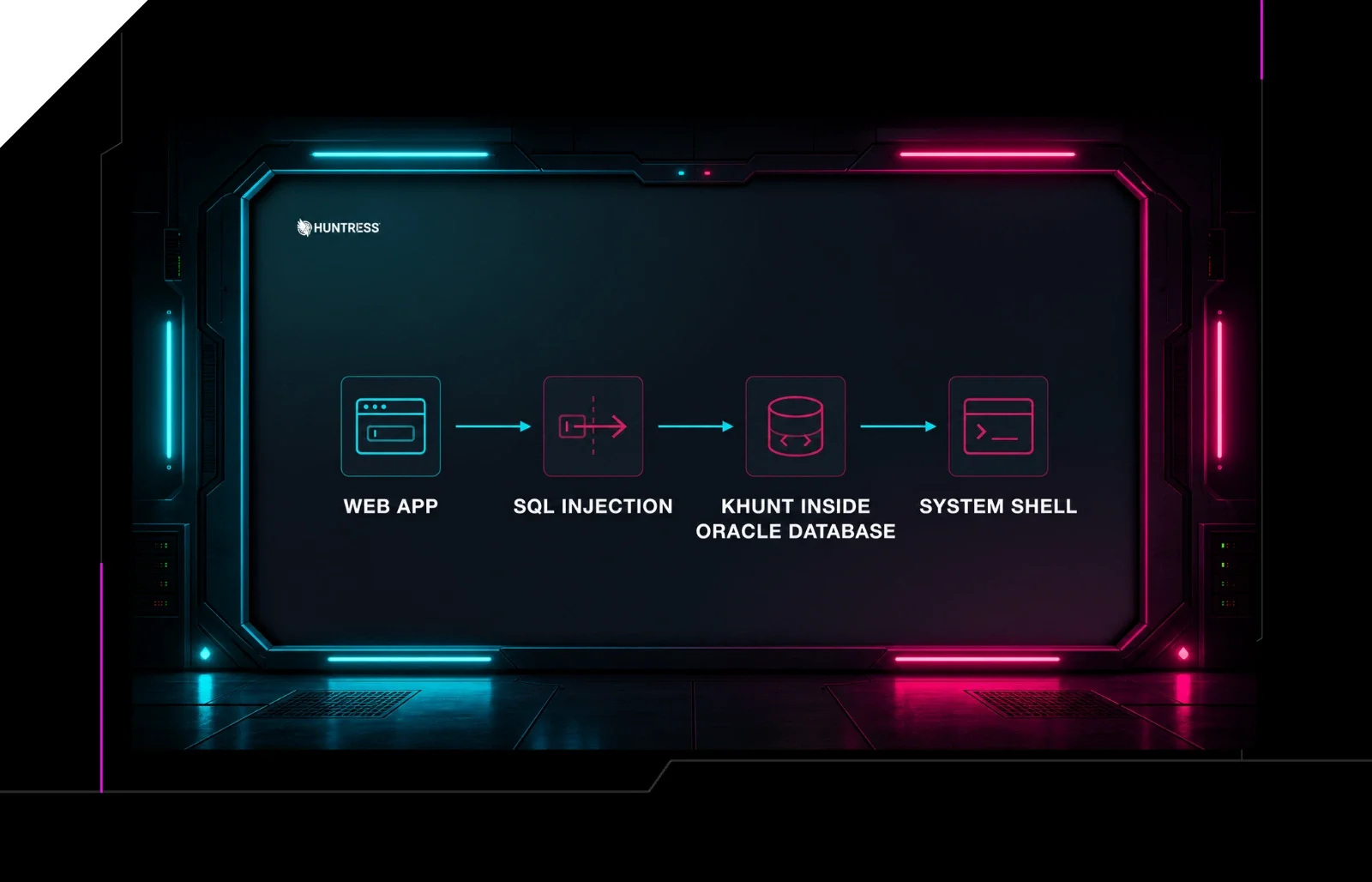 huntress.comwriteup
Inside an Oracle Database SQL Injection Attack | Huntress
 huntress.comwriteup