 wietzebeukema.nlwriteup
Trust Me, I’m a Shortcut
Deep technical dive into the Windows LNK (shortcut) binary file format by researcher Wietze Beukema, explaining how attackers abuse ambiguities between what Windows Explorer's Properties dialog displays and what actually executes. Covers the in-the-wild CVE-2025-9491 command-line padding trick plus four newly documented variants exploiting EnvironmentVariableDataBlock, LinkTargetIDList and LinkInfo fields to spoof targets and hide command-line arguments, and releases the open-source lnk-it-up toolkit (lnk-generator and lnk-tester) for building and detecting these malicious LNKs.
What it is
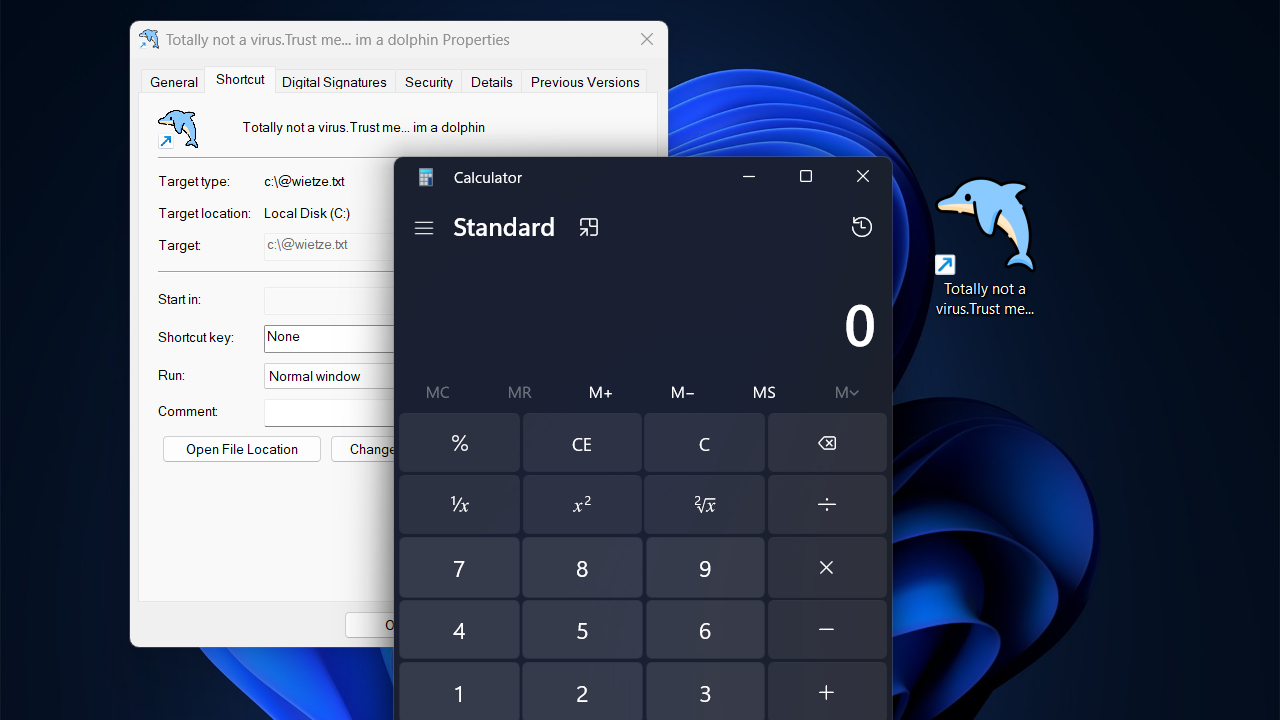
Four previously undocumented LNK spoofing variants by Wietze Beukema, building on the known CVE-2025-9491 command-line padding trick. All exploit Windows Explorer's Properties dialog logic around the LinkTargetIDList, LinkInfo, and EnvironmentVariableDataBlock fields — causing the dialog to display a different target than what actually executes.
How it works
Variant 1 (ExpString trick): When HasExpString is set and EnvironmentVariableDataBlock's TargetAnsi/TargetUnicode are null bytes, Explorer disables the Target field and hides command-line arguments — yet passes them through on execution.
Variant 2 (conflicting targets): With both HasTargetIDList and HasExpString set, Explorer normally prefers the EnvironmentVariableDataBlock value for display and execution. But if that path is made invalid (e.g., wrapped in literal double-quote characters, which are illegal in Windows paths), Explorer displays the invalid EnvironmentVariableDataBlock value in Properties but silently falls back to executing the hidden LinkTargetIDList value instead.
Variant 3 (LinkInfo fallback): Setting HasExpString plus a non-conforming LinkTargetIDList causes Explorer to fall back to LinkInfo as the real execution target, while still displaying the EnvironmentVariableDataBlock value in the dialog — fully spoofing both target and arguments. Requires opening the LNK twice: the first execution silently "repairs" the file, the second actually runs the payload.
Variant 4 (ANSI/Unicode split): The EnvironmentVariableDataBlock always reserves fixed fields for both TargetAnsi (260 bytes) and TargetUnicode (520 bytes) regardless of the IsUnicode flag. Setting only TargetAnsi and leaving TargetUnicode null makes Explorer display the LinkTargetIDList value instead, disable the field, and hide arguments — but execution still uses the ANSI value, including any environment variables it contains. Only a single execution is needed (no self-repair step), making it the most practical of the four.
Preconditions / Affected
Windows Explorer's Properties dialog LNK-parsing behavior. Variant 3 is noted as no longer working on Windows 11 24H2; the other three are not stated to have version limits. All four require targets without environment variables except Variant 4, which uniquely supports them.
What to do
Use the author's open-source toolkit lnk-it-up, containing two tools:
- lnk-generator — builds LNK files using any of the five discussed techniques (CVE-2025-9491 plus the four new variants).
- lnk-tester — uses native Windows APIs to predict, for a given LNK, what Explorer will display versus what will actually execute, detecting spoofing.
The page also suggests scanning LNK files for suspicious terms as a more robust (if assumption-laden) detection approach, since EDR often doesn't inspect LNK internals until opened, and strict third-party LNK parsers may reject non-standard-but-valid files that Explorer handles fine.
Caveats
Microsoft does not classify these as security vulnerabilities (only CVE-2025-9491 received a CVE), arguing user interaction is required without crossing a security boundary — so no fix is expected. Variant 3 is confirmed broken on Windows 11 24H2.
Organisations named here
- EnvironmentVariableDataBlock
- LinkInfo
- LinkTargetIDList
CVEs named here
- CVE-2010-2568
- CVE-2025-9491
Technologies named here
- Windows LNK file format
- Windows Defender
- Windows explorer
- lnk-it-up
- lnk-generator
- Windows 95
- lnk-tester
- Windows 11 24H2
- EDR
- Windows
- LOLBAS
Techniques named here
- LNK-based social engineering lures
- Arbitrary DLL loading via crafted LNK
- Command-line argument hiding via whitespace padding
- LinkInfo fallback target spoofing
- Unicode/ANSI target mismatch spoofing
Threat actors named here
- Stuxnet
Related in Offensive Security

 huntress.comwriteup
AI-Coded Malware | Analyzing Vibe-Coded AD Enumeration | Huntress
 github.comrepo
YesWeHack Claude Kit
 huntress.comwriteup
Inside an Oracle Database SQL Injection Attack | Huntress
 huntress.comwriteup