 github.comrepo
OWASP/DockSec
DockSec is an OWASP Lab Project CLI that wraps Trivy, Hadolint, and Docker Scout to scan Dockerfiles, images, and Compose files, then uses an AI provider (OpenAI, Anthropic, Google, or local Ollama) to correlate findings, cut noise, and generate plain-English remediation suggestions. It supports CI/CD gating via exit codes, baselines, and auditable waiver files, outputs SARIF/CycloneDX SBOM/HTML/PDF/JSON/CSV/Markdown reports, and redacts secrets before any content reaches an LLM, with a fully offline/local-only mode for air-gapped teams.
What it is
DockSec's operational details for an engineer wiring it into CI or a local workflow — the install variants, provider defaults, secret-handling, config-file policy, and the flag precedence that decides which setting actually wins. The summary tells you what DockSec does; this is what you type and what to watch for.
How it works
Two install targets, deliberately split by network posture:
# Full install with AI analysis support (recommended)
pip install "docksec[ai]"
# Or the slim, scan-only core (no LLM dependencies, no API key needed)
pip install docksec
The slim docksec package pulls in no LLM dependencies at all — relevant if you want scanning in an environment where the AI SDKs are unwanted. Before any file content reaches a provider, secret-looking values (passwords, tokens, API keys, private-key blocks) are masked automatically. With --scan-only or the Ollama provider, nothing leaves the machine.
Each provider has a default model, so --model is optional: OpenAI gpt-4o, Anthropic claude-haiku-4-5, Google gemini-1.5-pro, Ollama llama3.1. A .env file in the run directory is loaded automatically.
What to do
Commit a .docksec.yml so every developer and CI job scans under one policy instead of ad-hoc flags:
severity: CRITICAL,HIGH
fail_on: HIGH
formats: [json, html]
output_dir: ./security-reports
rules:
  disabled:
    - compose-missing-healthcheck
Know the resolution order before you debug a "why didn't my setting apply" — highest priority first:
CLI flag > environment variable > .docksec.yml > built-in defaultSo a committed severity: LOW is overridden by --severity CRITICAL on the command line and by DOCKSEC_DEFAULT_SEVERITY in the environment.
Gate CI on new findings only, rather than the full backlog:
docksec -i myapp:latest --image-only --baseline .docksec-baseline.json --update-baseline
docksec -i myapp:latest --image-only --baseline .docksec-baseline.json --fail-on high
Other operationally useful invocations the page states verbatim:
docksec -i myapp:latest --image-only --ignore-file .docksec-ignore.yml   # auditable suppressions
docksec --image-only -i myapp:latest --offline                           # local Trivy DB, no network, no AI
docksec Dockerfile --scan-only --format markdown                         # PR-comment-ready report
docksec install-skill                                                    # AI-assistant skill files for Claude Code, Cursor, Copilot
The pinned GitHub Action tag is OWASP/DockSec@v2026.8.19.
Caveats
"Everything scans locally" holds only for scan-only or a local model; with a hosted provider, redacted file content does cross to that provider — redaction is pattern-based ("secret-looking values"), so treat it as best-effort, not a guarantee. DockSec orchestrates external scanners and expects Trivy, Hadolint, and Docker Scout present; it can install Trivy and Hadolint via python -m docksec.setup_external_tools, but Docker Scout is not mentioned among those it installs for you.
CVEs named here
- CVE-2026-33845
- CVE-2023-45853
Technologies named here
- DockSec
- Dockerfile
- Trivy
- Docker images
- Hadolint
- Docker Compose files
- Docker Scout
- OpenAI
- Anthropic Claude
- Google Gemini
- Ollama
- github/codeql-action/upload-sarif
- Dependency-Track
- Snyk
- Aikido
- Docker
- SARIF
- CycloneDX
Techniques named here
- EPSS-based prioritization
- Exploit chain correlation
- Secret redaction before AI analysis
- Baseline / ratchet mode
- SARIF reporting
- CycloneDX SBOM generation
- Detection-gap / incomplete-scan reporting
Related in DevSecOps

 jfrog.comarticle
JFrog: The Governance Gap Between Your Policy and Your Pipeline
 stepsecurity.ioarticle
Dev Machine Guard Now Supports Windows - StepSecurity
 socket.devwriteup
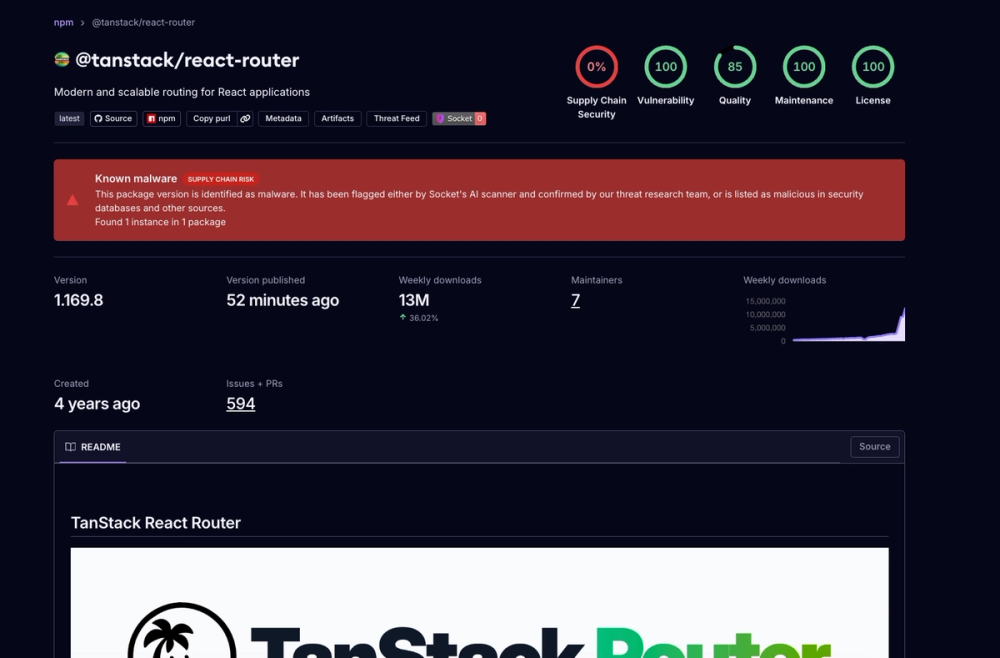
Socket: TanStack npm Packages Compromised
 securitylab.github.comadvisory