
 microsoft.comwriteup
Phishing Abuses RMM Tools for Persistent Access
Microsoft Defender Experts document a July 2026 phishing campaign that delivers a masqueraded but legitimately signed MSP360 RMM installer (v2.5.0.67) via meeting-invite, Zoom, Adobe, and DHL-themed lures hosted on both attacker infrastructure and legitimate cloud services (S3, Cloudflare R2, Dropbox, GitLab, Supabase). After UAC-elevated installation and service persistence, the RMM.Agent.exe service launches PowerShell to silently install a ConnectWise ScreenConnect client via msiexec, which the actor then uses via RunFile to drop credential-theft and reconnaissance tools disguised as Windows/Defender/Phone Link components. A separate July intrusion used FaronicsDeployAgent.exe the same way to deploy ScreenConnect, showing the technique is not MSP360-specific; Microsoft provides IOCs, hunting queries, and mitigation guidance (Application Control, AppLocker publisher rules, ASR rules) but does not attribute the activity.
What it is
Microsoft Defender Experts' writeup of a July 2026 phishing campaign (unattributed) that weaponizes a legitimately signed MSP360 RMM installer (v2.5.0.67) as a dropper for a second remote-access tool, ConnectWise ScreenConnect, which is then used to deliver credential-theft and recon utilities disguised as OS components.
How it works
flowchart TD
    A[Phishing lure: Zoom/Adobe/DHL/meeting theme] --> B[Download from S3/R2/Dropbox/GitLab/Supabase or attacker infra]
    B --> C[MSP360 installer runs, UAC elevation]
    C --> D[RMM.Agent.exe service installed, firewall rule opens UDP/48678]
    D --> E[RMM.Agent.exe spawns PowerShell]
    E --> F[Invoke-WebRequest fetches ClientSetup.msi]
    F --> G[msiexec /qn installs ScreenConnect silently]
    G --> H[ScreenConnect RunFile drops disguised tools: WindowsUpdate.exe, DefenderControl.exe, etc.]
    H --> I[Credential theft / recon via WebBrowserPassView, HideMouse, PIN.exe]
The installer drops System.dll/nsExec.dll/UAC.dll, logs install status via eventcreate.exe under source "MSP360 RMM Agent installer", runs dotnet –list-runtimes for discovery, registers two services (RMM.Agent.exe, RMM.Agent.Launcher.exe), and adds registry Run-key autostart for the tray UI. A separate July intrusion substituted FaronicsDeployAgent.exe for MSP360 as the initial RMM, then followed the identical pattern into ScreenConnect — confirming the installer-as-dropper technique isn't tied to one RMM vendor.
Preconditions / Affected
Requires the victim to execute the downloaded installer and approve UAC elevation; Microsoft notes that when elevation is denied or aborted, installation terminates before persistence is established — the UAC prompt is the actual gate.
What to do
Hunting queries (KQL) provided for Defender XDR customers:
let MSP360RMM = "108ef7e628d7a20bd6241a5b57149e27a6061f467123eb64061975559f8f73dc";
DeviceFileEvents
| where Timestamp >= ago(30d)
| where SHA256 =~ MSP360RMM
DeviceProcessEvents
| where Timestamp >= ago(30d)
| where (InitiatingProcessVersionInfoCompanyName == "MSP360" and ProcessCommandLine == "\"powershell.exe\"")
or (InitiatingProcessCommandLine == "\"powershell.exe\"" and ProcessCommandLine has_all ("msiexec.exe","\\Temp\\",".msi") and InitiatingProcessParentFileName == "RMM.Agent.exe")DeviceProcessEvents
| where Timestamp >= ago(30d)
| where InitiatingProcessCommandLine has_all ("ScreenConnect.WindowsClient.exe", "RunFile","\\Documents\\","\\Temp\\")SHA256 of the masqueraded MSP360 installer: 108ef7e628d7a20bd6241a5b57149e27a6061f467123eb64061975559f8f73dc (SHA1: f34330d4c6e0aa978dc3af40360c14b31ad51127). Payloads land in C:\Users\%user%\OneDrive\Documents\ScreenConnect\Temp\ and C:\Users\%user%\Documents\ScreenConnect\Temp\ — worth adding as monitored paths. If an unapproved RMM install is found, reset credentials for the installing account; investigate further if a system-level account performed the install. Turn on the ASR rule blocking process creations from PsExec/WMI commands.
Caveats
Microsoft states it did not observe exploitation of ScreenConnect itself — only abuse of legitimately obtained licenses/binaries — and explicitly declines attribution, tracking this as unattributed activity.
Organisations named here
- T1005
- T1036
- T1036.005
- T1059.003
- T1071.001
- T1082
- T1102
- T1105
- T1112
- T1204
- T1218.007
- T1219
- T1543.003
- T1547.001
- T1566.002
- T1573
- T1583.001
- T1583.006
Technologies named here
- MSP360 RMM
- Microsoft Defender for Endpoint
- ConnectWise ScreenConnect
- Microsoft Defender XDR
- FaronicsDeployAgent.exe
- Microsoft Defender Antivirus
- Application Control for Windows
- AppLocker
- PowerShell
- WebBrowserPassView
- WebBrowserBookmarksView
- ScreenConnect
- Windows
- FaronicsDeployAgent
- MSP360
Techniques named here
- Acquire Infrastructure
- Phishing
- User Execution
- Command and Scripting Interpreter
- System Binary Proxy Execution
- Create or Modify System Process
- Boot or Logon Autostart Execution
- Masquerading
- Match Legitimate Name or Location
- Modify Registry
- Remote access software
- Ingress Tool Transfer
- Application Layer Protocol
- Encrypted Channel
- Web Service
- System Information Discovery
- Data from Local System
- PowerShell
Threat actors named here
- Unattributed activity
Related in Threat Intel
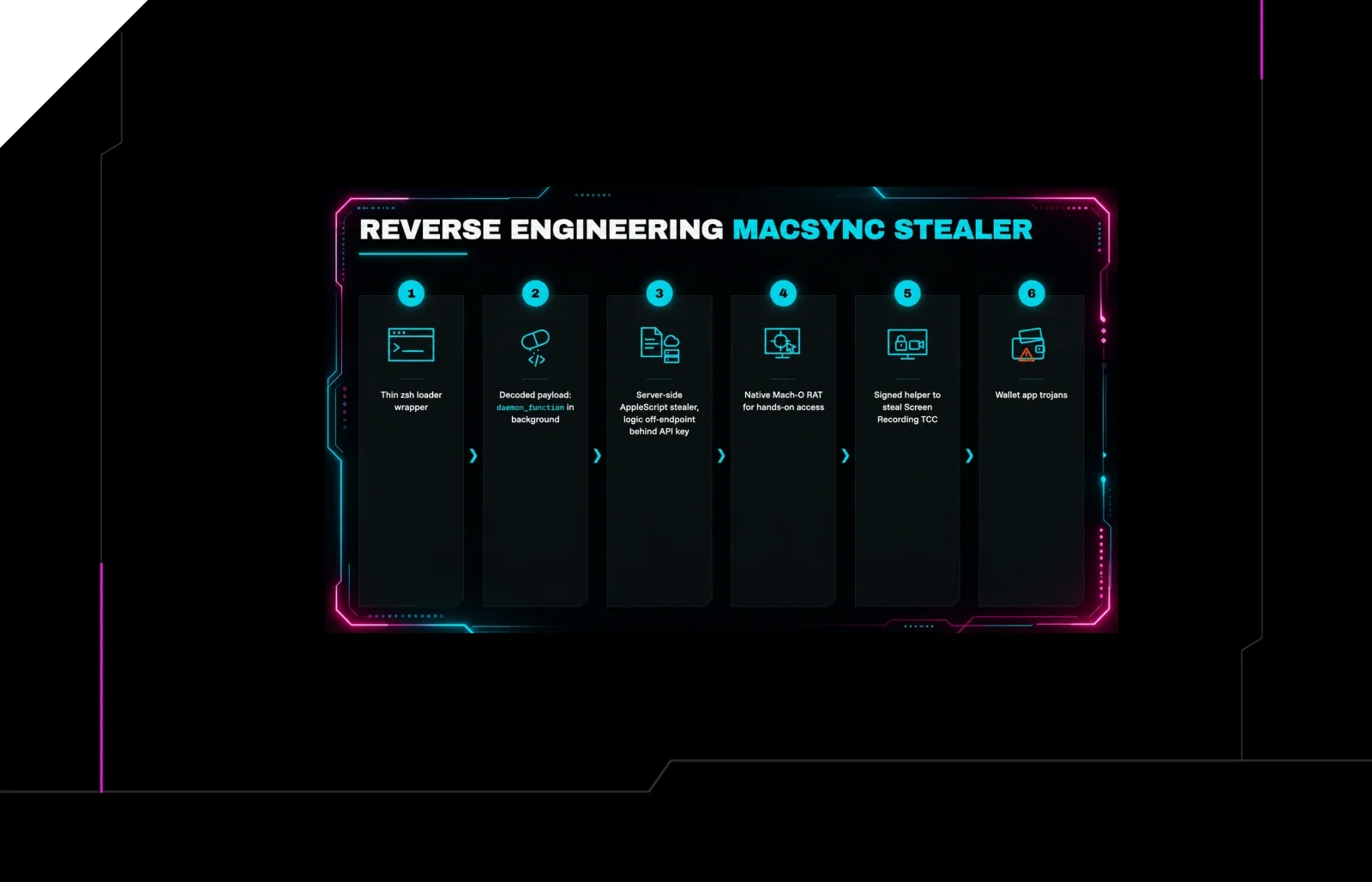
 huntress.comwriteup
Reverse Engineering the Six Stages of MacSync Stealer and RAT
 huntress.comwriteup
AI-Coded Malware | Analyzing Vibe-Coded AD Enumeration | Huntress

 blog.talosintelligence.comtool
Introducing CAIRN: Frontier tracking for AI-integrated malware (Cisco Talos)
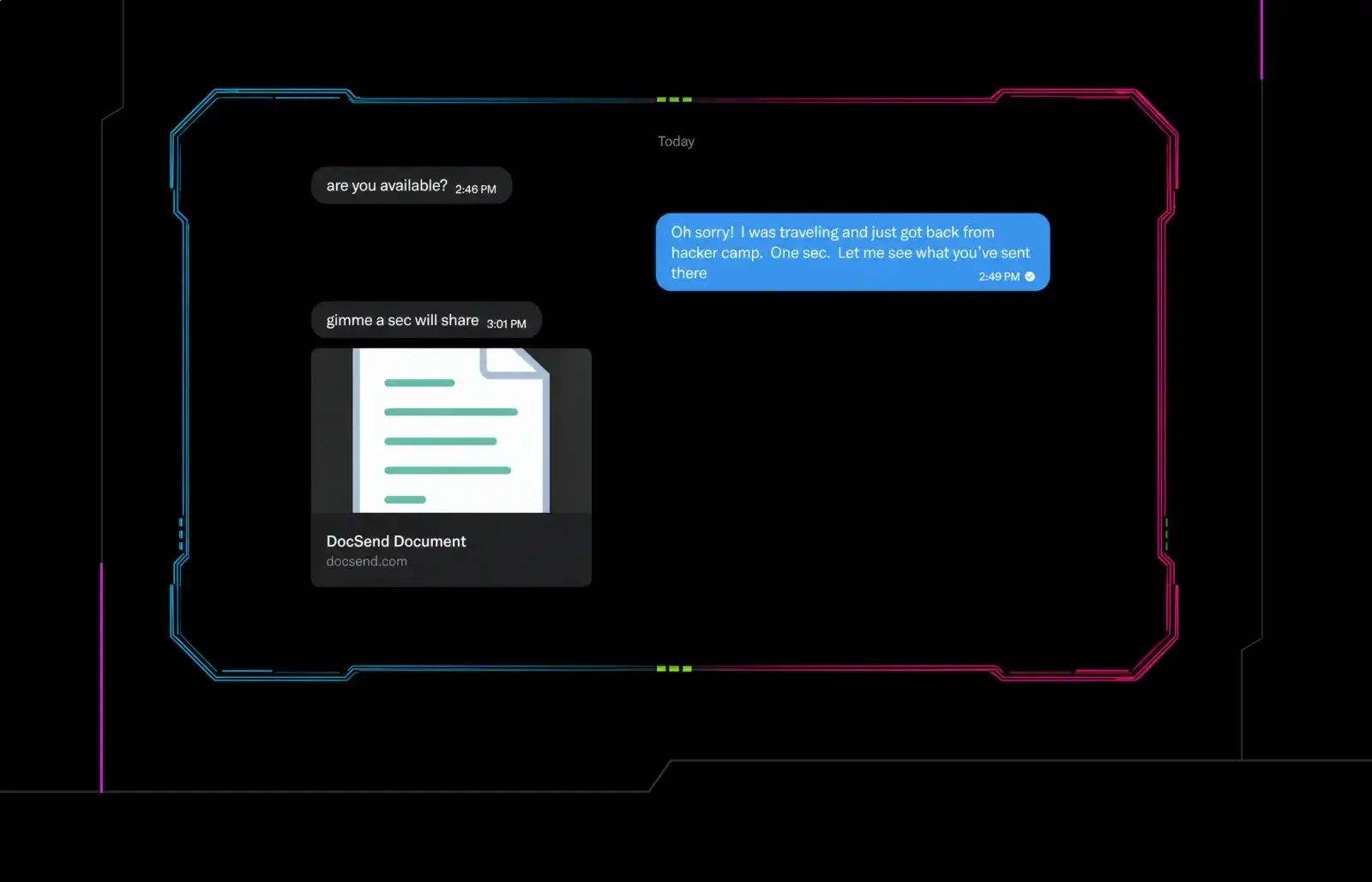 huntress.comwriteup