 socket.devarticle
Introducing Socket Scanning for VS Code Marketplace Extensions
Socket.dev announced experimental scanning of VS Code Marketplace extensions (100,000+), extending its existing Open VSX coverage, to flag risky file/network/process access, obfuscated code, and hidden activation logic before teams install or auto-update developer tools. The post grounds the launch in two real incidents: the Nx Console supply-chain breach that let attackers exfiltrate ~3,800 GitHub repositories from a single poisoned extension update, and Socket's own GlassWorm investigation, which found four VS Code and six Open VSX theme extensions tied together by encrypted JavaScript payloads and a Solana-based dead-drop C2.
What it is
Socket.dev's experimental scanner now covers the VS Code Marketplace (100,000+ extensions) in addition to its existing Open VSX coverage. Access is request-only via sales@socket.dev or a Socket customer success manager — it is not self-serve yet.
How it works
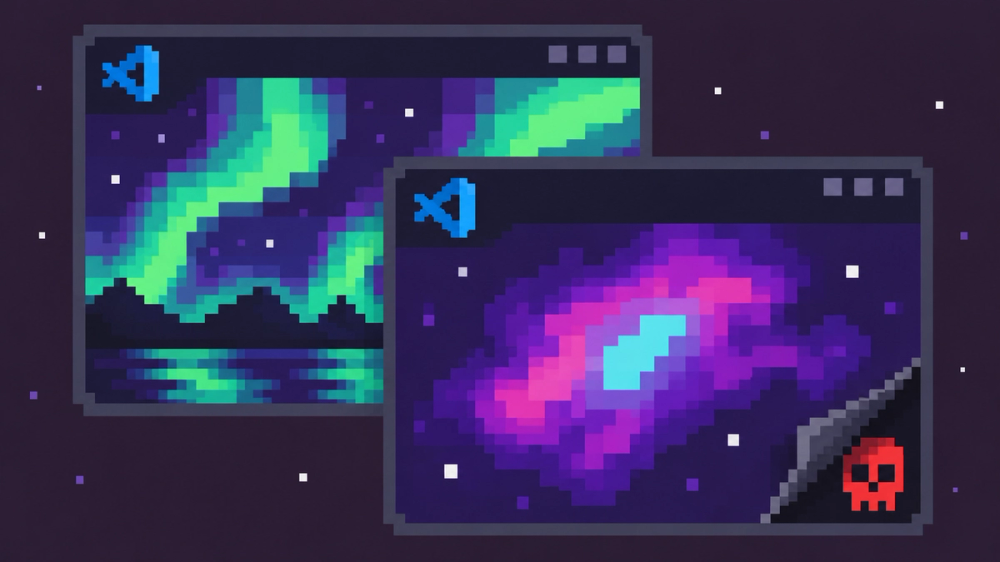
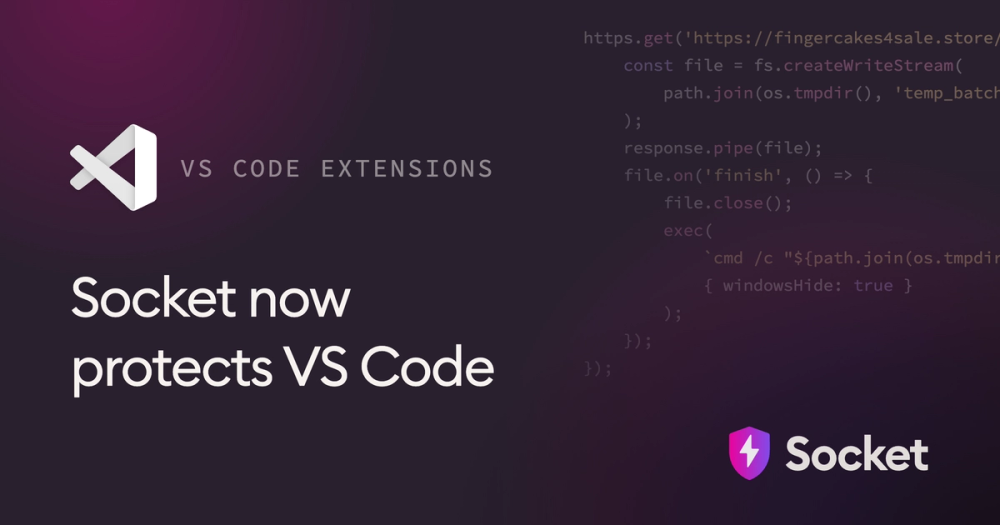
Socket's analysis examines extension code, dependencies, and activation patterns for five specific capability classes: file system access, network activity, process execution/bundled executables, obfuscated or hidden code, and activation behavior (when code runs, e.g., on load vs. on command). The page includes a concrete malicious sample from the GlassWorm cluster: a VS Code theme extension whose bundled JS downloaded a remote .cmd file over HTTPS and executed it via child_process.exec with windowsHide: true to suppress the console window — disguised inside what looked like a cosmetic "northern lights" color theme.
Socket also correlates extensions across a campaign using shared code, shared infrastructure, and publishing patterns — this is how GlassWorm's cluster (four VS Code + six Open VSX extensions) was tied together, including some extensions whose currently-analyzed versions carried no active payload but retained weaponizable functionality.
Preconditions / Affected
Risk applies to any team allowing extension installs or auto-updates from the Marketplace or Open VSX. The Nx Console incident the summary cites shows a previously vetted/allowlisted extension can still turn malicious via a later auto-update — vetting at install time does not cover future versions.
What to do
- Request experimental access to Socket's VS Code/Open VSX scanning via sales@socket.dev before broadly allowlisting or auto-updating extensions.
- Treat theme/cosmetic extensions with the same scrutiny as functional ones — the GlassWorm payload shipped inside a theme.
- Don't rely on Marketplace screening alone: the page states the Marketplace team removed the reported GlassWorm extensions only after Socket's report, meaning they had already passed marketplace vetting.
- Flag extensions with network calls that fetch and execute remote scripts, and process-execution calls with window-hiding flags, as high-priority review targets.
Caveats
Coverage is explicitly "experimental" — not a mature, generally-available product. The page gives no detection query, rule syntax, or scan command; access and findings are mediated manually through Socket's sales/success team, not a CLI or API documented here.
Organisations named here
- fingercakes4sale[.]store
Technologies named here
- Socket
- VS Code Marketplace extensions
- OpenVSX extensions
- Nx Console
- GitHub internal repositories
- VS Code
- Open VSX
- GitHub
- Solana
Techniques named here
- Malicious extension update / supply chain poisoning
- Obfuscated/encrypted payload with dead-drop resolver
- Remote payload download and silent execution
- Hidden/malicious functionality disguised as benign extension
Threat actors named here
- GlassWorm
Related in Supply Chain