 huntress.comwriteup
A Series of Unfortunate (RMM) Events
Huntress SOC documents a recurring attack pattern from late 2025 where threat actors gain initial access via phishing-delivered RMM installers such as GoTo Resolve, PDQ, and ITarian, then use that foothold to deploy a secondary rogue RMM such as ScreenConnect or SimpleHelp for redundant persistence, sometimes chaining three RMMs in one intrusion. It walks through specific incidents at a real estate firm, investment firm, and car dealer, including file paths, C2 domains, and phishing lures like fake invitations and a fake Microsoft Teams bid transcript, and closes with detection guidance such as asset inventory, the LOLRMM list, and log auditing.
What it is
Huntress SOC observations (September–November) of a two-stage RMM abuse chain: a phishing-delivered legitimate, signed RMM (GoTo Resolve, PDQ, ITarian) is used to install a second rogue RMM (ScreenConnect, SimpleHelp) for redundant persistence. The value beyond the summary is the concrete IOCs, file paths, and config locations to hunt on.
How it works
The first-stage installer is a renamed, validly signed RMM binary (e.g., Open Revised Contract (2).exe = GoTo Resolve signed by GoTo Technologies USA, LLC; OPENINVITATION.exe; a renamed PDQ MSI). Persistence for GoTo Resolve is a scheduled task running:
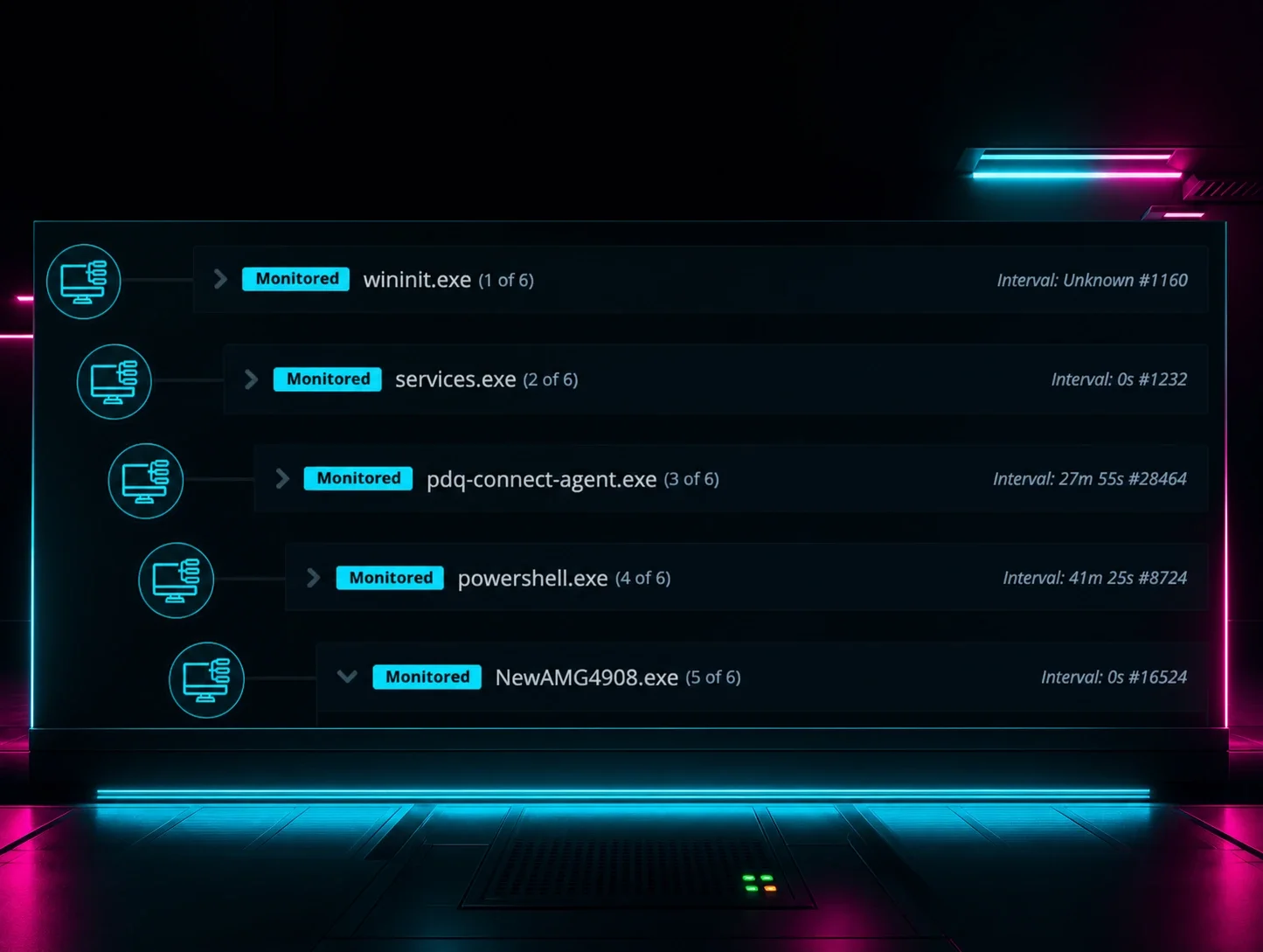
C:\WINDOWS\system32\sc.exe start GoToResolve_2362921307173827601The attacker then uses that access to drop a second RMM. In the ITarian case, the installer used its own CMD script module to run a dropped .CMD (briefly on disk at C:\Users\REDACTED\AppData\Local\Temp\7ZSfx000.cmd), which installed ScreenConnect.
What to do
Hunt for these artifacts. SimpleHelp C2/config lives at:
C:\ProgramData\JWrapper-Remote Access\JWAppsSharedConfig\serviceconfig.xmlRogue SimpleHelp binary path:
C:\ProgramData\JWrapper-Remote Access\JWAppsSharedConfig\restricted\SimpleService.exeRogue ScreenConnect path (instance id varies):
c:\program files (x86)\screenconnect client (fdeeb5df8057eef0)\screenconnect.clientservice.exeIOCs to block/alert on:
- ScreenConnect binary SHA256:
f1b5c000794f046259121c63ed37f9eff0cfe1258588eca6fd85e16d3922767e - Domains:
elegantparty[.]de,stsmithchurchitems[.]shop(SimpleHelp C2),ssaaccount-helper[.]icu(ITarian lure),deuwre[.]com(ScreenConnect C2),abre[.]ai(GoTo Resolve delivery) - Lure filenames:
Open Revised Contract (2).exe,OPENINVITATION.exe,276Special%10Invitation9756.msi,NewAMG2908.exe,em_GIRMOlf8_installer_Win7-Win11_x86_x64.msi
Pivot on VirusTotal "Execution Parents" of a suspect RMM binary to surface additional lure names in the chain. Do not treat a valid Authenticode signature (GoTo, SimpleHelp Ltd.) as benign — these are legitimate tools deployed maliciously.
flowchart LR
  P[Phishing lure] --> R1[Signed RMM #1<br/>GoTo/PDQ/ITarian]
  R1 --> R2[Rogue RMM #2<br/>ScreenConnect/SimpleHelp]
  R2 --> C2[Attacker C2]
  R1 -. blocked first tool .-> R2
Caveats
The list of platforms is broader than the two-stage pattern (Huntress also names TeamViewer, Atera, NinjaRMM, Chrome Remote Desktop). Instance IDs and hashes are per-incident, so path fragments like the ScreenConnect folder GUID and scheduled-task suffix will differ. The final incident's C2 domain is truncated in the source text.
Technologies named here
- GoTo Resolve
- Huntress Security Operations Center
- VirusTotal
- ScreenConnect
- LOLRMM
- SimpleHelp
- PDQ
- ITarian
- TeamViewer
- Atera
- NinjaRMM
- Chrome Remote Desktop
- Microsoft Outlook
- Windows
Techniques named here
- Phishing / social engineering lures
- Renamed/rogue RMM installer execution
- Scheduled task persistence
- Chained/multi-stage RMM deployment
- Living-off-the-land via msiexec
- Retrospective threat hunting
Related in Threat Intel
 huntress.comwriteup
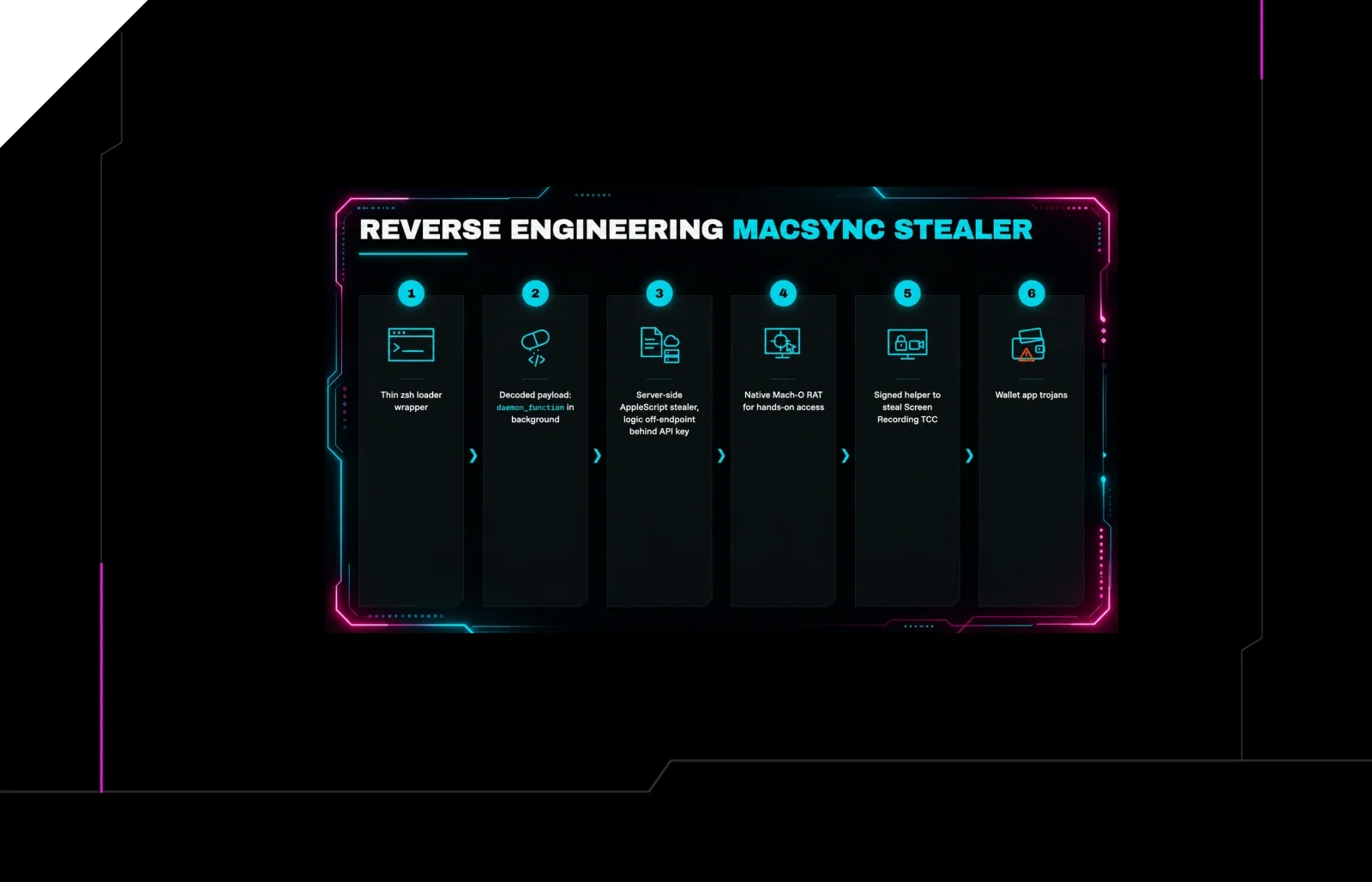
Reverse Engineering the Six Stages of MacSync Stealer and RAT
 huntress.comwriteup
AI-Coded Malware | Analyzing Vibe-Coded AD Enumeration | Huntress

 blog.talosintelligence.comtool
Introducing CAIRN: Frontier tracking for AI-integrated malware (Cisco Talos)
 huntress.comwriteup