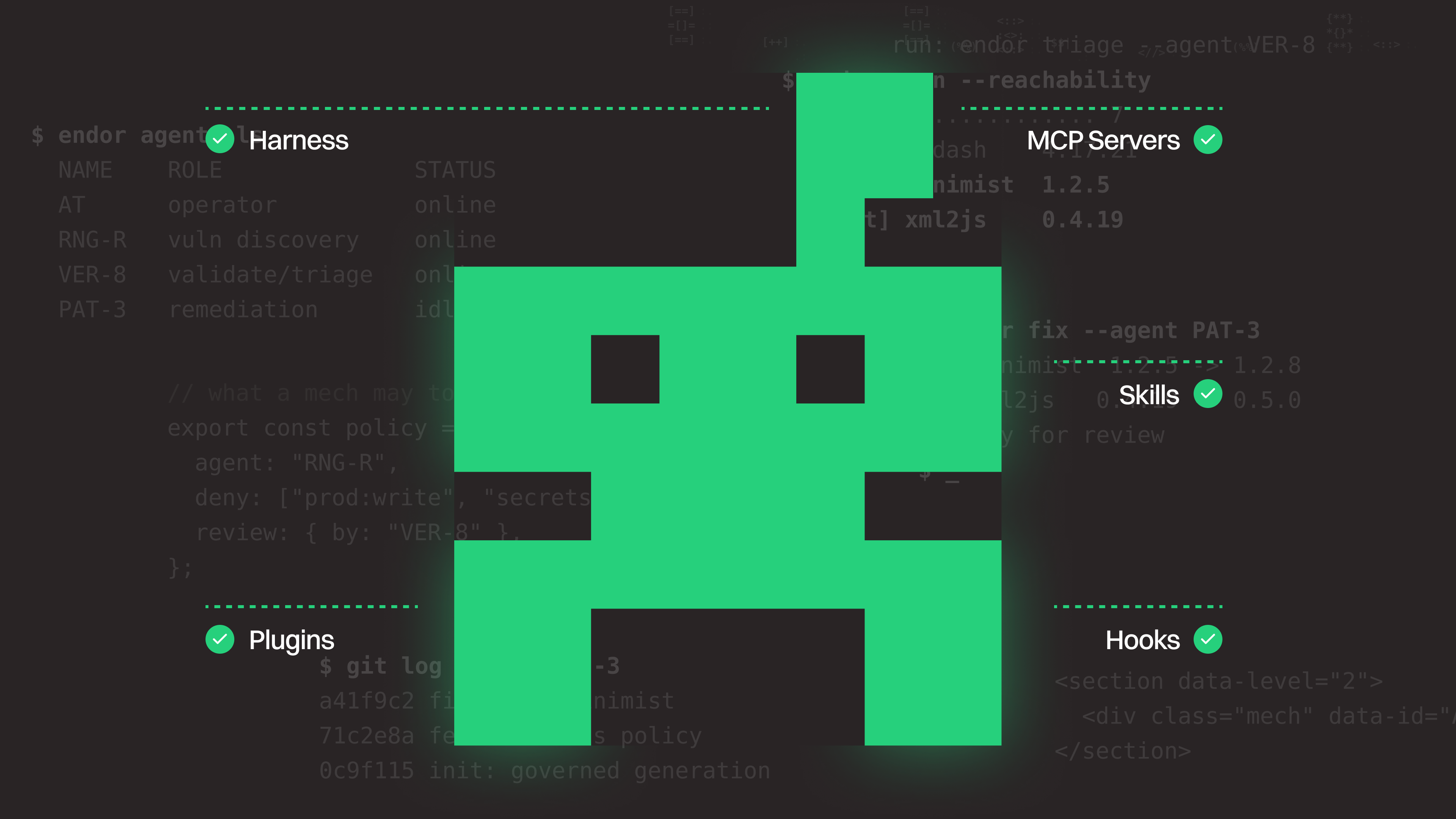
 endorlabs.comarticle
MCP, Skills, Hooks & Harnesses Explained for AppSec | Endor Labs
Endor Labs glossary of the agentic development stack for AppSec teams: model, harness, agent, tools and MCP servers, rules files, skills, hooks and plugins. For each it covers where it sits in the lifecycle and how it becomes an attack surface or a control point. It notes that hooks are deterministic but fail open and can be skipped, and cites Agent Security League results where the harness changed secure-code rates.
What it is
A vendor glossary from Endor Labs defining the agentic development stack for AppSec teams: model, harness, agent, tools and MCP servers, rules files, skills, hooks and plugins. Its extra value over the catalog summary is a set of specific control-placement points and one benchmark comparison.
How it works
The page treats the model as unable to separate data from instructions, so controls sit around it. The harness (Claude Code, Cursor, Codex) holds the credentials and executes every action, so its permissions set the blast radius. Hooks run code before a tool call, after a file edit or at agent completion. The harness passes the hook a structured description of the action, and the hook returns allow, deny or ask. Some harnesses also let a hook rewrite the action. Denials carry a reason the agent can read and retry against.
Benchmark figures from Endor Labs' own Agent Security League, for the same model in different harnesses:
| Harness | Functionally correct | Secure |
|---|---|---|
| Claude Fable 5 in Cursor | 72.6% | 29.0% |
| Claude Fable 5 in Claude Code | 59.8% | 19.0% |
With GPT-5.5, Cursor and Codex differed by only 1.6 points on security. The page says the harness can shape outcomes, not that it always does.
Preconditions / Affected
- Hooks only fire if the harness calls them. An agent without hook support, or a command run in a separate terminal, skips them.
- If the hook process is not running, work continues (fail open).
- A developer can remove a hook with a settings edit unless managed settings lock it in place.
- Local MCP servers are usually launched by the harness at session start, before any prompt, so a malicious one can run before other controls see a request.
- MCP servers are configured per user or per repository, so two developers on one team can run different setups. The same tool name can resolve to the official package, a local script or a typosquat.
What to do
- Inventory agents, MCP servers, skills and plugins, including which identity each runs under. The page calls this the first control.
- Use hooks, not rules files, for anything that must not be skipped. Rules files and skills are guidance the model can ignore. The page's examples are blocking reads of
.envor.pemfiles, blocking installs of known-malicious packages, and catching secrets before commit. - Protect the hook configuration with managed settings.
- Sort MCP tools into read-only and action tools. Reading logs or searching code is low risk. Editing files, opening tickets or installing packages changes state.
- Treat plugins as third-party code running with the agent's permissions.
Caveats
- The benchmark is Endor Labs' own, and the page gives no methodology or task set.
- The page promotes Endor Labs products (AURI, the MCP server, AI Coding Agent Governance, Agent Kit), and the page's own text says the definitions are still shifting.
- The page cites an IDC survey (July 2026) in which 79.6% of respondents were reassessing AppSec tools because of frontier AI vendors' code security capabilities.
Organisations named here
- OpenSSF
- Endor Labs
- IDC
Technologies named here
- AURI
- Claude Code
- Endor Labs MCP Server
- Cursor
- Codex
- Model Context Protocol
- Agent Security League
- Claude Fable 5
- GPT-5.5
- Agent Kit
- AI Coding Agent Governance
- The Applied AI Playbook for AppSec
Techniques named here
- Prompt Injection
- Typosquatting
- Reachability analysis
- Hook-based policy enforcement
- Malicious install script
Concepts named here
- Agent
- Agentic workflow
- Agent Security League
- Blast radius
- Harness
- Hooks
- Model
- Model Context Protocol (MCP)
- Plugins
- Read-only versus action tools
- Rules files and skills
Related in AI Security
 blog.talosintelligence.comtool
Introducing CAIRN: Frontier tracking for AI-integrated malware (Cisco Talos)
 github.comadvisory
Flowise MCP Security Bypass Enables RCE
github.comrepoYesWeHack Claude Kit
 jfrog.comarticle