 github.comrepo
GitHub Action Canaries
Tracebit's free, open-source GitHub Action injects unique, short-lived AWS canary credentials and SSH canary keys (honeytokens) into every workflow run, writing them to ~/.aws/credentials, environment variables, and ~/.ssh/ so they cover common exfiltration surfaces. Any interaction with these decoys triggers an alert with full run context (repo, workflow, job, commit SHA, run ID), letting teams detect compromised dependencies, malicious third-party Actions, or CI/CD secret theft. It cites real incidents like the tj-actions/changed-files and Trivy/TeamPCP supply-chain compromises and a LiteLLM PyPI credential stealer as the threats it targets.
How it works
At workflow start, the action calls the Tracebit API to issue short-lived canary AWS credentials and SSH keys. The AWS credentials are written to ~/.aws/credentials, exported as environment variables, and held in the runner process memory — covering credential files, env-var dumps, and process-memory scraping. SSH keys go to ~/.ssh/ and into process memory. At the end of the run, the action confirms normal completion to Tracebit, closing the "expected activity window"; any credential use after that point is flagged as suspicious. Tracebit monitors for any use and alerts with full context (repo, workflow, job, SHA, run ID).
The threats it targets: compromised npm/pip/etc. packages that exfiltrate env vars or key files during install, poisoned third-party actions, CI/CD secret theft from a probing attacker, credential leaks via build-log injection, and insider/bot-token copying of secrets.
What to do
Register for Tracebit Community Edition to obtain an api-token, store it as a secret, and place the step before any step that runs untrusted code (dependency installs, build scripts, test runners) — this ordering is the point:
- name: Configure credentials
  uses: tracebit-com/tracebit-community-action@d0a68cb29196eafce908de76ec596a7e9ca049da
  with:
    api-token: ${{ secrets.SECURITY_API_TOKEN }}
    profile: administrator
    profile-region: us-east-1
    async: true
The action runs blocking by default. Set async: true only if you have strict pipeline-latency requirements. continue-on-error: true can guard against a Tracebit outage blocking your pipeline, but the page states this should be unnecessary — configured correctly the action warns rather than errors. The dashboard shows canary coverage per repo/workflow and a real-time alert feed.
Caveats
- Requires a Tracebit account (free Community Edition); it is not self-hosted — canary issuance and monitoring depend on Tracebit's API.
- The vendor states it never touches your real secrets, reads only workflow files, and makes no changes outside the PR you approve — take these as vendor claims, not independently verified here.
- The Trivy-attack detection cited is a Tracebit reproduction ("we have reproduced the Trivy attack... to see how canaries would have detected it"), not a live catch.
- Detection is post-compromise: it tells you a run was breached so you can rotate credentials and warn downstream consumers — it does not prevent the exfiltration itself.
Technologies named here
- GitHub Actions CI/CD workflows
- Tracebit Community Edition
- tracebit-com/tracebit-community-action
- AWS credentials
- actions/checkout
- SSH keys
- npm packages
- Bun 1.4.2
- GitHub Actions toolkit packages
- pip packages
- GitHub Actions
- AWS
- SSH
- npm
- PyPI
- Bun
- tj-actions/changed-files
Techniques named here
- Canary tokens / honeytokens
- Supply chain attack - compromised packages
- Supply chain attack - compromised GitHub Actions
- CI/CD secret theft
- Credential exfiltration via log injection
- Insider threat credential copying
- Credential file/env/memory scraping
Threat actors named here
Related in DevSecOps

 jfrog.comarticle
JFrog: The Governance Gap Between Your Policy and Your Pipeline
 stepsecurity.ioarticle
Dev Machine Guard Now Supports Windows - StepSecurity
 socket.devwriteup
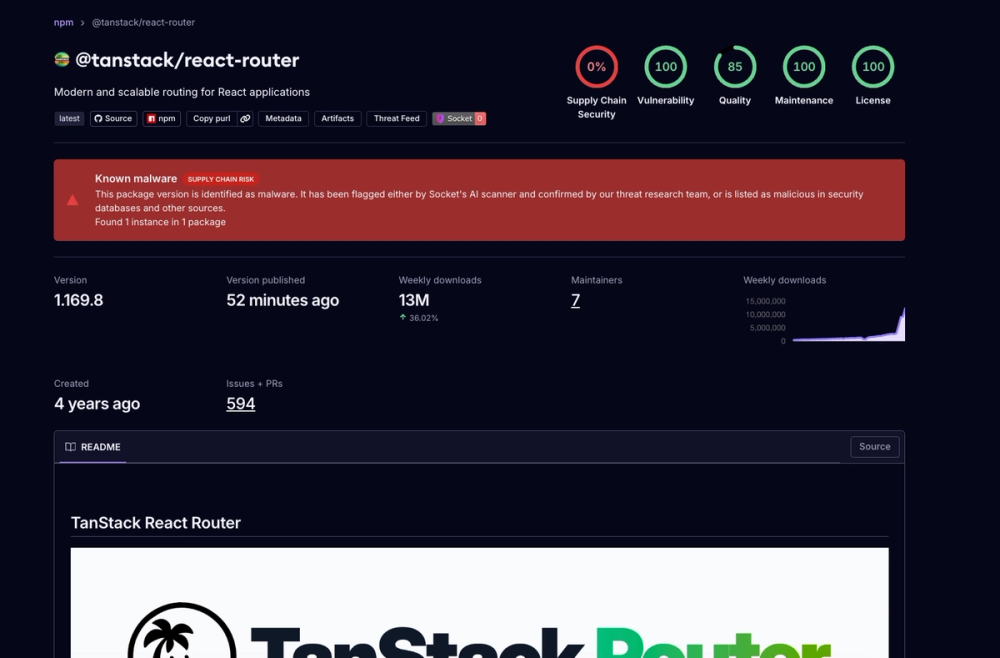
Socket: TanStack npm Packages Compromised
 securitylab.github.comadvisory