 opensourcemalware.comtalk
The OpenSourceMalware Show #25
Episode 25 of the OpenSourceMalware Show (transcript). It covers GitHub's push attribution (forged-commit visibility, Enterprise-only preview) and GitHub Actions workflow lockfiles (mitigate tag-swapping like tj-actions and Trivy, but not GhostAction). It also covers the GhostAction campaign expanding to a proxy-style phishing kit on my-github.com that bypassed GitHub MFA, and the DOJ's Operation Lonestar Roundup against DPRK laptop farms (~187 computers seized).
What it is
A weekly news episode (transcript) from OpenSourceMalware. The actionable parts are the GhostAction campaign's current behaviour and what GitHub's two new controls do and don't cover for you.
How it works
GhostAction is a malicious GitHub Actions workflow, first found by GitGuardian in 2025. It sweeps a repo's full Git history for credentials and exfiltrates them.
- Domain blocking doesn't work against it, according to Jenn Gile.
- It spreads like PolinRider: if you consume an infected repo, you can catch it.
- Paul McCarty saw it drop "security audit" YAML files into workflows. There are three versions with slightly different names, and the actor updated them in near real time.
- After moving to a new 199.x IP about a month ago, the actor registered
my-github.com.
Phishing: maintainers get emails claiming a new sign-in from Moscow, Russia, with a link to my-github.com. The kit proxies the real GitHub login in the middle. McCarty says it handled the GitHub MFA mechanisms he tested and calls it the best GitHub phishing kit he has seen. The page doesn't say which MFA methods were tested or which were not.
Scale: only two IPs are involved. They have mass-scanned the internet for about a year, and several people in the hosts' network have been phished.
What to do
- Treat
my-github.comand any "new sign-in" email pointing to it as hostile. Since domain blocking doesn't stop the workflow, also review repos for unexpected security-audit workflow YAML files. - Workflow lockfiles pin an action to the version you chose even if the tag is moved. This addresses tj-actions- and Trivy-style tag swaps. Setup requires installing a GitHub CLI extension. The page gives no command or extension name.
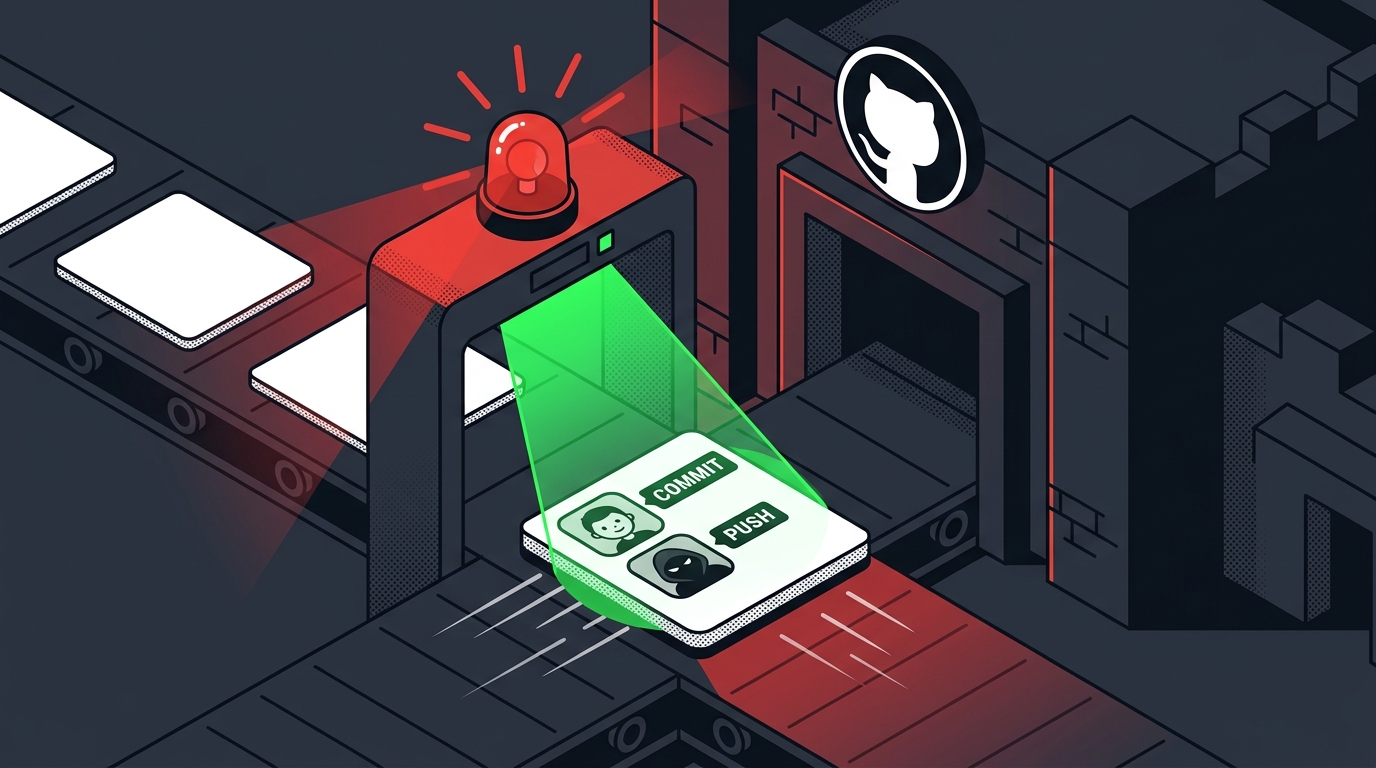
- Push attribution shows a second identity and date when the pusher differs from the committer. It can flag PolinRider-style history and pushes with stolen credentials. Rules can require emails to match.
- GitHub is expected to announce a package firewall at Universe, described as free. Treat it as a pre-announcement. McCarty is sceptical, having seen almost no evidence of GitHub's npm scanning catching anything.
Caveats
- Push attribution is a public preview for GitHub Enterprise only. Its rules are tied to push rulesets, which the docs say cover only private and internal repos. Public-repo maintainers, the usual targets, may get no benefit. McCarty hadn't yet tested how multi-author pushes display.
- Lockfiles would not stop GhostAction, which is a malicious workflow rather than a tag swap. They also do nothing against credential phishing.
- No attribution for GhostAction yet. The hosts say more is coming, including a new community-found lead.
- Everything is spoken commentary, not a published advisory. The hosts cite their own blog post for the phishing-kit detail.
Technologies named here
- GitHub Actions
- GitHub push attribution
- GitHub push rules / push rule sets
- GitHub
- GitHub Enterprise
- GitHub Actions workflow lockfiles
- GitHub CLI
- Open source maintainers and public repos
- git
- GitHub package firewall
- tj-actions
- GitGuardian
- Trivy
- GreyNoise
- Socket and Step
- OpenSourceMalware
- tj-actions/changed-files
- Socket
- StepSecurity
Techniques named here
- Pushing with stolen credentials
- Moving mutable tags to point to malicious code
- Red flags for detecting IT workers
Threat actors named here
- PolinRider
- TasksJacker
- Russian actors
- tj-actions
- GhostAction
- DPRK
- Operation Lonestar Roundup
Also named here
- my-github.com
Related in Supply Chain